• Picasso AI Logo
    Logo Picasso IA
  • Home
  • AI Image
    Nano Banana 2
  • AI Video
    Veo 3.1 Fast
  • AI Chat
    Gemini 3 Pro
  • Edit Images
  • Upscale Image
  • Remove Background
  • Text to Speech
  • Effects
    NEW
  • Generations
  • Billing
  • Support
  • Account
  1. Collection
  2. Text to Image
  3. Flux 1.1 Pro Ultra Finetuned

Flux 1.1 Pro Ultra Finetuned: 4MP Custom AI Art

Flux 1.1 Pro Ultra Finetuned generates images by combining a text prompt with a custom-trained style through a finetune ID you provide. Instead of producing generic outputs, it applies the specific visual characteristics of a trained finetune to every image, keeping your color palette, lighting, and subject style consistent run after run. Output resolution goes up to 4 megapixels, so the results are sharp enough for print layouts, product pages, and editorial use. You control how much the finetune influences the result with a strength slider, letting you go anywhere from a subtle stylistic hint to a full visual override. A raw mode reduces post-processing to give skin, fabric, and surfaces more natural texture instead of the polished look AI images often default to. For shots that need a specific composition, you can feed in a reference image alongside your text prompt and adjust how much weight each contributes to the final output. This model fits into any workflow where visual consistency matters: brand campaigns, character illustration, and lifestyle photography with a defined aesthetic. Open it on Picasso IA, paste in your finetune ID, write a prompt, and your first image is ready without any setup.

Official

Black Forest Labs

110.2k runs

Flux 1.1 Pro Ultra Finetuned

2025-01-17

Commercial Use

Flux 1.1 Pro Ultra Finetuned: 4MP Custom AI Art

Table of contents

  • Overview
  • How It Works
  • Frequently Asked Questions
  • Credit Cost
  • Features
  • Use Cases
  • Examples
Get Nano Banana Pro

Overview

Flux 1.1 Pro Ultra Finetuned is a text-to-image model built for anyone who has trained a custom model on their own visual material and wants to put it to work at high resolution. You bring a fine-tune ID, the identifier that points to your trained model, plug it into the prompt interface, and start generating images that reflect your specific style, subject, or brand aesthetic. On Picasso IA, the whole process runs in a browser with no setup, making it practical for designers, photographers, and brand teams who need consistent, on-brief visuals without a development environment. The model supports output up to 4 megapixels and includes a raw mode for a more naturalistic, less processed look.

How It Works

  • Write a text prompt describing the image you want, then paste your fine-tune ID to activate your trained visual style or subject.
  • Select an aspect ratio from a wide range of presets, from square (1:1) to widescreen (21:9) and portrait formats (9:16), to match your target canvas.
  • Toggle raw mode on if you want results that look less processed and more photographic, particularly useful for portraits and product shots.
  • Optionally upload a reference image to steer the composition, then use the image prompt strength slider to decide how much influence it has alongside the text prompt.
  • Choose your output format (JPG or PNG) and download the finished image at up to 4MP resolution.

Frequently Asked Questions

Do I need programming skills or technical knowledge to use this? No, just open Flux 1.1 Pro Ultra Finetuned on Picasso IA, adjust the settings you want, and hit generate.

What is a fine-tune ID and where do I get one? A fine-tune ID is a unique identifier tied to a model you have trained on your own images, teaching it a specific style, subject, or aesthetic. You receive this ID when your training run finishes, and you paste it here so every generation follows that trained behavior. Without a valid fine-tune ID, the model will not run.

How long does it take to get results? Most images generate within a few seconds under standard settings. Higher resolutions or more detailed prompts may add a few extra seconds, but results typically arrive in well under a minute.

What does raw mode actually change? Raw mode reduces the level of post-processing the model applies, producing images that look more photographic and less artificially refined. It tends to work best for portraits, product shots, and any scene where a naturalistic look matters more than a polished finish.

Can I use a reference image alongside my text prompt? Yes. Upload a reference image and the model will blend its composition with your text prompt. The image prompt strength control lets you decide how much the reference image steers the output versus the written description, so you stay in control of the balance.

What output formats does the model support? Images download as JPG or PNG. PNG preserves full detail and supports transparency, making it better suited for design and print work, while JPG is more compact and practical for web and social sharing.

Where can I use the images I generate here? Images you create on Picasso IA are yours to use for personal projects, client deliverables, social media, and commercial work. There are no watermarks on downloaded files, so your output is clean and ready to use from the start.

Credit Cost

Each generation consumes 1 credit

1 credit

or 5 credits for 5 generations

Features

Everything this model can do for you

4MP output

Generate images up to 4 megapixels, sharp enough for print layouts, product pages, and editorial publishing.

Custom finetune support

Apply any trained finetune ID to embed a specific style, character, or brand aesthetic into every generation.

Raw mode

Reduces post-processing for more natural-looking textures, skin tones, and lighting without the over-polished AI finish.

Finetune strength slider

Adjust how much the finetune shapes the output, from a light stylistic tint to a full visual takeover.

Reference image blending

Feed in a composition photo alongside your prompt and control how much each source shapes the final image.

11 aspect ratio options

Pick from square, portrait, landscape, and cinematic formats to match your output to any platform.

Seed-based reproducibility

Lock in a seed to reproduce the same image across multiple runs, making iteration predictable.

Use Cases

Generate product photos on custom backgrounds by writing a scene description and applying a finetune trained on your product photography style

Produce portrait headshots in a consistent lighting and color setup by running your portrait finetune against varied subject descriptions

Create social media posts in a defined visual theme by pairing a style-specific finetune with different text prompts for each post

Turn a reference photo into a stylized output by uploading it for composition guidance while the finetune ID handles the visual style

Shoot editorial-style images with raw mode to get natural textures and skin tones without the over-processed look

Keep a character consistent across a series of illustrations by reusing the same finetune ID and seed value across multiple runs

Test variations of a single concept by keeping the finetune and seed fixed while only changing the text prompt each time

Examples

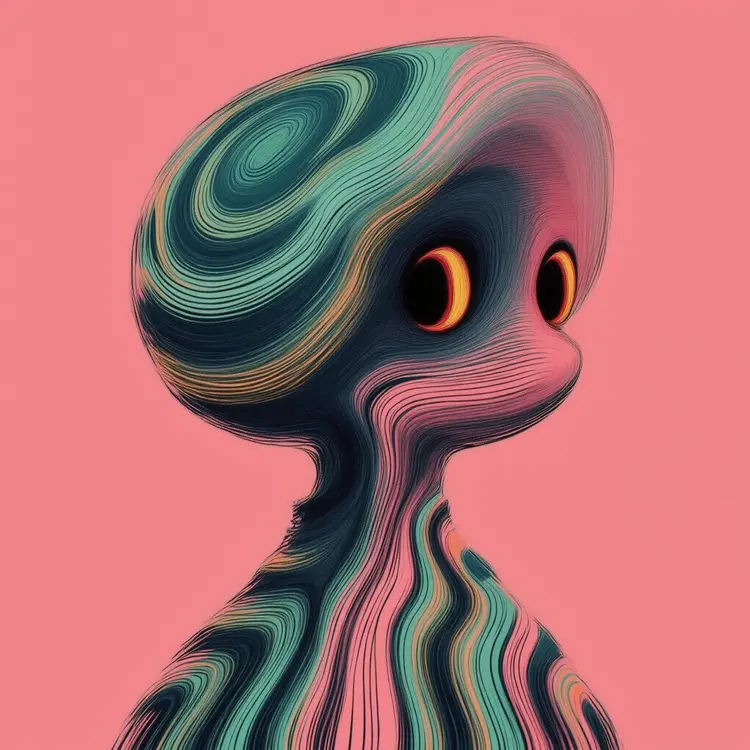
Tropical ABSRTBNGS abstract being with phosphorescent coral pink and seafoam green accents, illustrated with brass-tinted outlines on magenta background.
14.4s
View Example
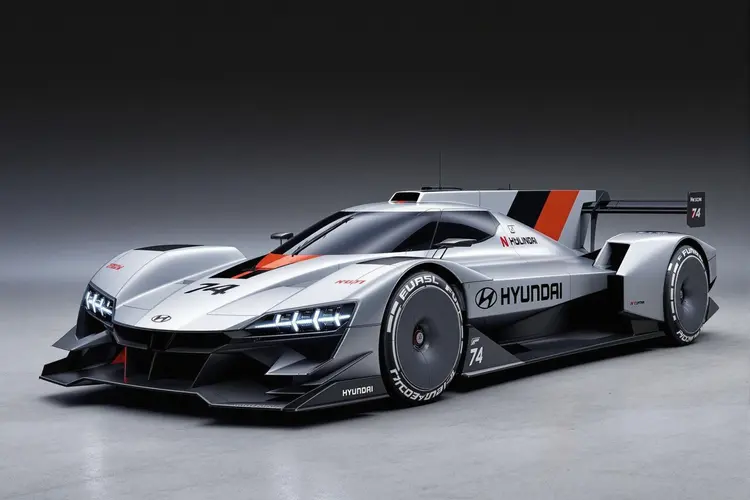
A formula one Hyundai N Vision 74 car
16.7s
View Example
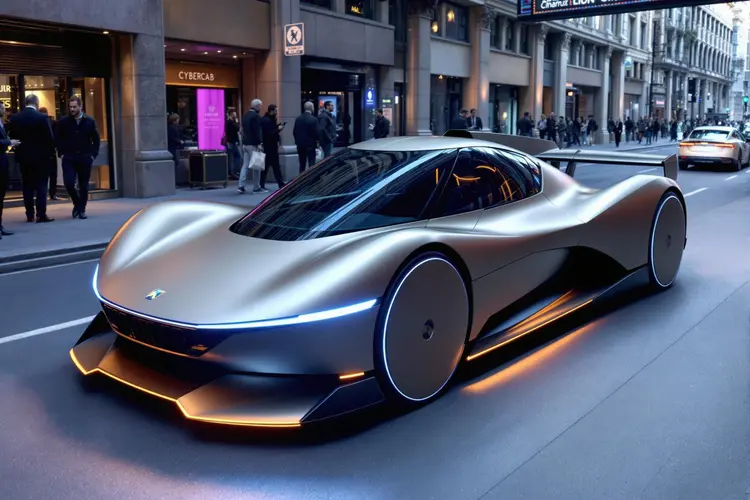
A formula one CYBERCAB car
15.2s
View Example

Switch Category

Effects

Text To Image

Text To Image

Text To Video

Large Language Models

Large Language Models

Text To Speech

Text To Speech

Super Resolution

Super Resolution

Lipsync

AI Music Generation

AI Music Generation

Video Editing

Speech To Text

Speech To Text

AI Enhance Videos

Remove Backgrounds

Remove Backgrounds