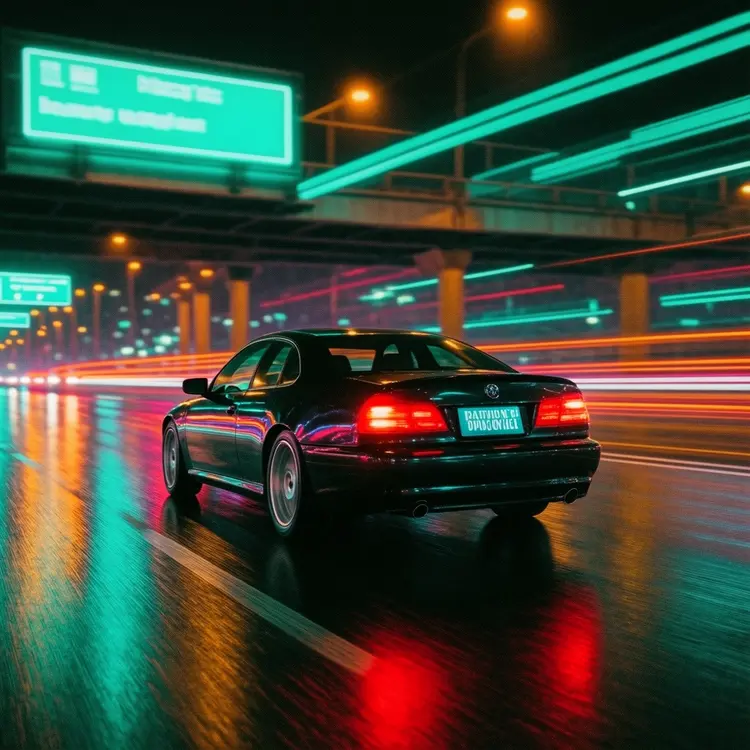
Flux 2 Klein 4B Base is the un-distilled foundation model behind the Klein architecture, designed for creators who want to build custom image generation workflows on top of a training-ready base. Unlike distilled or compressed variants, this version retains the entire parameter space needed for fine-tuning, making it the right starting point when you need consistent, stylized outputs that reflect your own dataset or creative direction. It accepts a text prompt alongside optional reference images, letting you run standard text-to-image generation or feed in up to five input images for image-to-image tasks. The CFG scale controls how closely the output follows your prompt, while output resolution scales from 0.25 to 4 megapixels, covering everything from quick drafts to print-ready files. Output is available in JPG, PNG, or WebP, and a seed parameter makes every result reproducible. Whether you are testing dataset quality before a training run, generating reference samples for a fine-tuning job, or validating a prompt strategy, this model fits naturally into a technical or creative pipeline. Load it on Picasso IA, run a few test generations, then move straight into post-training.
Flux 2 Klein 4B Base is the un-distilled foundation of the FLUX.2 Klein line, built specifically for fine-tuning, customization, and post-training workflows. You can run it as a standalone text-to-image generator on Picasso IA, feeding it a plain-language description and getting back a clean, high-resolution image in seconds. It also accepts up to five reference images, so you can steer the visual output by example rather than by prompt alone. Designers, researchers, and creators who want a more malleable starting point, rather than a fixed distilled preset, will get the most from this model.
Do I need programming skills or technical knowledge to use this? No, just open Flux 2 Klein 4B Base on Picasso IA, adjust the settings you want, and hit generate.
Is it free to try? Yes, you can run Flux 2 Klein 4B Base without any upfront payment. Check the current pricing page for credit details and available free tiers.
How long does it take to get results? Most generations finish in a few seconds. Lowering the output megapixels or enabling the faster prediction mode will reduce the wait time considerably.
What output formats are supported? You can save your image as JPG, PNG, or WebP. PNG preserves the most detail and supports lossless export, while JPG and WebP produce smaller files suited for web use.
Can I customize the output quality or style? Yes. The guidance scale controls how strictly the model follows your prompt, and output quality (0 to 100) adjusts compression for JPG and WebP exports. Fixing a seed value lets you reproduce the exact same result across multiple runs.
How many times can I run the model? There is no hard cap on generations. You can iterate as many times as you need within your available credits on the platform.
Where can I use the outputs? Images you create are yours to use for personal projects, client work, or commercial purposes, subject to the platform's terms of service.
Everything this model can do for you
Ships as the full, un-distilled base model with the entire parameter space intact for custom training.
Accepts up to five reference images alongside a text prompt to condition the output visually.
Choose output size from 0.25 to 4 megapixels to match draft speed or final production quality.
Pick from twelve ratios including 16:9, 9:16, and 21:9 to fit any content format.
Set a seed value to regenerate the exact same result across multiple runs.
Export images as JPG, PNG, or WebP with quality settings from 0 to 100.
Adjust the CFG scale to control how strictly the final image matches your text description.