• Picasso AI Logo
    Logo Picasso IA
  • Home
  • AI Image
    Nano Banana 2
  • AI Video
    Veo 3.1 Fast
  • AI Chat
    Gemini 3 Pro
  • Edit Images
  • Upscale Image
  • Remove Background
  • Text to Speech
  • Effects
    NEW
  • Generations
  • Billing
  • Support
  • Account
  1. Collection
  2. Text to Image
  3. Flux 2 Klein 4b Base Lora

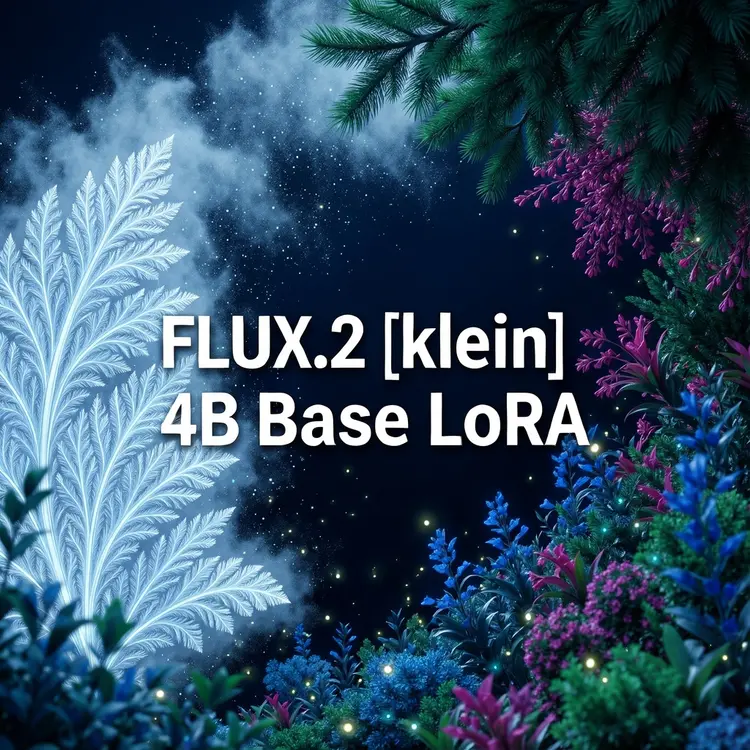
Fine-Tune AI Images with Flux 2 Klein 4B Base LoRA

Flux 2 Klein 4B Base LoRA is a text-to-image model that runs fast, fine-tuned inference using custom LoRA weights. If you've ever wanted to generate images in a specific style, character, or aesthetic without retraining a model from scratch, this is the tool that makes it practical. Write a prompt, plug in one or more LoRA adapters, and get a stylistically consistent image in seconds. The model accepts up to 5 input images for image-to-image generation, giving you a starting point for composition, color, or subject. It supports 12 aspect ratio presets, from the standard 1:1 square to cinematic 21:9, and can produce output at up to 4 megapixels. You can stack multiple LoRA weights and tune each adapter's influence independently, so blending two different trained styles is as simple as adjusting a number. Whether you're a designer building a brand-consistent image set, a content creator developing a recurring character, or someone experimenting with visual styles, Flux 2 Klein 4B Base LoRA gives you the tools to iterate quickly. Load your LoRA weights and run a generation to see how custom style inference fits your workflow.

Official

Black Forest Labs

824 runs

Flux 2 Klein 4b Base Lora

2026-01-28

Commercial Use

Fine-Tune AI Images with Flux 2 Klein 4B Base LoRA

Table of contents

  • Overview
  • How It Works
  • Frequently Asked Questions
  • Credit Cost
  • Features
  • Use Cases
  • Examples
Get Nano Banana Pro

Overview

Flux 2 Klein 4B Base LoRA is a text-to-image model built on the FLUX.2 [klein] 4B architecture, with native support for loading external LoRA weights at inference time. It solves a specific problem: getting style-consistent, fine-tuned results without a slow or resource-heavy pipeline. On Picasso IA, you paste a LoRA URL, write a prompt, and get a styled image in seconds. Think of it as a steerable base model, point it at a LoRA trained on a particular aesthetic, character, or product look, and every image you generate inherits that style automatically.

How It Works

  • Write a text prompt describing the image you want, as specifically or loosely as you like
  • Paste one or more LoRA weight URLs into the LoRA weights field to apply a custom style or fine-tune
  • Set a LoRA scale for each weight (default is 1.0) to dial in how strongly each style influences the output
  • Choose your aspect ratio from standard options like 1:1, 16:9, or 9:16, then pick an output resolution between 0.25 and 4 megapixels
  • Select your file format (JPG, PNG, or WebP), hit generate, and download your image

Frequently Asked Questions

Do I need programming skills or technical knowledge to use this? No, just open Flux 2 Klein 4B Base LoRA on Picasso IA, adjust the settings you want, and hit generate.

Is it free to try? Yes, you can run Flux 2 Klein 4B Base LoRA on Picasso IA without committing to a paid plan. Check your account page for the current generation limits on your tier.

How long does it take to get results? Most generations finish in a few seconds. The 4B-parameter design prioritizes speed, so you can iterate quickly without long waits between attempts.

Can I load my own LoRA weights? Yes. Paste a direct URL to any compatible LoRA file. Both ComfyUI format and native Flux Klein format LoRAs are supported, and ComfyUI files are converted automatically with no extra steps on your end.

What output formats and resolutions are available? You can export as JPG, PNG, or WebP. Resolution options range from 0.25 to 4 megapixels. The quality slider (0-100) applies to JPG and WebP; PNG outputs are lossless regardless of that setting.

Can I get the same image twice? Yes. Set a specific seed value before generating and reuse that seed to reproduce the same result. This is useful when you want to compare the effect of changing just one parameter.

Where can I use the downloaded images? Images are delivered as clean files without watermarks. You can use them in social posts, client decks, product mockups, print materials, or any other creative project.

Credit Cost

Each generation consumes 1 credit

1 credit

or 5 credits for 5 generations

Features

Everything this model can do for you

LoRA support

Load one or more custom LoRA adapters to apply any fine-tuned style or subject to your generation.

Adjustable LoRA scales

Set individual strength values for each loaded LoRA to blend multiple styles with precise control.

Image-to-image input

Upload up to 5 reference images to steer the composition, color, or subject of the output.

Multiple aspect ratios

Choose from 12 presets including 1:1, 16:9, 9:16, and 21:9 to match your target format.

High-resolution output

Generate images at up to 4 megapixels for crisp results usable in print and large-format displays.

Flexible output formats

Save results as WebP, JPG, or PNG with quality settings from 0 to 100.

Reproducible results

Set a seed value to reproduce the exact same image across multiple runs.

Use Cases

Generate stylized product images by loading a custom LoRA trained on your brand's visual style and writing a short product description

Create a consistent character across multiple scenes by using the same LoRA weights and seed with different background prompts

Convert a reference photo into a stylized illustration by uploading it as an input image and describing the art style you want

Produce social media visuals at multiple aspect ratios from a single prompt without cropping or resizing manually

Stack two LoRA adapters, one for lighting style and one for subject style, and blend them by adjusting their individual scale values

Rapidly prototype visual concepts for a mood board by iterating on the same seed with different prompt variations

Generate 4-megapixel images suitable for print by selecting the highest output resolution setting

Examples

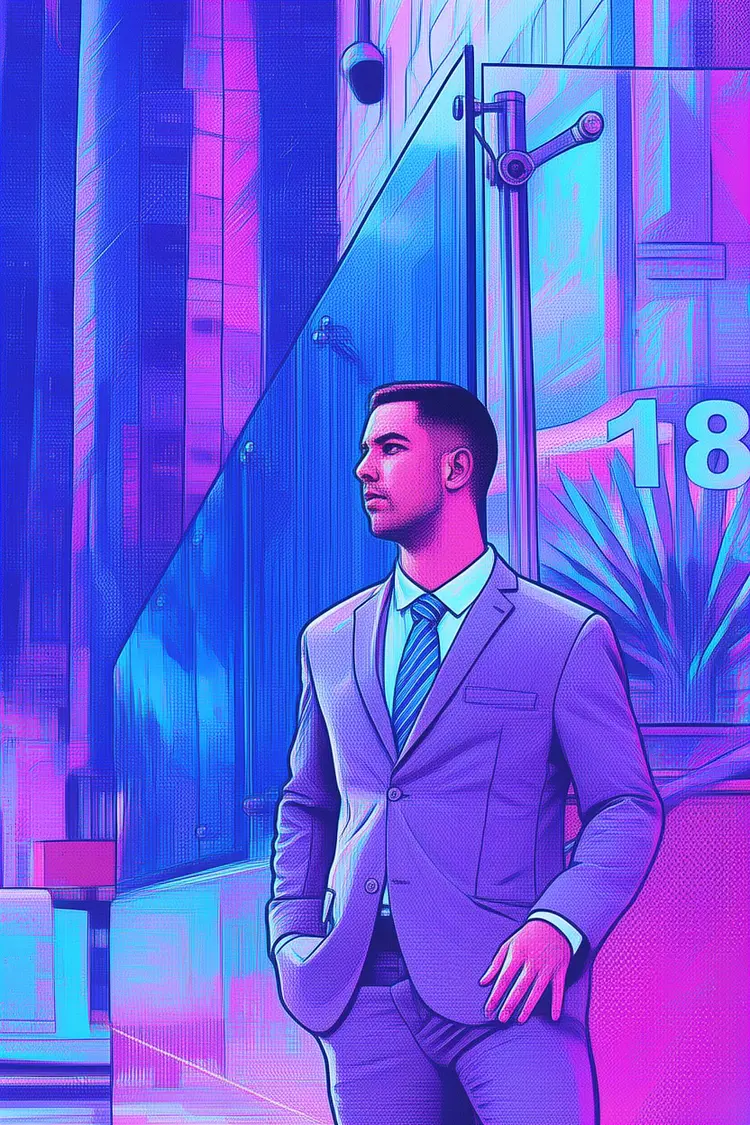
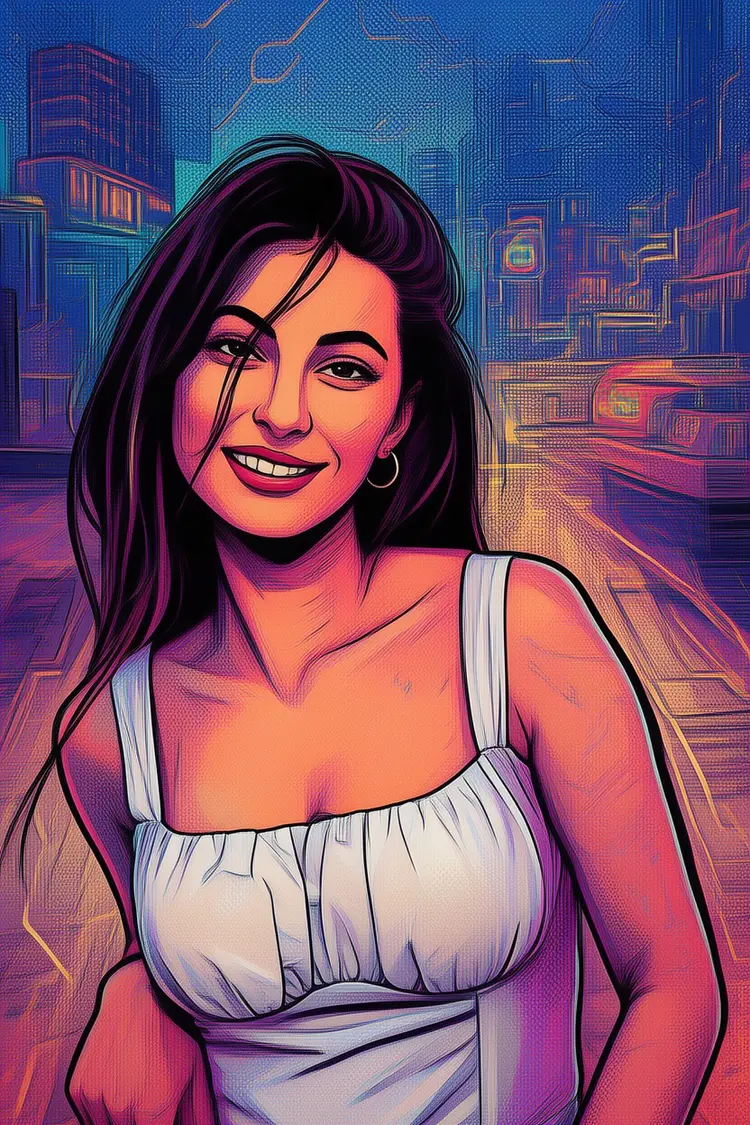
Transform this picture into an American comic style + Pop Art + cyber neon illustration
Input
Input 1
Output
Transform this picture into an American comic style + Pop Art + cyber neon illustration
1.7s
View Example
Transform this picture into an American comic style + Pop Art + cyber neon illustration
Input
Input 1
Output
Transform this picture into an American comic style + Pop Art + cyber neon illustration
1.6s
View Example

Switch Category

Effects

Text To Image

Text To Image

Text To Video

Large Language Models

Large Language Models

Text To Speech

Text To Speech

Super Resolution

Super Resolution

Lipsync

AI Music Generation

AI Music Generation

Video Editing

Speech To Text

Speech To Text

AI Enhance Videos

Remove Backgrounds

Remove Backgrounds