Overview
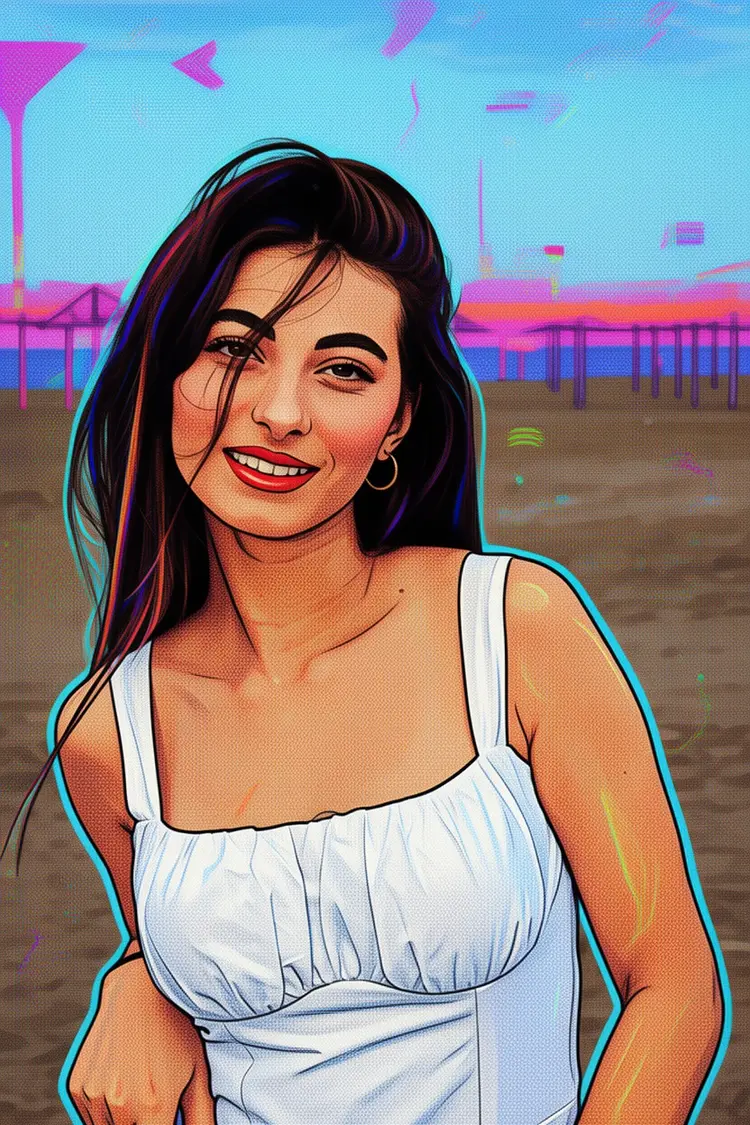
Flux 2 Klein 9B Base LoRA is a text-to-image model built on the 9-billion-parameter FLUX.2 Klein architecture, designed specifically for fast fine-tuned LoRA inference. If you want to apply a custom artistic style, character concept, or visual theme to generated images without waiting through slow render queues, this model delivers. On Picasso IA, you paste a text prompt, attach one or more LoRA weight files, and receive a styled image that reflects your fine-tuning in seconds. It suits illustrators, designers, and content creators who iterate frequently and need consistent visual output across a project or campaign.
How It Works
- Write a text prompt describing the subject, style, lighting, and composition you want in the final image
- Optionally upload up to five reference images to steer the generation toward an existing visual direction
- Provide one or more LoRA weight URLs and set a scale value for each to control how strongly the fine-tuned style applies
- Choose an aspect ratio (square, portrait, landscape, or cinematic), output resolution in megapixels, and file format (JPG, PNG, or WebP)
- Submit the job and receive a finished image that reflects both your prompt and any LoRA customization you applied
Frequently Asked Questions
Do I need programming skills or technical knowledge to use this?
No, just open Flux 2 Klein 9B Base LoRA on Picasso IA, adjust the settings you want, and hit generate.
Is it free to try?
Yes, you can run the model without any upfront payment. Depending on your account tier, usage limits may apply, but getting started costs nothing.
How long does it take to get results?
The model is built for fast LoRA inference, so most outputs at standard resolution settings arrive within seconds. Higher megapixel outputs take a bit longer, but wait times stay short compared to typical fine-tuned pipelines.
What output formats are supported?
You can save images as JPG, PNG, or WebP. JPG and WebP both support a quality setting from 0 to 100, letting you balance file size against visual fidelity for your specific use case.
Can I blend multiple LoRA styles in one generation?
Yes. You can supply a list of LoRA weight URLs and assign a separate scale value to each. A higher scale makes that LoRA's style more dominant; a lower value blends it in subtly alongside the others.
What happens if the result does not match what I expected?
Set a fixed seed so you can reproduce the same base image, then adjust one parameter at a time: tweak the prompt wording, raise or lower the LoRA scale, or change the aspect ratio. Iterating with a locked seed isolates exactly what each change affects.
Where can I use the images I generate?
Outputs download without watermarks, so you can use them in client work, social content, product mockups, editorial layouts, or any other project you are working on.