Overview
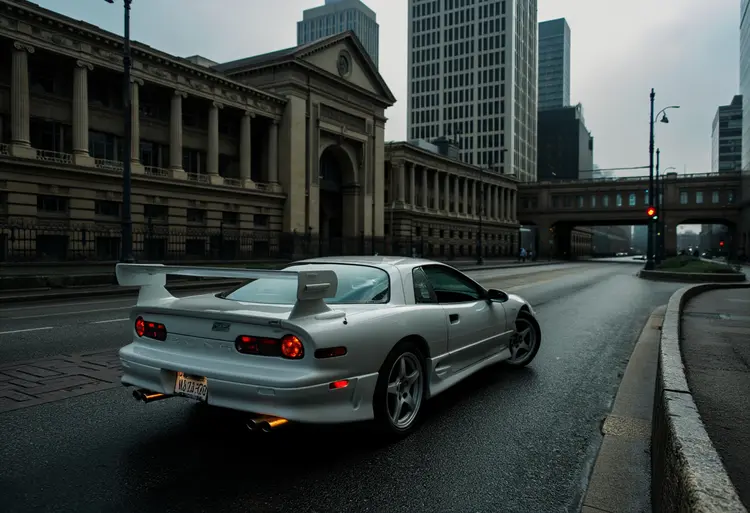
Flux Canny Pro is an edge-guided image generation model that uses Canny edge detection to preserve the structure and composition of a reference image while generating entirely new visual content from a text prompt. The problem it solves is concrete: when a plain text prompt gives you no guarantee that the AI will respect a specific layout, pose, or silhouette, Flux Canny Pro extracts the edge skeleton from your reference and uses it to constrain what gets generated. The result stays structurally faithful to your source while reflecting the style, colors, and subject you describe in the prompt. You can run it directly in your browser on Picasso IA, with no installation or configuration required.
How It Works
- Upload a reference image in JPEG, PNG, GIF, or WEBP format. This image provides the structural edge map that guides the composition of the output.
- Write a text prompt describing the visual result you want: subject, style, lighting, colors, and any other details that define the final look.
- Set the guidance value to control how closely the output follows your prompt. Higher values produce results that match the prompt more precisely; lower values give the model more room to vary.
- Choose the number of diffusion steps. The default of 50 balances speed with detail. Increasing it refines textures and edges at the cost of longer processing time.
- Select your output format (JPG or PNG), then generate. Download the result and iterate with a new seed or adjusted prompt if needed.
Frequently Asked Questions
Do I need programming skills or technical knowledge to use this?
No, just open Flux Canny Pro on Picasso IA, adjust the settings you want, and hit generate.
How long does generation take?
Most runs finish in under a minute at the default 50-step setting. Raising the step count increases processing time but tends to produce sharper detail in complex scenes.
What makes the control image important?
The control image defines the structural skeleton of the output. The cleaner and more distinct the edges in your reference, the more precisely the model can hold to that composition. Busy or low-contrast images may produce looser structural adherence.
Can I adjust how creative or varied the output is?
Yes. The guidance slider controls the trade-off between prompt adherence and output diversity. You can also enable prompt upsampling, which automatically expands your prompt to encourage more creative variation in the generated result.
What output formats are supported?
You can download your image as a JPG or PNG. PNG preserves lossless quality and is better for assets that need clean edges or transparency; JPG is compact and works well for most web and social media uses.
Where can I use the images I generate?
The images you produce are yours to use in client projects, marketing materials, personal portfolios, or creative work. Files are delivered without watermarks.