Overview
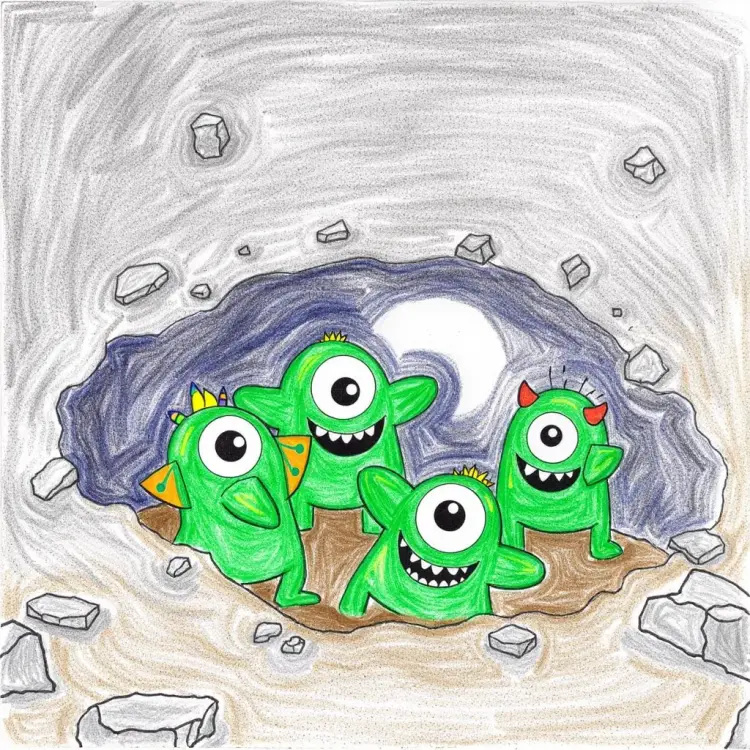
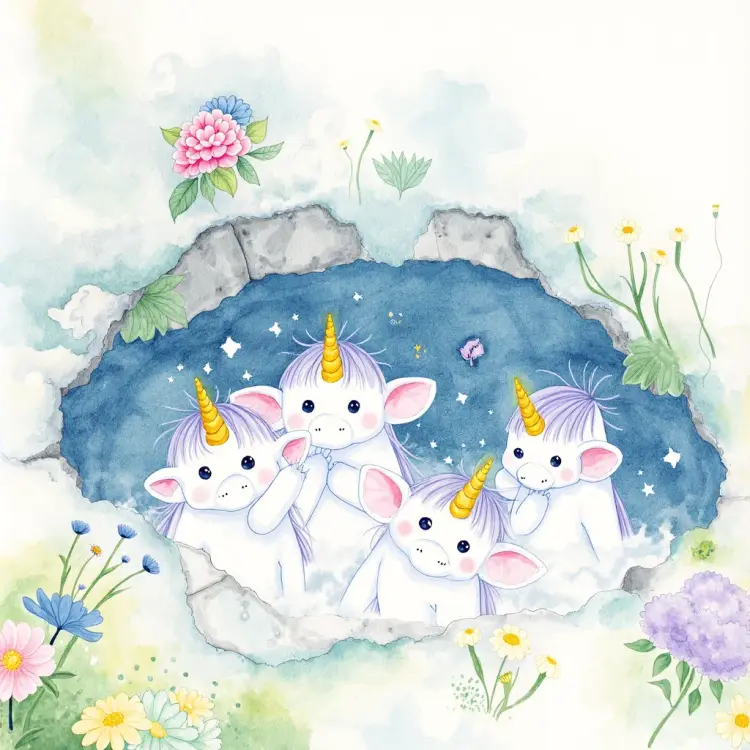
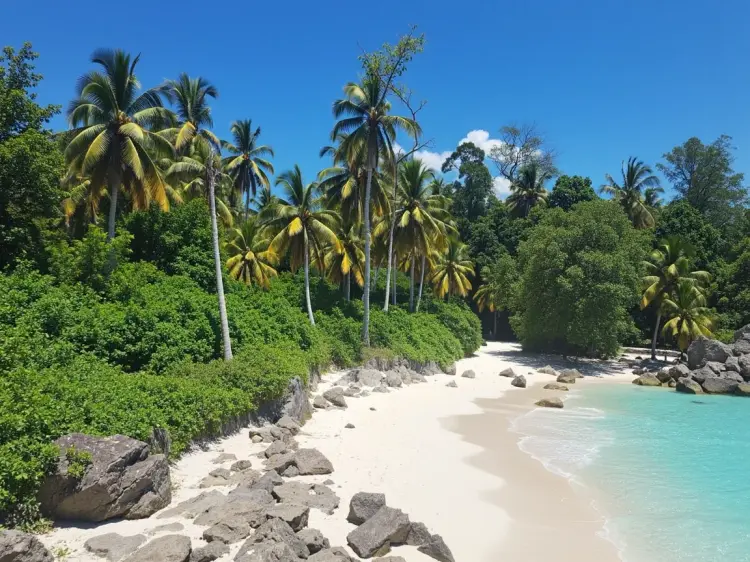
Flux Depth Dev is an open-weight image generation model built around one specific idea: your edits should respect the physical space of the original photo. Upload a reference image, write a prompt describing what you want, and the model reads the depth structure of that scene before it generates anything. That depth map becomes the skeleton of the output, so a subject in the foreground stays in the foreground, background elements stay behind, and objects hold their position relative to each other. On Picasso IA, you can run Flux Depth Dev directly in your browser, no installation or account setup required.
How It Works
- Upload the image you want to use as your reference. The model automatically extracts a depth map from it, no manual masking or separate tools needed.
- Write a text prompt describing the output you want: the visual style, lighting, environment, or subject treatment you have in mind.
- Set your output resolution. Choose 1 megapixel for full-size results, 0.25 megapixel for faster drafts, or match input to preserve your original image dimensions up to 1440x1440 pixels.
- Adjust the guidance value (default 10) to control how literally the output follows your prompt, and set inference steps between 28 and 50 depending on the quality-versus-speed tradeoff you want.
- Download your result in WebP, JPG, or PNG, with adjustable output quality from 0 to 100 for compressed formats.
Frequently Asked Questions
Do I need programming skills or technical knowledge to use this?
No, just open Flux Depth Dev on Picasso IA, adjust the settings you want, and hit generate.
Is it free to try?
Yes, Flux Depth Dev is available to run on Picasso IA without needing a paid plan to get started. You can test it directly in your browser and see results before committing to anything.
How long does it take to get results?
At the default 28 inference steps, results come back in a few seconds. Increasing toward 50 steps adds detail and sharpness but takes a bit longer. For quick iterations, lower steps work well as a starting point.
What output formats are supported?
You can download generated images as WebP, JPG, or PNG. WebP is the default and balances file size with visual quality. PNG outputs are lossless, so the quality slider has no effect on them.
Can I customize the output quality or style?
Yes. The guidance scale shapes how closely the result tracks your text prompt, while inference steps affect the level of detail in the final image. For JPG and WebP, a separate quality setting from 0 to 100 controls compression on export.
How many times can I run the model?
You can set num_outputs to generate several variations from a single run, and you can re-run as many times as you need, adjusting your prompt or settings between each attempt.
Where can I use the outputs?
The images you generate carry no watermarks and are ready to use in client work, social media posts, product visuals, or design mockups. Download them in your preferred format and use them as you see fit.