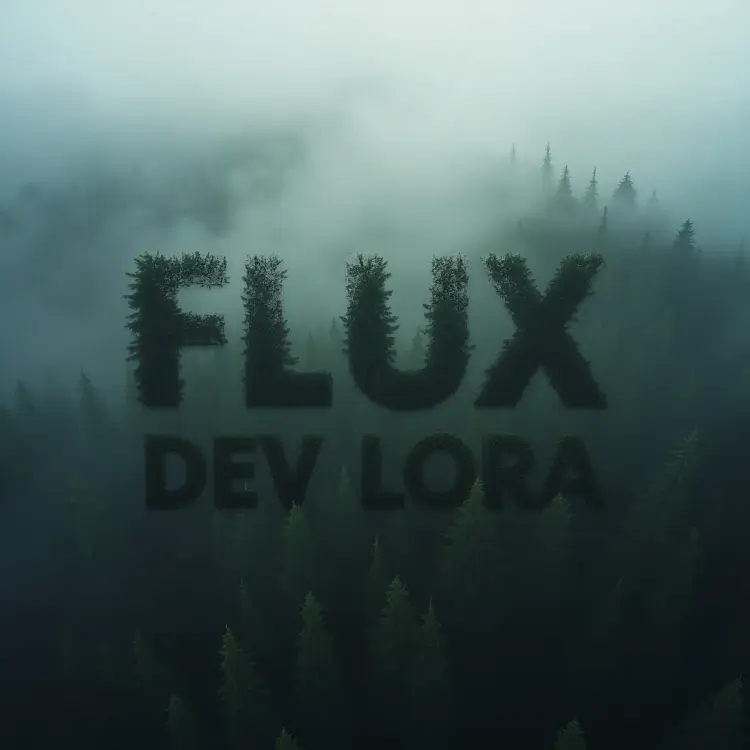
Overview
Flux Dev LoRA is a text-to-image model that extends the Flux Dev base with support for fine-tuned style weights. You load a set of LoRA weights alongside your prompt, and those weights steer the generation toward a specific visual style, character look, or photographic treatment. On Picasso IA, the whole process runs in a browser window with no installation and no code required. It is built for creators who need reproducible, styled outputs at speed, not just random variation each time.
How It Works
- Write a text prompt describing the image you want. Include style keywords if your LoRA targets a specific aesthetic, such as "oil painting", "anime", or "cinematic".
- Paste the URL or file path for your LoRA weights into the designated field. The model loads these weights and uses them to shape the output.
- Set the LoRA scale between 0 and 1 to control the intensity of the style. A value near 0 blends the style subtly; a value near 1 applies it at full strength.
- Choose your aspect ratio from options like 1:1, 16:9, or 9:16 to match the platform or format where you plan to use the image.
- Select fast mode for quick drafts or switch it off for full-precision rendering, then hit generate and download your result as WebP, JPG, or PNG.
Frequently Asked Questions
Do I need programming skills or technical knowledge to use this?
No, just open Flux Dev LoRA on Picasso IA, adjust the settings you want, and hit generate.
Is it free to try?
Yes, you can run Flux Dev LoRA at no cost. Some usage limits may apply based on your account plan, but no credit card is required to start.
How long does it take to get results?
In fast mode, most images come back in under 10 seconds. Switching to full-precision mode produces more detailed outputs but takes longer per generation.
What output formats are supported?
You can export images as WebP, JPG, or PNG. For compressed formats, quality is adjustable from 0 to 100 to balance file size and visual detail.
Can I load my own custom LoRA weights?
Yes. Paste a direct URL pointing to a compatible .safetensors file and the model will load those weights before generating. You can also add a second LoRA via the extra LoRA field for layered styles.
How do I get consistent results across multiple generations?
Set a fixed seed number and keep the same prompt and LoRA scale. Disabling fast mode also helps, since speed mode introduces some variation even with a seed locked.
What happens if I am not satisfied with the result?
Adjust the LoRA scale, tweak the guidance value, or rephrase the prompt with more specific descriptors. Each change shifts the output meaningfully, so small edits often produce noticeably different images.