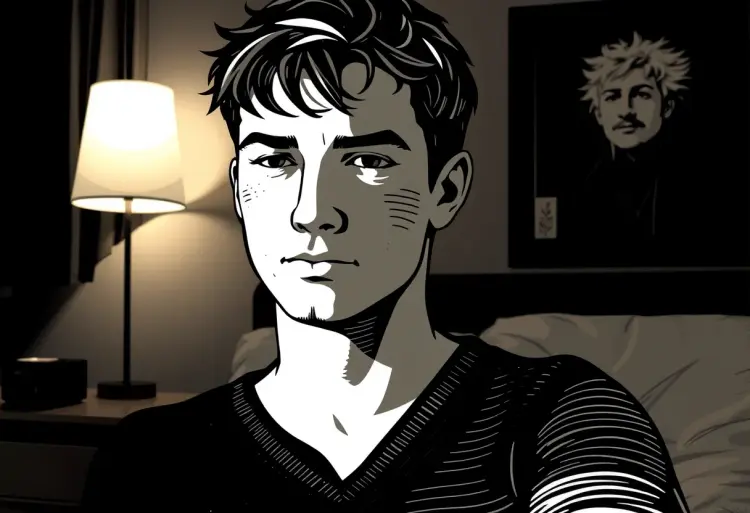
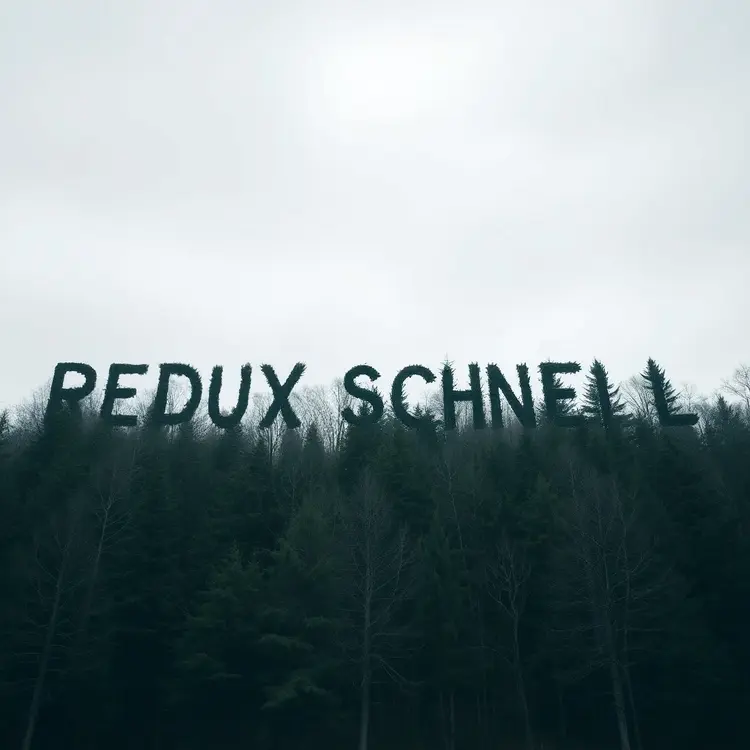
Flux Redux Schnell creates new image variations from a reference photo you upload. Instead of writing a detailed text prompt, you feed it a single image and get back stylistically similar alternatives in a few seconds. This is ideal for anyone who has a visual concept they like but wants to see it taken in different directions without starting from scratch. The model generates images at up to 1 megapixel across eleven aspect ratios, from square 1:1 frames to wide 16:9 and vertical 9:16 formats. Output is available in WebP, JPG, or PNG, and a quality slider lets you balance file size against sharpness. With just four denoising steps as the default, results arrive in seconds rather than minutes. Whether you're iterating on product shots, building mood boards, or testing a visual direction before committing to a full design, Flux Redux Schnell fits neatly into a quick creative session. You don't need to install anything or write a single line of code. Open it on Picasso IA, drop in your reference image, and start generating.
Flux Redux Schnell is an image variation model built for speed. You give it a source image, and it returns new variations of that image in a matter of seconds, no text prompt needed. This is the right tool when you already have a visual direction and want to iterate on it fast, whether that's a product photo, a character design, or a scene you want to see from a slightly different angle. On Picasso IA, the whole process takes under a minute from upload to download.
Do I need programming skills or technical knowledge to use this? No, just open Flux Redux Schnell on Picasso IA, adjust the settings you want, and hit generate.
Is it free to try? Yes, you can run Flux Redux Schnell without a paid subscription to test it out. Check the current credit pricing on the model page for details on how many free runs are included.
How long does it take to get results? Most generations complete in a few seconds. The model is built for speed, so even at full megapixel output you rarely wait more than 10 to 15 seconds for a result.
What output formats are supported? You can download your images as WebP, JPG, or PNG. WebP is the default and gives the best file size for web use. PNG is the right choice when you need lossless quality without compression artifacts.
Can I customize the output quality or style? You can adjust the output quality level from 0 to 100 for JPG and WebP exports. Higher values preserve more detail at the cost of larger file sizes. The number of inference steps also shapes the result. The default of 4 hits the recommended balance of speed and output quality.
How many times can I run the model? You can generate as many variations as your available credits allow. Each run can also produce multiple outputs at once, so you get several options without running it repeatedly.
Where can I use the outputs? The images you generate on Picasso IA are yours to use. There are no watermarks on the downloads, so you can place them directly into client work, social posts, product listings, or any other project.
Everything this model can do for you
Produces new variations directly from a reference photo, no text prompt required.
Returns results in seconds using just four denoising steps by default.
Supports eleven ratios including 1:1, 16:9, 9:16, and 4:5 for any platform format.
Save results as WebP, JPG, or PNG to match your project requirements.
Adjust output quality from 0 to 100 to balance file size against sharpness.
Produce several variations in a single run to compare options without re-submitting.
Set a seed value to recreate the exact same output whenever you need consistency.