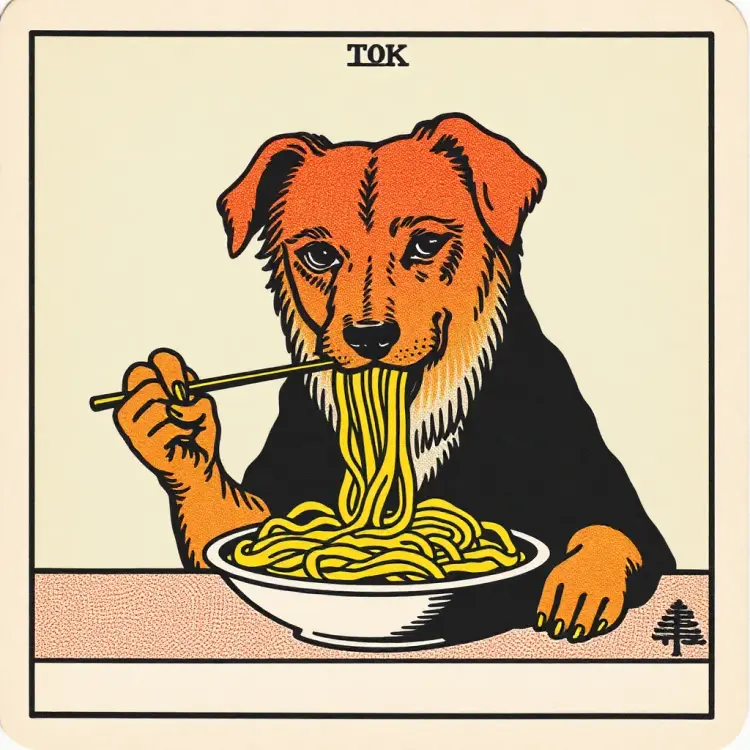
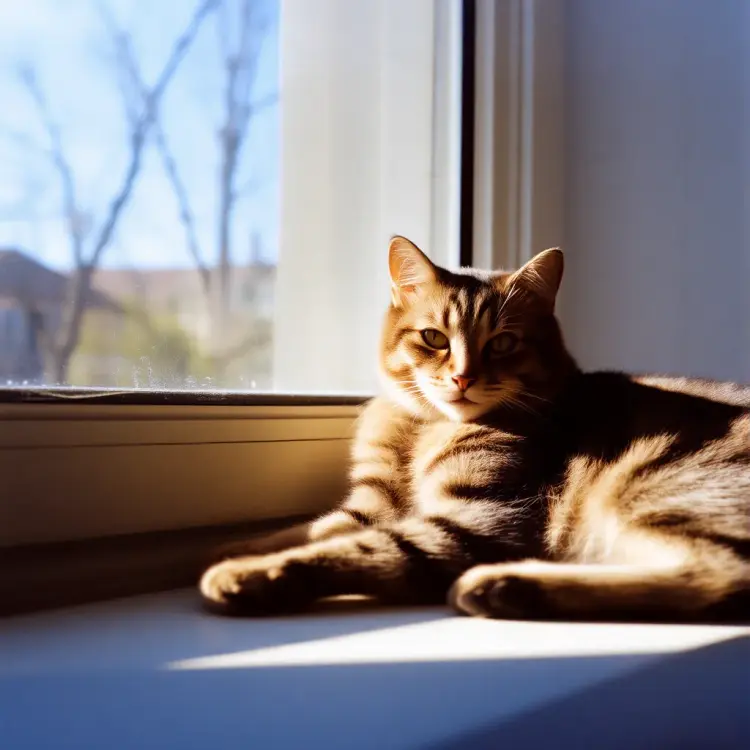
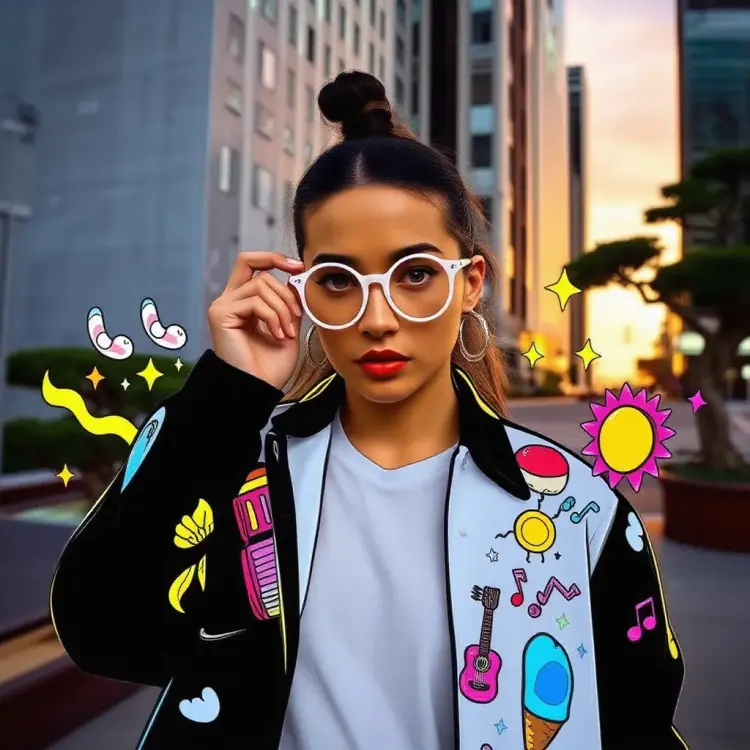
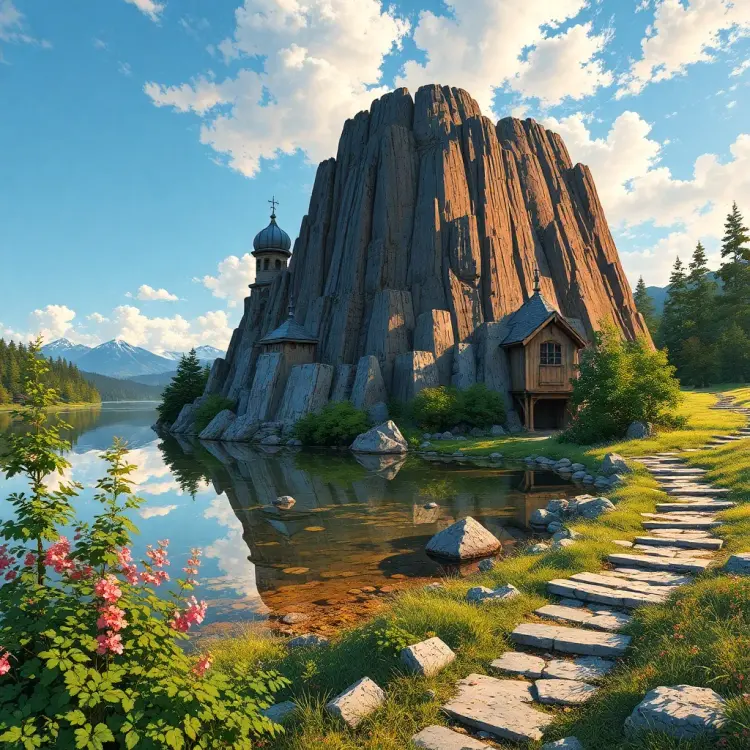
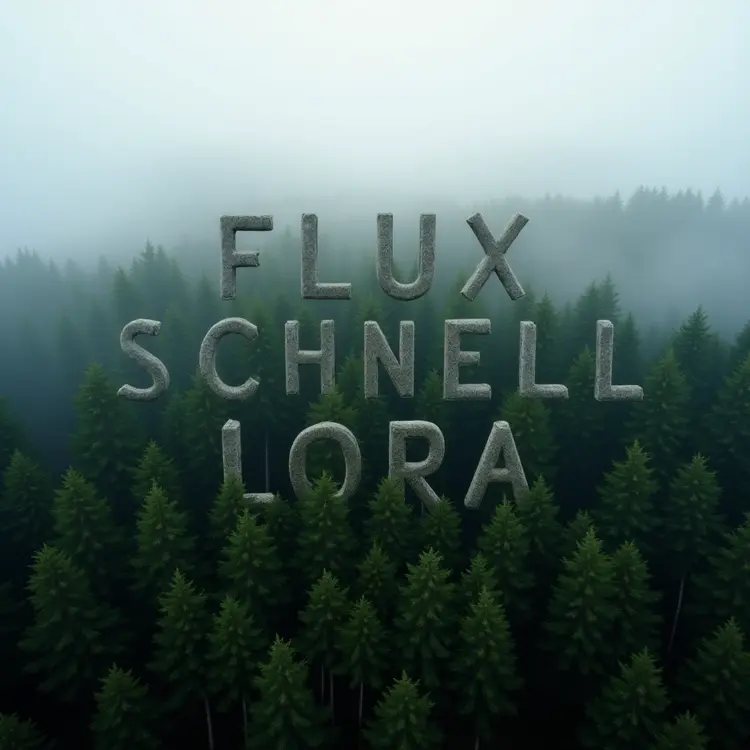
Flux Schnell LoRA is a text-to-image model built for speed without sacrificing style personalization. It accepts any LoRA weights alongside your prompt, so you can apply a trained visual style to every image you generate, whether that's a consistent character look, a brand aesthetic, or a specific art direction. The model runs with as few as 4 inference steps, producing a 1-megapixel image in a fraction of the time typical diffusion models require. You can dial in the LoRA influence with a simple scale slider, from a subtle style hint to a full style takeover. Output format choices (WEBP, JPG, PNG) and adjustable quality settings let you export files ready for web, print, or further editing without any post-processing. Drop it into a creative workflow where you need fast visual iteration, such as generating multiple concept variants for a client or producing consistent characters for a storyboard. You bring the words and the style file; the model handles the rest in seconds.
Flux Schnell LoRA is a text-to-image model built for speed without sacrificing style customization. Where most fine-tuning workflows demand long generation queues, this model runs in seconds. On Picasso IA, you can load a custom LoRA weight, write a prompt, and get a styled image back before you finish your coffee. It's the practical choice for creators who need to iterate fast across visual identities, client briefs, or personal projects.
Do I need programming skills or technical knowledge to use this? No, just open Flux Schnell LoRA on Picasso IA, adjust the settings you want, and hit generate.
Is it free to try? Yes, you can start generating images with Flux Schnell LoRA without any setup or subscription. Check the current plan details on the platform for generation credits and limits.
How long does generation take? With the speed-optimized mode enabled, most images render in under 5 seconds. Switching to the higher-precision mode takes a bit longer but can produce more detailed results.
What is a LoRA and how do I use one? A LoRA is a lightweight style or subject file that modifies how the base model draws. You paste a compatible weight URL into the LoRA field and the model blends that style into your output. The LoRA scale slider controls how dominant the effect is.
What output formats are supported? You can download your images as WebP, JPG, or PNG. WebP gives the smallest file size, PNG keeps full quality with no compression artifacts, and JPG balances the two for web use.
Can I run the same prompt multiple times for variations? Yes. Set a fixed seed to reproduce a specific result, or leave it random to get a fresh variation on each run. You can also generate multiple images in a single batch.
Where can I use the images I create? The images you generate follow standard output terms for the platform. If you use community-sourced LoRA weights, check the license attached to those weights before any commercial use.
Everything this model can do for you
Load any compatible style file to apply a trained visual identity to every generated image.
Produces a full 1-megapixel image in as few as 4 inference steps, cutting wait time significantly.
Adjust the LoRA scale from 0 to 1 to blend between the base model and your custom style.
Choose from 11 ratio presets including 1:1, 16:9, 9:16, and 4:5 to fit any platform or format.
Export as WEBP, JPG, or PNG with adjustable quality settings from 0 to 100.
Set a seed value to regenerate the same image whenever you need a consistent output.
Switch between the optimized FP8 mode for fastest output and BF16 mode for deterministic results.