Overview
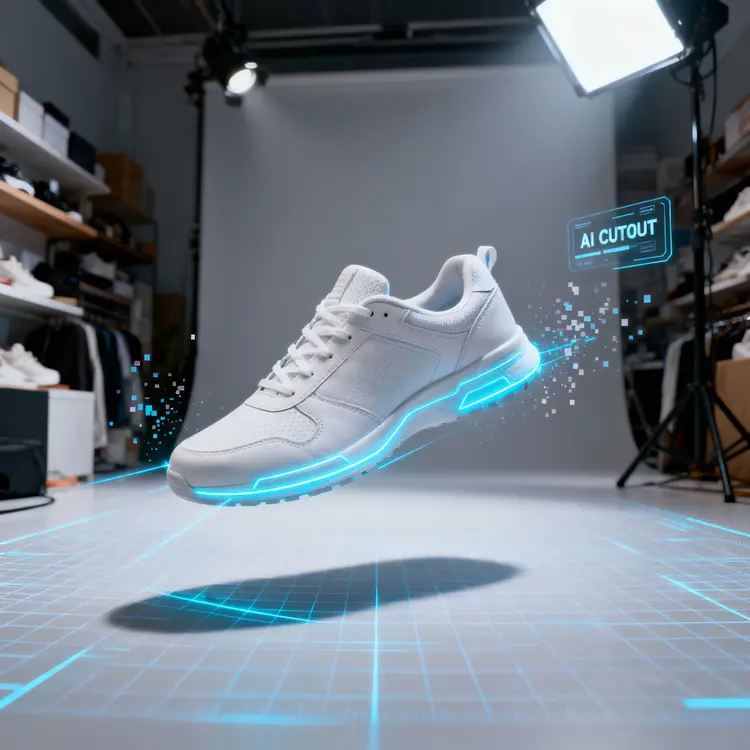
Product Cutout removes the background from any product photo and delivers a clean, transparent PNG with 256 levels of alpha transparency. That level of precision matters in eCommerce: a hard-clipped edge around a wine bottle or a handbag looks amateurish on a white listing page, while a properly feathered cutout sits naturally on any background you drop it onto. Product Cutout on Picasso IA handles the entire process in a single pass, so you skip the manual selection work in a photo editor entirely. It was built specifically for product photography where edge fidelity directly affects how professional the final asset looks.
How It Works
- Upload the product image you want to isolate, standard formats like JPEG and PNG both work.
- The model analyzes the image and maps the product boundary with 256-level transparency, preserving soft edges, gradients, and semi-transparent areas.
- Choose whether to preserve an existing alpha channel in the source file, or force a fresh background removal pass regardless.
- Optionally enable content moderation if your workflow involves images submitted by third parties.
- Download the transparent PNG output, ready to place directly onto any mockup, listing template, or ad creative.
Frequently Asked Questions
Do I need programming skills or technical knowledge to use this?
No, just open Product Cutout on Picasso IA, adjust the settings you want, and hit generate.
Is it free to try?
Yes, you can run the model on your own product photos without a paid subscription to see the results before committing.
How accurate is it on tricky edges like fabric fringe or glossy surfaces?
256-level transparency means the model retains natural gradients and subtle transitions rather than cutting with a hard binary mask. Soft textures, thin straps, and reflective edges all come through with noticeably cleaner results than standard removal tools produce.
What formats does it accept and output?
You can upload JPEG or PNG files. The output is always a PNG with a fully transparent background, sized to match the original, so it drops straight into any design tool or platform that accepts PNG.
Can I use it on a product photo that already has a transparent layer?
Yes. The default behavior preserves any existing alpha channel in the source image. If you want the model to run a clean removal pass anyway, toggle the force removal option before you generate.
Where can I use the resulting files?
Transparent PNGs work in any design application, eCommerce catalog builder, ad platform, or social media tool that accepts PNG uploads. No additional conversion or editing step is needed before use.
What if the cutout misses part of the product or leaves background fringing?
A small adjustment to the source photo often fixes it: try cropping tighter around the subject or ensuring the product has reasonable contrast against the original background. Re-running the model on an improved source image typically resolves edge issues on the first retry.