Overview
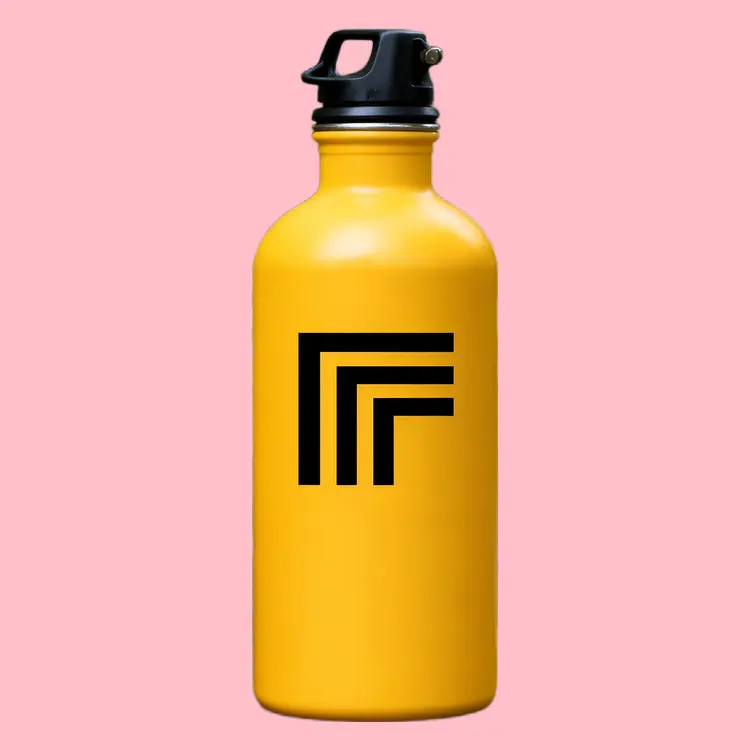
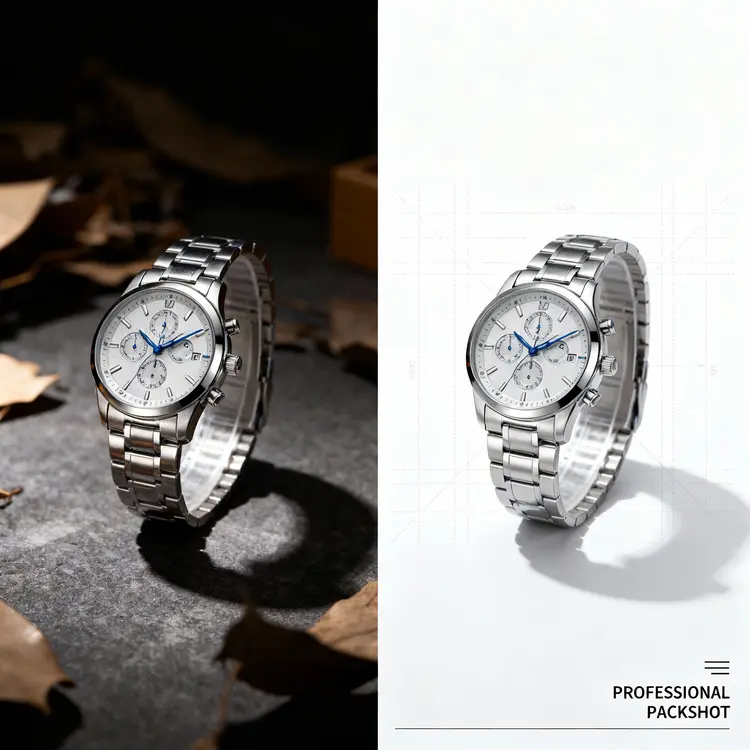
Product Packshot converts any raw product photo into a clean, 2000x2000px packshot ready for e-commerce listings, ads, or print. No editing software, no manual cutouts, no fiddling with layers. Upload a photo of your item, pick a background color, and the model handles repositioning, scaling, and background removal in a single pass. It solves a real, daily problem for online sellers and visual creatives who need consistent, professional product imagery without hiring a retoucher. Picasso IA makes the whole process available in a few clicks, with no technical setup required.
How It Works
- Upload your product photo in any format, on any background (cluttered, plain, or already partially cropped)
- Enter a hex color code for the output canvas (such as #FFFFFF for white) or set it to transparent for layered workflows
- Toggle force background removal if your image already has an alpha channel but you want a clean re-crop from scratch
- Enable content moderation if you need to screen items that might contain sensitive material before processing
- The model centers and scales your product within the 2000x2000px frame, then renders the finished packshot
- Download your image, ready to paste directly into a product listing, print template, or ad creative
Frequently Asked Questions
Do I need programming skills or technical knowledge to use this?
No, just open Product Packshot on Picasso IA, adjust the settings you want, and hit generate.
Is it free to try?
You can run Product Packshot without any upfront payment. Check the credits page for current generation rates if you plan to produce images in volume.
How long does it take to get results?
Most packshots are ready in under 15 seconds. Background removal and repositioning happen in a single pass, so there is no separate waiting step between them.
What output resolution will I get?
Every generated image is 2000x2000 pixels, a standard square format suited for online marketplaces, print templates, and social ad placements.
Can I use a transparent background instead of a solid color?
Yes. Set the background color field to "transparent" and the output will have no background fill, which is useful when compositing the product into other designs afterward.
What if my photo already has a transparent background?
By default, the model respects existing alpha channels and will not re-process them. If you want the background fully re-cropped from scratch, enable the force background removal option before generating.
Where can I use the finished packshot?
The output is a clean, watermark-free image you can use on product listing pages, social media ads, print catalogs, or packaging mockups without any additional licensing restrictions.