Overview
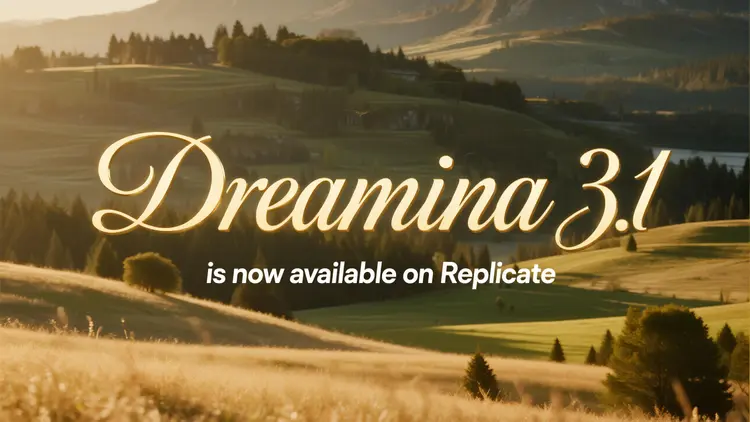
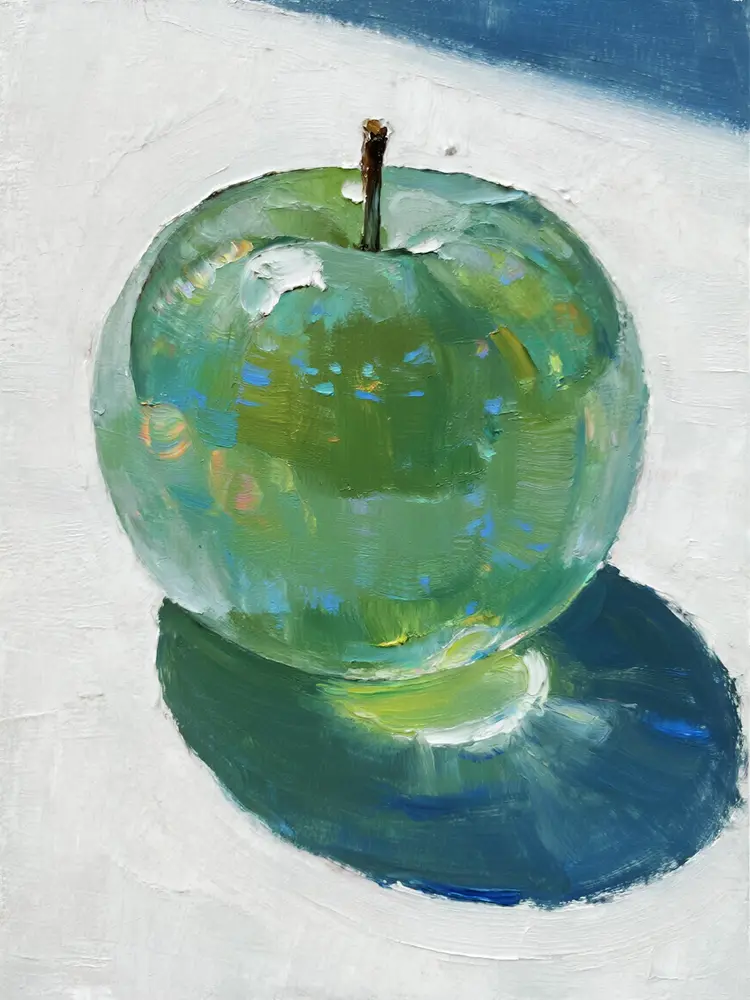
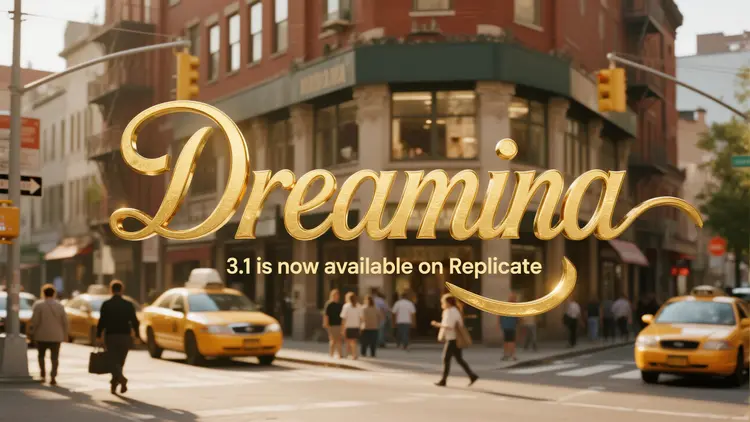
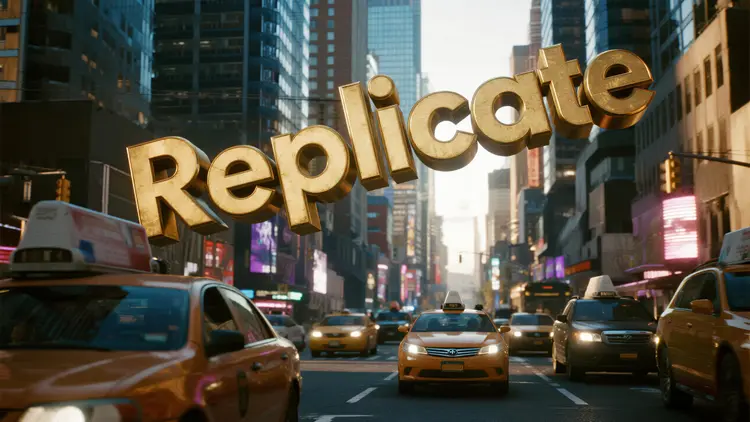
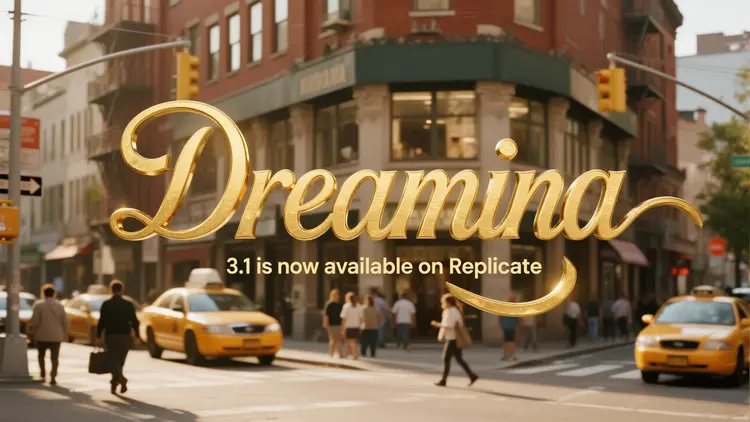
Dreamina 3.1 is a text-to-image model built for 4-megapixel output, with particular attention to cinematic image quality, precise style control, and in-image text that reads cleanly without post-production cleanup. It solves a specific problem: generating a single image that works as both a creative piece and a ready-to-use commercial asset, without needing a designer to retouch it afterward. If you are producing ad creatives, branded content, or concept visuals for a client presentation, the model handles the style consistency and typographic detail that professional work demands. On Picasso IA, you run it entirely in your browser, no installation, no code, no waiting for a local build.
How It Works
- Write a text prompt describing what you want, from a short phrase to a full scene description with lighting, color palette, and composition notes.
- Choose your aspect ratio from presets including 1:1, 16:9, 9:16, 4:3, 3:2, and 21:9, or enter a custom width and height if your project has specific pixel requirements.
- Select your resolution: 1K for quick iteration runs or 2K for high-detail output that holds up at large format, in print, or on high-DPI screens.
- Enable prompt expansion if your prompt is short. The model fills in compositional and stylistic detail automatically, producing richer results without requiring you to write a paragraph-length brief.
- Submit and receive your image, typically in under 30 seconds. Download it, adjust the seed value for variation, or refine the prompt and run again until the result matches your vision.
Frequently Asked Questions
Do I need programming skills or technical knowledge to use this?
No, just open Dreamina 3.1 on Picasso IA, adjust the settings you want, and hit generate.
Is it free to try?
Yes, you can start generating images without a paid plan. Check the current plan details on the platform for specifics on generation limits and credit usage.
How long does it take to get results?
Most images arrive in under 30 seconds. 2K resolution with highly detailed prompts may run a bit longer, but results rarely take more than a minute.
What output formats are supported?
The model returns a high-resolution image file you can download directly. Outputs come without watermarks, so they are ready for use in design software, client deliverables, or publishing workflows as-is.
Can I control the style or look of the image?
Yes. Beyond the text prompt itself, you set the aspect ratio, choose between 1K and 2K resolution, and decide whether prompt expansion is active. To reproduce a result you liked, save and reuse the seed value from that specific run.
What if the text inside my image does not look right?
Dreamina 3.1 includes dedicated improvements for in-image text legibility compared to earlier generations. If the result is not quite right, try rephrasing the prompt with more explicit detail about the exact text string, intended font style, and placement within the composition.
Where can I use the images I generate?
The model is built with commercial design workflows in mind, making outputs suitable for ad creatives, product visuals, editorial illustrations, and branded content. Always confirm that your intended use aligns with the applicable licensing terms for your specific project.