• Picasso AI Logo
    Logo Picasso IA
  • Home
  • AI Image
    Nano Banana 2
  • AI Video
    Veo 3.1 Fast
  • AI Chat
    GPT 5
  • Edit Images
  • Upscale Image
  • Remove Background
  • Text to Speech
  • Effects
    NEW
  • Generations
  • Billing
  • Support
  • Account
  1. Collection
  2. Text to Image
  3. Seedream 5 Lite

CreditsUpgrade

Seedream 5 Lite – Free AI Image Generator Online

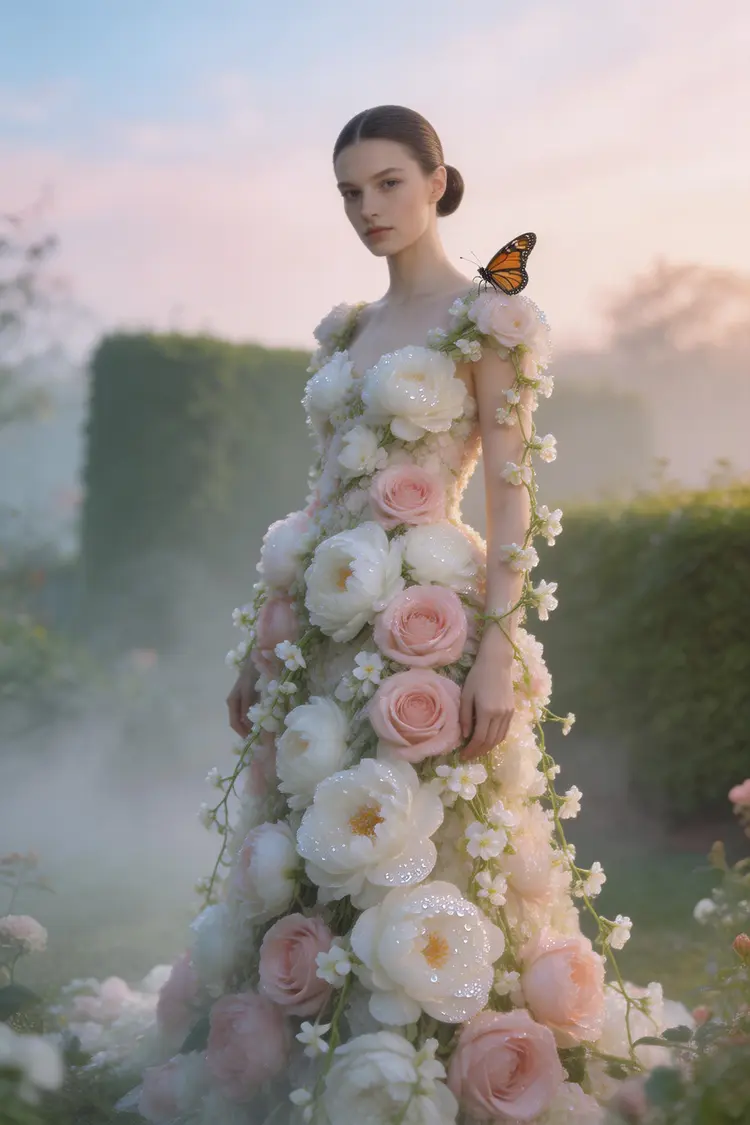
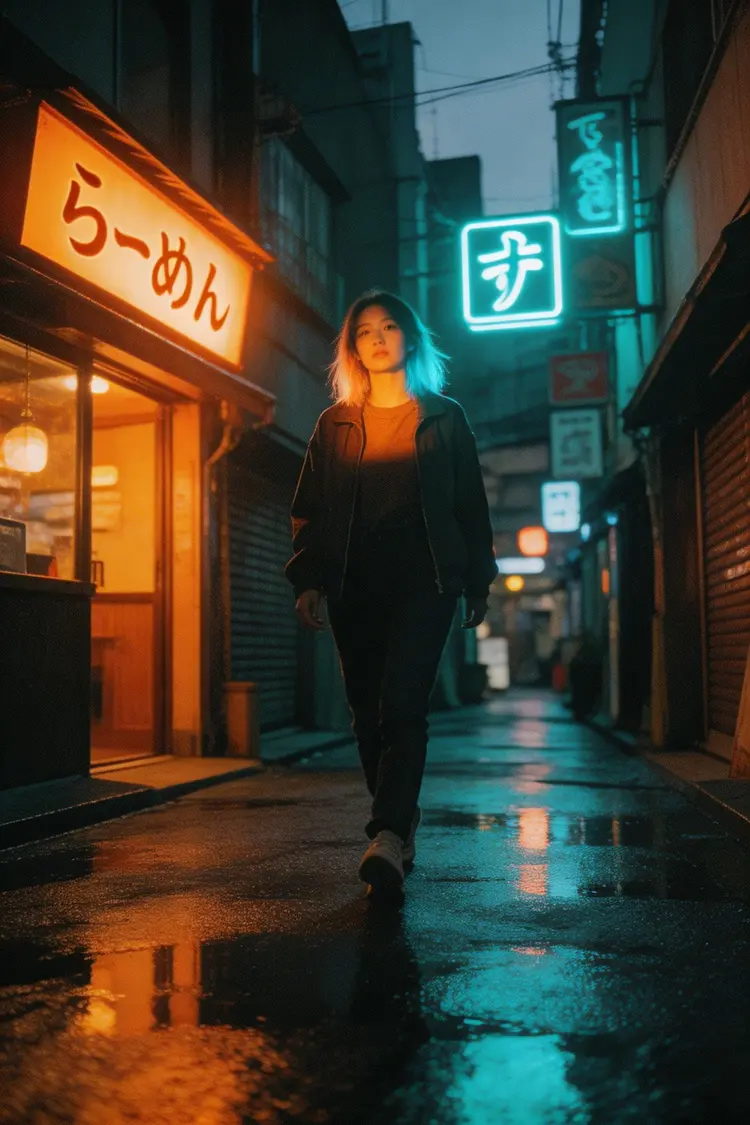
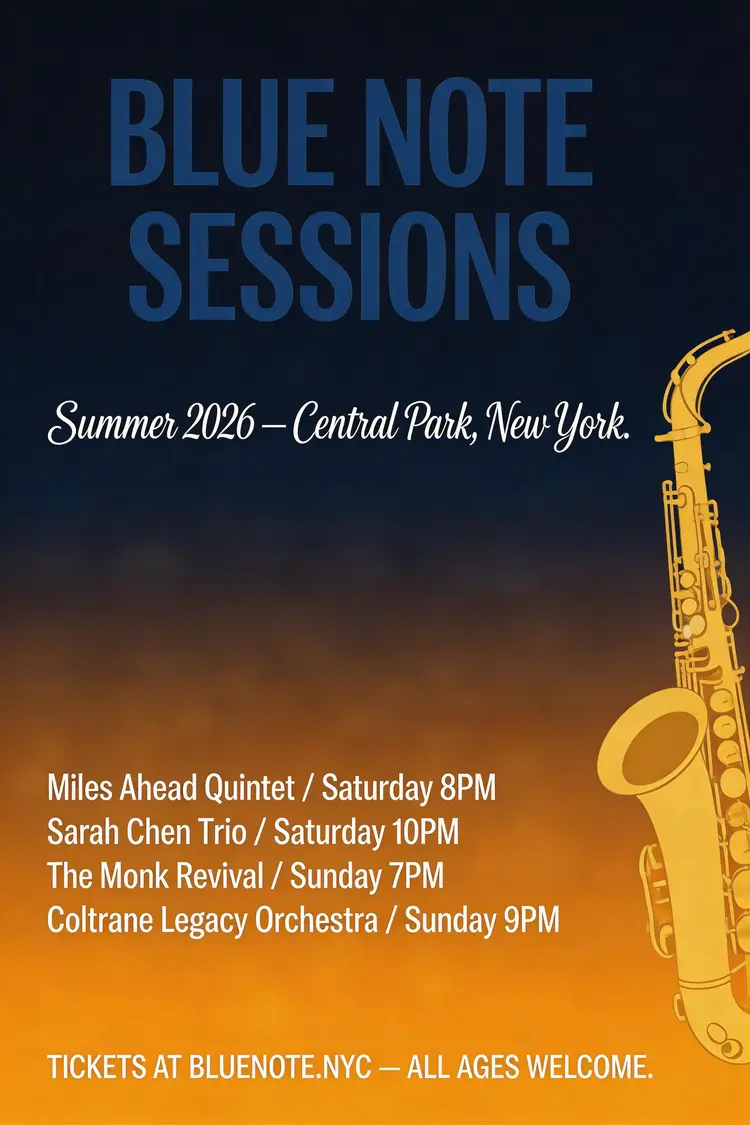
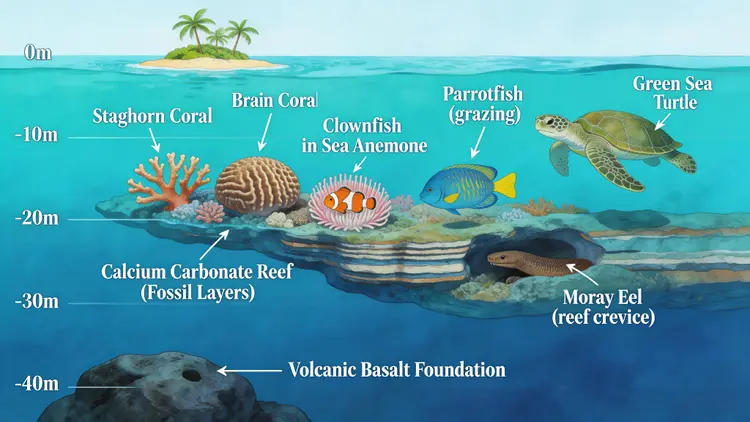
Seedream 5 Lite is a text-to-image model built for people who need quality results fast. Whether you're working on a social post, a product concept, or a creative project, it takes your written description and returns a detailed image at up to 3072px — without any setup or technical knowledge. The model supports reference image input, so you can guide the output using photos you already have. Feed it one image or up to fourteen, and it adapts the generation to match your visual direction. You can also generate multiple related images in a single run — useful when you need a set of scene variations or character concepts rather than just one result. In practice, this fits neatly into any visual workflow: sketch an idea in words, drop in a reference photo if you have one, pick your aspect ratio, and get a finished image in seconds. If you've been putting off a project because generating visuals felt complicated, this is the place to start.

Official

Bytedance

148.8k runs

Seedream 5 Lite

2026-02-24

Commercial Use

Seedream 5 Lite – Free AI Image Generator Online
Table of contents
  • Overview
  • How It Works
  • Key Features
  • Frequently Asked Questions
  • Credit Cost
  • Use Cases
Get Nano Banana Pro

Overview

Seedream 5.0 Lite is a text-to-image generation model built by ByteDance that turns written descriptions into finished visual artwork within seconds. It addresses one of the most common creative frustrations: the gap between what you can imagine and what you can actually produce without design software or artistic training. Whether you need a product mockup, a stylized illustration, or a concept image for a presentation, this model handles the translation from words to visuals with built-in reasoning that interprets your intent rather than just your literal text. You can access it directly on Picasso IA, no coding required, no subscriptions to juggle, and no steep learning curve to climb.

How It Works

  • Write your description. Start by typing what you want to see. The more detail you include about style, mood, lighting, and subject matter, the more precisely the output will match your vision.
  • The model reasons through your prompt. Unlike simpler generators, Seedream 5.0 Lite applies built-in reasoning to interpret context, resolve ambiguities, and apply deep domain knowledge across art styles, photography, design, and illustration.
  • Example-based editing refines the direction. If you have a reference image or a prior output you liked, the model can use that as a starting point for stylistic alignment, keeping results consistent across multiple generations.
  • Generation runs automatically. Within moments, the model produces your image. No rendering queues, no manual adjustments required before you see a result.
  • Download or iterate. You receive a finished image you can save immediately, or you can tweak your prompt and regenerate until the output matches what you had in mind.

Key Features

  • Built-in prompt reasoning means the model does not take your words at face value alone. It interprets context and intent, so even loosely worded prompts tend to produce coherent, on-target images.
  • Example-based editing support lets you anchor new generations to a visual reference, giving you stylistic consistency across a series of images without having to write increasingly complex prompts.
  • Deep domain knowledge covers a wide range of visual categories including product photography, editorial illustration, digital art, architectural rendering, and more, so you are not limited to a single aesthetic lane.
  • Instant results with no setup means you go from typed idea to finished image in seconds, making it practical for tight deadlines or rapid brainstorming sessions.
  • No coding required to operate any part of the workflow. The entire experience is built around plain-language inputs and visual outputs.
  • Flexible creative control through prompt parameters lets you adjust aspect ratio, style emphasis, and output detail level, so you can dial in results that fit your specific project needs.

Frequently Asked Questions

Do I need programming skills or technical knowledge to use this? No — just open seedream-5-lite on Picasso IA, adjust the settings you want, and hit generate. The entire workflow is built for people who want results, not people who want to configure infrastructure.

Is it free to try? Yes, you can run seedream-5-lite without any upfront payment or account setup barriers. Free access lets you test the model with your own prompts before committing to anything further.

How long does it take to get results? Most generations complete within a few seconds. The exact time depends on the complexity of your prompt and current server load, but you are rarely waiting more than half a minute for a finished image.

Can I customize the output quality or style? Absolutely. You can specify visual style, lighting conditions, mood, color palette, and compositional details directly in your prompt. The model's reasoning layer picks up on these nuances and applies them without requiring special syntax or formatting.

What output formats are supported? Generated images are delivered as standard image files ready for immediate use in presentations, social media, design tools, or any other digital context. No conversion steps needed after downloading.

What happens if I am not happy with the result? Simply adjust your prompt and generate again. Because the model uses reasoning rather than rigid pattern matching, small changes to wording, added descriptive detail, or a shifted emphasis can produce noticeably different results. Iteration is fast, so experimenting costs you nothing but a few seconds.

Where can I use the outputs? Images generated through the model can be used across a broad range of personal and professional contexts including marketing materials, concept development, social content, and prototyping. Always review the platform's usage terms for commercial applications to make sure your use case is covered.

Try seedream-5-lite on Picasso IA right now and see exactly what your words look like when they become images.

Credit Cost

Each generation consumes 0.8 credits

0.8 credits
or 4 credits for 5 generations

Use Cases

Type a detailed product description to generate a clean mockup on a neutral background, ready for an e-commerce listing.

Upload a reference photo of a room and describe the mood you want to get a redesigned interior visual at 3K resolution.

Describe a character with specific clothing and lighting to produce multiple variations in one batch for a game or comic project.

Paste in a brand color reference image and write a scene description to generate social media visuals that stay on-brand.

Use a 9:16 aspect ratio and a text prompt to create a portrait-format illustration sized perfectly for Instagram Stories or TikTok thumbnails.

Input a rough sketch as a reference image and describe the finished style you want to receive a polished version of your concept.

Generate a sequence of related story scenes in a single run by enabling sequential generation and writing a narrative prompt.

Describe a logo concept with specific shapes and colors to get a set of visual interpretations you can hand off to a designer.

Switch Category

Text To Image

Text To Image

Text To Video

Large Language Models

Large Language Models

Text To Speech

Text To Speech

Super Resolution

Super Resolution

Lipsync

AI Music Generation

AI Music Generation

Video Editing

Speech To Text

Speech To Text

AI Enhance Videos

Remove Backgrounds

Remove Backgrounds

Effects