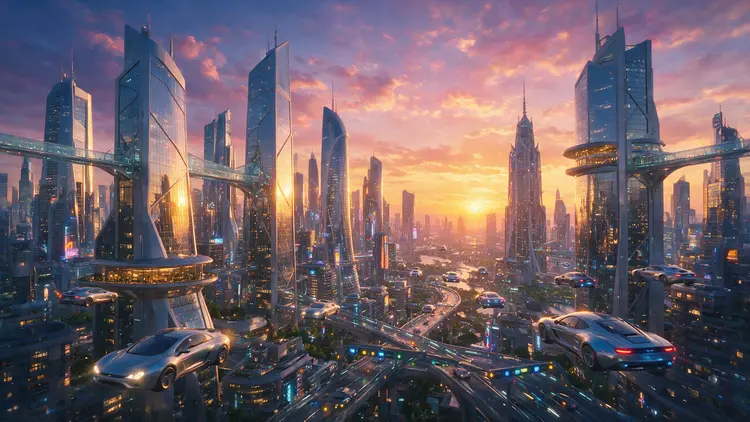
Seedream 5 Pro turns a written description, or a handful of reference photos, into a finished image without any design software open on your screen. It solves the blank canvas problem for anyone who needs a visual fast: a product shot, a character portrait, a mood board panel, and doesn't have hours to spend in an editor. The model reads prompts up to several thousand characters long, so you can describe lighting, composition, and mood in detail and still get an image that matches what you pictured. Feed it up to 10 reference images at once and it blends faces, objects, or styles from each one into a single result. Choose 1K for a quick draft or 2K when you need a sharper file for print or a large screen. Drop it into a content calendar, a client mockup, or a personal art project the same way you'd use any other step in your workflow: write the prompt, attach references if you have them, pick a resolution, and generate. Open Seedream 5 Pro on Picasso IA and try it with your own prompt.
Seedream 5 Pro turns a written prompt, or up to ten reference photos, into a sharp new image at 1K or 2K resolution. If you need a product shot redone in a new setting, a character kept consistent across several scenes, or a rough idea turned into a finished picture without opening an editor, this model handles it straight from text. On Picasso IA, you type what you want, add reference images if the result needs to match something specific, and the model builds the picture from there. It reads longer, detailed prompts well, so a paragraph describing lighting, composition, and mood tends to produce a more accurate result than a single short phrase.
Do I need programming skills or technical knowledge to use this? No, just open Seedream 5 Pro on Picasso IA, adjust the settings you want, and hit generate.
Is it free to try? Yes, you can generate images with Seedream 5 Pro on Picasso IA without writing any code or connecting external accounts. Pricing and any usage limits are shown directly on the platform.
How long does it take to get results? Most images finish in a matter of seconds, whether you're generating from a text prompt or from reference photos. 2K resolution takes a little longer than 1K since there's more detail to render.
What output formats are supported? You can save your image as a PNG for lossless quality or a JPEG for a smaller file size. Both formats are ready to use right after generation, with no extra conversion needed.
Can I customize the output quality or style? Yes. Resolution, aspect ratio, and the number of reference images you supply all shape the final look, and a more detailed prompt gives you finer control over style and composition.
How many times can I run the model? You can run it as many times as you like, adjusting the prompt or swapping reference images between attempts. Each run is independent, so refining a result is just a matter of tweaking the input and generating again.
Where can I use the outputs? Images generated with Seedream 5 Pro are yours to use in product listings, social posts, concept art, or any other project. Since files are saved locally after download, there's nothing tying them to the platform once you have them.
Everything this model can do for you
Output crisp 1K or 2K images ready for web or print without extra upscaling.
Combine up to 10 reference photos in a single generation for consistent results.
Pick from square, portrait, landscape, or ultra-wide framing to match any platform.
Write detailed descriptions up to thousands of characters for precise control over the scene.
Save finished images as PNG or JPEG depending on your project needs.
Match the output aspect ratio to your uploaded reference image automatically.
Get a finished image back in seconds instead of minutes of manual editing.