Overview
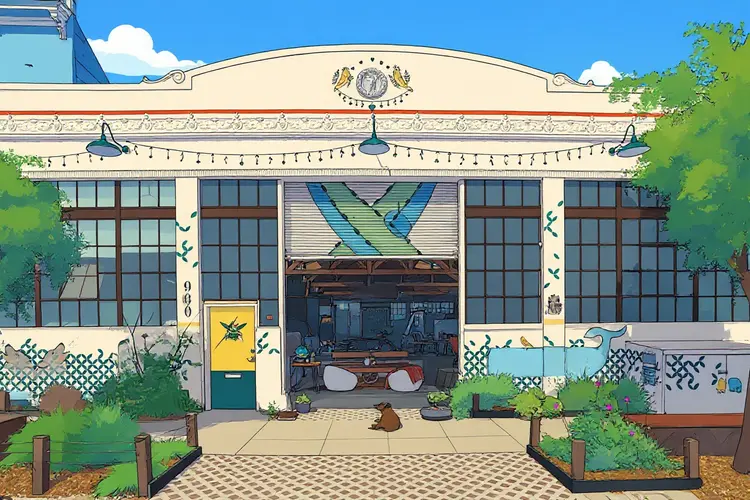
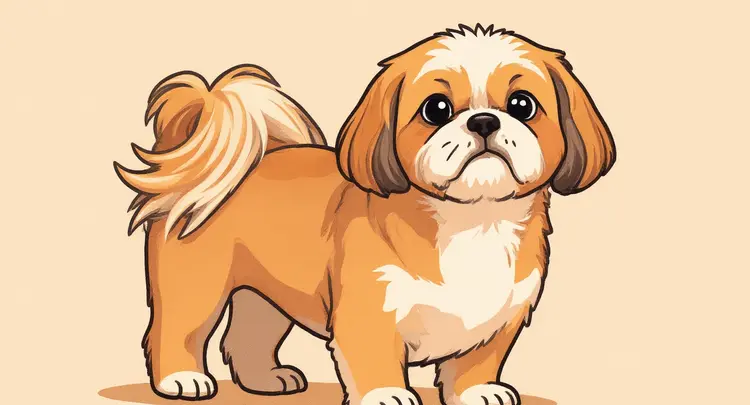
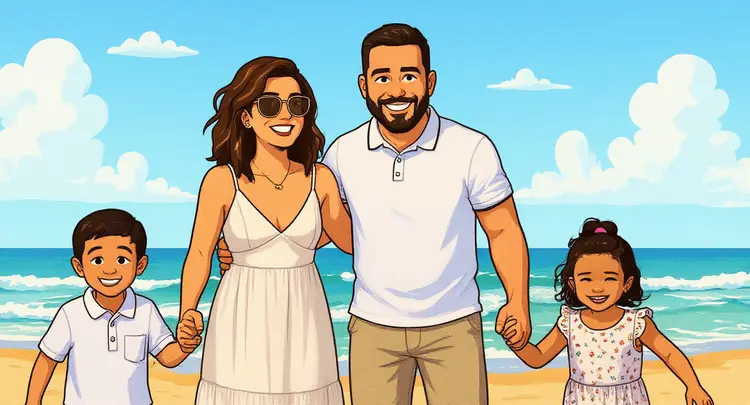
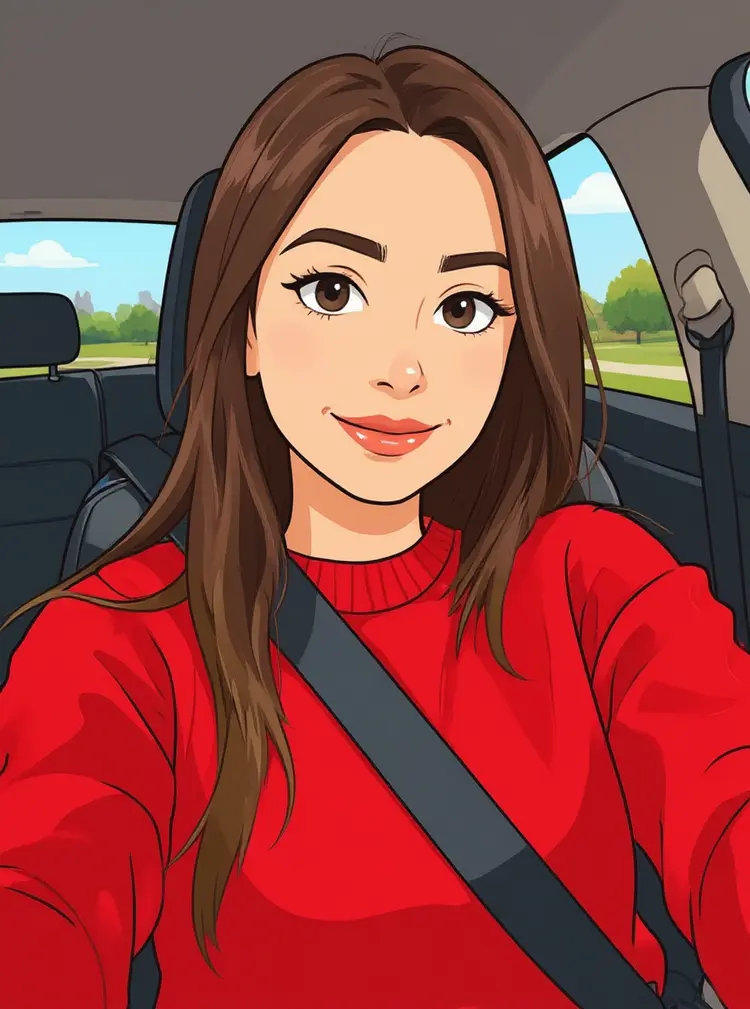
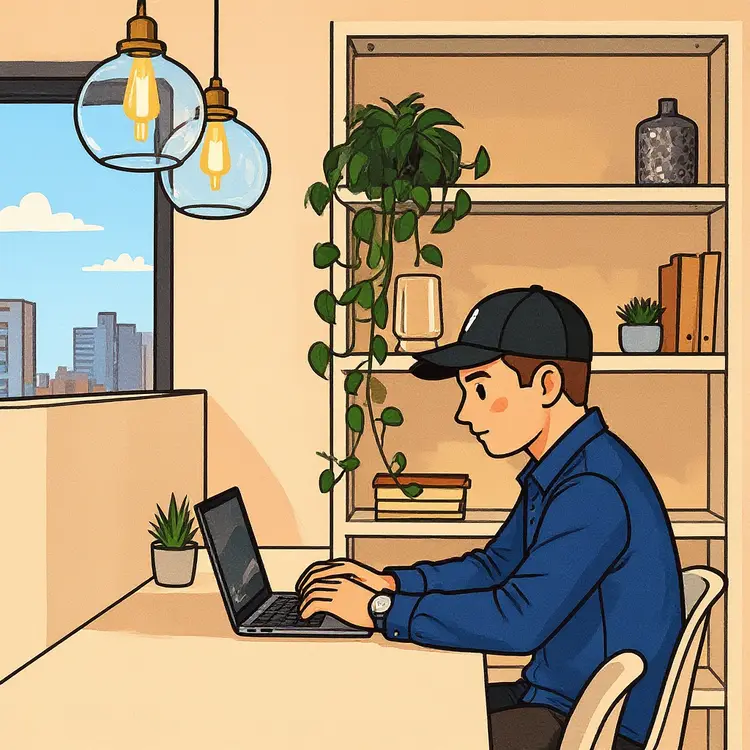
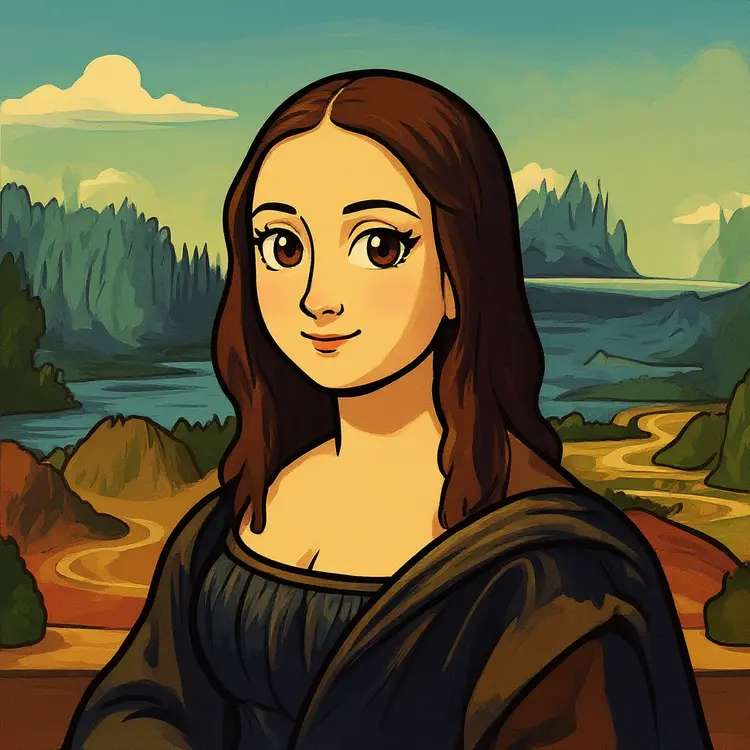
Cartoonify takes any real photo and converts it into a cartoon-style image with clean outlines, vivid flat colors, and the bold graphic shading you see in animated features. The problem it solves is straightforward: getting a stylized illustration from a photo used to mean hiring an artist or spending hours in editing software. Now you upload an image, pick your output settings, and get a cartoon version back in seconds. Picasso IA hosts Cartoonify as a no-code tool, so anyone can run it without touching a line of code. It works on portraits, pets, products, landscapes, and nearly any photo subject.
How It Works
- Upload your source photo in JPEG, PNG, GIF, or WEBP format. Portraits and close-up shots tend to produce the sharpest cartoon results.
- Choose an aspect ratio for the output. You can match the dimensions of your original image exactly, or switch to a standard ratio like 1:1, 16:9, or 9:16 for social media or print.
- Set a seed number if you want to reproduce the same result later. Leave it blank and the model picks one at random, giving you a fresh interpretation each run.
- Click generate. The model processes your image and returns the cartoon version, usually within a few seconds.
- Download your finished image as a JPG or PNG file, whichever format fits your project best.
Frequently Asked Questions
Do I need programming skills or technical knowledge to use this?
No, just open Cartoonify on Picasso IA, adjust the settings you want, and hit generate.
Is it free to try?
Yes, you can run Cartoonify without any upfront payment. Picasso IA offers free access so you can test the model, with optional plans available if you need higher usage volumes or faster processing.
How long does it take to get results?
Most images finish processing in under 10 seconds. Larger or higher-resolution uploads may take a little longer, but you won't typically be waiting more than a minute under normal conditions.
What output formats are supported?
You can save your cartoon image as a JPG or PNG. PNG is better when you need a clean background or plan to layer the image in another tool; JPG keeps file sizes smaller and works well for web and social media posts.
Can I customize the output style?
The cartoon look is built into the model, so there is no style dial to adjust. You do control the aspect ratio, and reusing the same seed lets you reproduce a specific result. Changing the seed gives the model a different starting point, which can shift the overall feel of the output noticeably.
What happens if I am not happy with the result?
Start by refining your source image. Better lighting, a less cluttered background, or a tighter crop around the subject often leads to a cleaner cartoon output. You can also run the same photo multiple times with different seeds to compare variations side by side.