• Picasso AI Logo
    Logo Picasso IA
  • Home
  • AI Image
    Nano Banana 2
  • AI Video
    Veo 3.1 Fast
  • AI Chat
    Gemini 3 Pro
  • Edit Images
  • Upscale Image
  • Remove Background
  • Text to Speech
  • Effects
    NEW
  • Generations
  • Billing
  • Support
  • Account
  1. Collection
  2. Text to Image
  3. Change Haircut

Change Haircut: Swap Styles on Any Photo

Changing your hair is one of the most visible decisions you can make, yet visualizing a new style before committing is nearly impossible without expensive salon consultations or clunky apps. Change Haircut lets you upload a photo and instantly see how dozens of different cuts and colors look on your actual face, before you book a single appointment. You get access to over 100 distinct haircut styles, from pixie cuts and French braids to box braids, Hollywood waves, and mohawks, paired with more than 30 color options from platinum blonde to rose gold. You can lock in the gender context for more accurate results, and control the output aspect ratio so the image fits wherever you plan to use it. Every result downloads as a clean PNG or JPG with no watermarks. The model fits naturally into any pre-appointment routine, social media planning session, or creative styling project. Upload your photo, select your style and color, and get a realistic preview in seconds. Whether you are a stylist showing clients their options or someone deciding whether to go short for the first time, the result is right there on screen.

Official

Flux Kontext Apps

199.2k runs

Change Haircut

2025-05-27

Commercial Use

Change Haircut: Swap Styles on Any Photo

Table of contents

  • Overview
  • How It Works
  • Frequently Asked Questions
  • Credit Cost
  • Features
  • Use Cases
  • Examples
Get Nano Banana Pro

Overview

Change Haircut lets you swap someone's hairstyle and hair color by uploading a single photo. No manual editing, no software, no layers. You pick a style from a list of over 100 options, choose a color if you want one, and the model applies the change directly to the person in the image while leaving their face, skin tone, and the rest of the photo untouched. It's available on Picasso IA as a browser-based tool, so there's nothing to install and no technical setup required. Whether you're planning a real haircut, building a character concept, or putting together a mood board for a client, this model gives you a visual answer in seconds.

How It Works

  • Upload a clear photo of the person whose hair you want to change (JPEG, PNG, GIF, or WebP).
  • Choose a haircut from the style menu. Options include everything from a pixie cut or blunt bob to cornrows, box braids, or a French twist.
  • Select a new hair color from the color picker, or leave it on "No change" if you only want to alter the cut.
  • Set the gender option to help the model apply the style more accurately, and adjust the aspect ratio if needed.
  • Hit generate and download your result as a PNG or JPG.

Frequently Asked Questions

Do I need programming skills or technical knowledge to use this? No, just open Change Haircut on Picasso IA, adjust the settings you want, and hit generate.

Is it free to try? Yes, you can run the model directly in your browser without any installation or account setup. No subscription or sign-in is needed to get started.

How long does it take to get results? Most edits finish in a few seconds. The exact time depends on your image size and the complexity of the chosen style.

Can I change just the color without touching the haircut? Yes. Set the haircut option to "No change" and only the color will be modified. The two controls work independently, so you can adjust one or both at the same time.

What if I want to compare several different styles? Run the model as many times as you need. Set the seed to the same number across runs to keep the base result consistent, then swap only the haircut or color to compare options side by side.

Where can I use the output images? The generated images download as clean PNG or JPG files with no watermarks. You can use them in client presentations, social posts, editorial concepts, or personal projects.

What if the result doesn't look right? Try switching the gender setting, which helps the model match styles to the person in the photo more accurately. If the composition still feels off, adjusting the aspect ratio to better fit your source image usually helps.

Credit Cost

Each generation consumes 1 credit

1 credit

or 5 credits for 5 generations

Features

Everything this model can do for you

100+ hair styles

Choose from straight cuts, braids, buns, updos, and more, all selectable from a dropdown.

30+ hair colors

Pick from natural tones, highlights, and vivid shades like rose gold or blue-black.

Gender context

Set the gender parameter to get cuts that better match the person in the photo.

Flexible aspect ratios

Output in 14 ratio options or match the original image dimensions exactly.

Clean downloads

Receive PNG or JPG files with no watermarks, ready to share or print.

Reproducible results

Save the seed value to regenerate the exact same output at any time.

Fast turnaround

Get a styled result in seconds without rendering queues or wait times.

Use Cases

Preview how a pixie cut looks on your face before booking a salon appointment

Test 30+ hair colors, from copper to platinum blonde, on a single photo without any dye

Show clients their styling options side by side by running the same photo through multiple hairstyles

Add realistic braids or updos to a portrait for editorial or social media mockups

Create before-and-after content by generating a styled version of a plain headshot

Check how a bold cut like a mohawk or dreadlocks fits a specific face shape

Generate multiple color variations of the same cut to find the one that works best

Examples

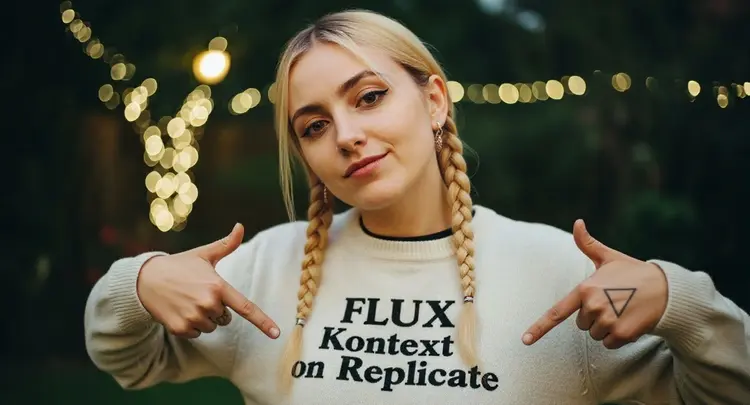
Input
Input 1
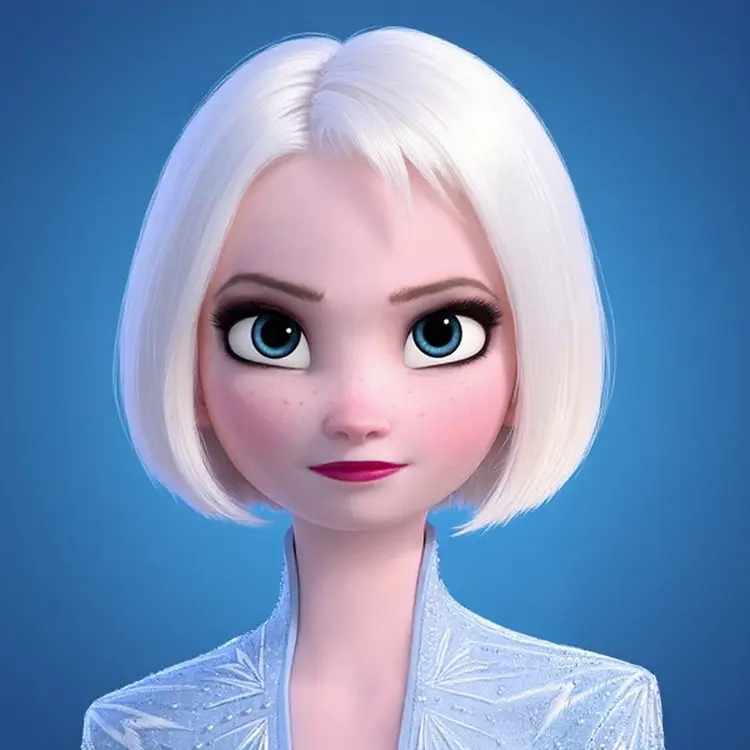
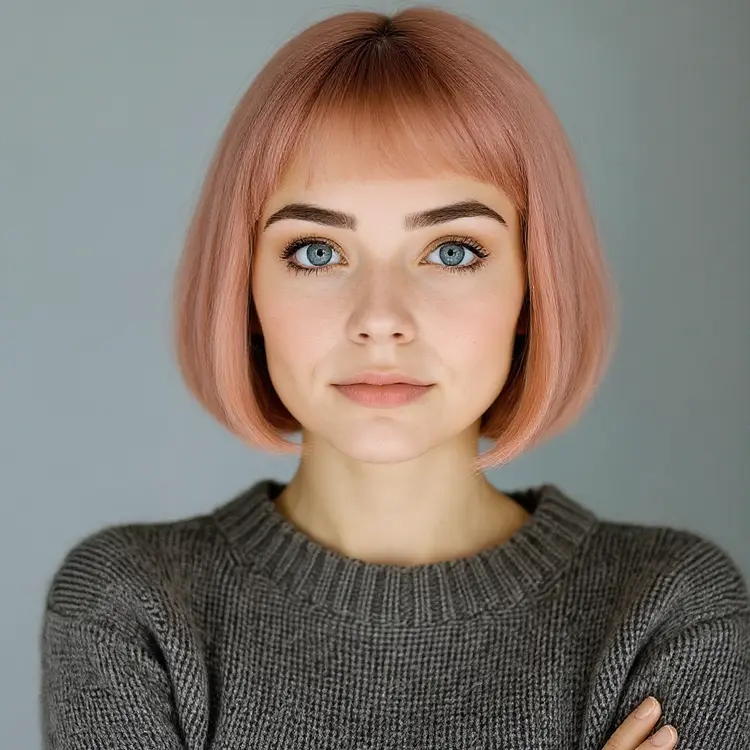
Output
6.2s
View Example
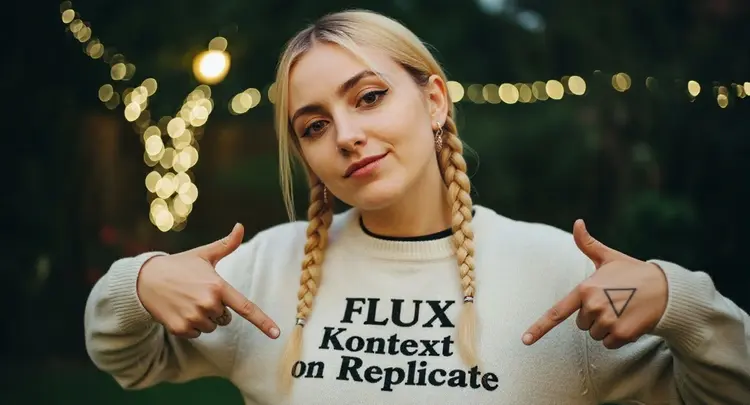
Input
Input 1
Output
6.0s
View Example
Input
Input 1
Output
6.7s
View Example

Switch Category

Effects

Text To Image

Text To Image

Text To Video

Large Language Models

Large Language Models

Text To Speech

Text To Speech

Super Resolution

Super Resolution

Lipsync

AI Music Generation

AI Music Generation

Video Editing

Speech To Text

Speech To Text

AI Enhance Videos

Remove Backgrounds

Remove Backgrounds