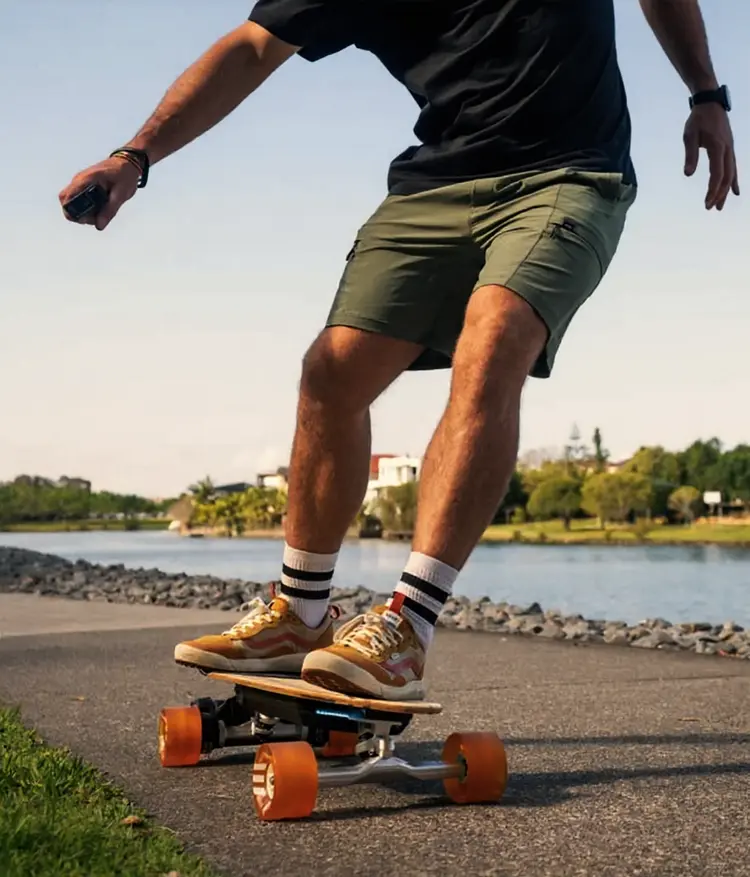
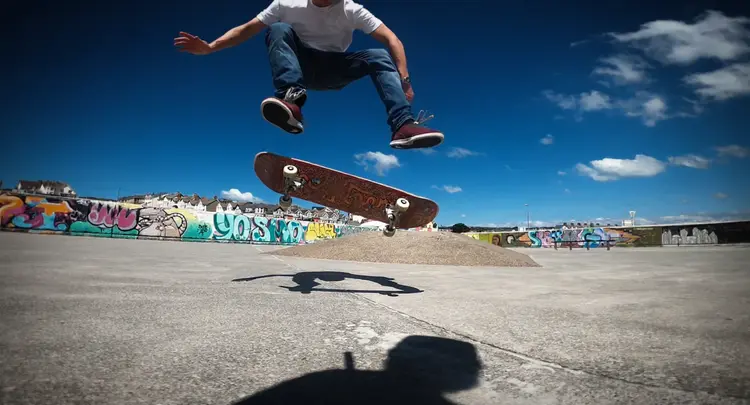
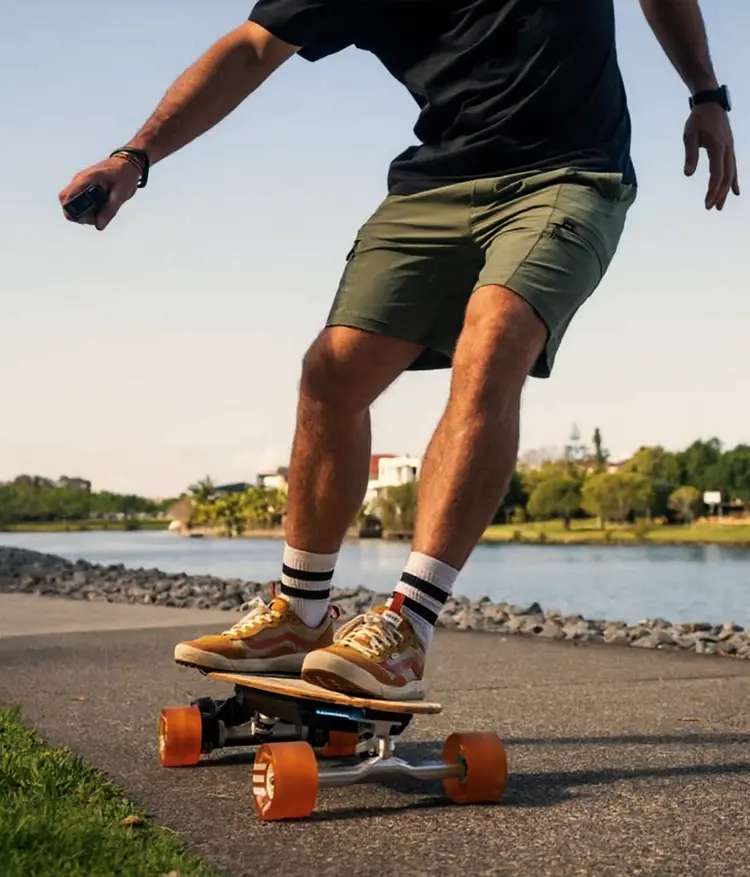
Getting a sharp subject against a soft, blurred background used to require an expensive camera lens or hours of manual retouching. Depth of Field solves that by applying professional background blur to any photo you upload, giving portraits and product shots the polished look of a studio session in seconds. Choose from over 25 blur styles, from creamy bokeh and ultra shallow depth of field to cinematic blur and fashion photography separation. The model recognizes your subject automatically and applies the effect only to the background, preserving facial details and clean edges. You can also pick the aspect ratio to match your target platform, whether that is a square social post, a 16:9 banner, or a vertical mobile story. This fits naturally into any content or photography workflow. Upload a raw shot from your phone, pick a blur preset that matches the mood you want, and download a print-ready file in PNG or JPG. No subscription required and no setup to configure.
Depth of Field takes any photo and applies professional background blur, making your subject stand out the way it does in high-end portrait and commercial photography. The problem is simple: most photos look flat because the background competes with the subject for attention. With Depth of Field on Picasso IA, you upload a single image, choose a blur style, and the model separates your subject from its surroundings with precision. A casual headshot becomes a polished profile photo. A product snap turns into a clean commercial image ready to publish.
Do I need programming skills or technical knowledge to use this? No, just open Depth of Field on Picasso IA, adjust the settings you want, and hit generate.
Is it free to try? Yes, you can run Depth of Field on Picasso IA without any upfront payment. Check the pricing page for details on generation credits and available plans.
How long does it take to get results? Most images process in under 30 seconds. Processing time can vary slightly based on image size and the blur style selected.
What blur styles are available? There are over 25 preset styles to choose from, including ultra shallow depth of field, maximum bokeh, cinematic blur, golden hour lighting with background blur, fashion photography blur, and more. Each produces a distinct look suited to different photo types.
Can I control the output format and dimensions? Yes. You can choose between JPG and PNG output and set a specific aspect ratio from a wide list of options, or match the dimensions of your original image automatically.
What types of photos work best? Portraits, headshots, product shots, and any image with a clear subject in the foreground tend to produce the sharpest results. Photos with a distinct subject against a visible background respond most cleanly to the blur effect.
What if the result does not look right on the first try? Switch to a different blur style or try adjusting the aspect ratio setting. Because each run takes only seconds, you can iterate several times in one session until the output fits your needs.
Everything this model can do for you
Pick from bokeh, cinematic, fashion, portrait, and studio styles in a single dropdown.
Separates your subject from the background so the blur applies only where needed.
Match the output to your target format, from square posts to widescreen banners and vertical stories.
Download clean, watermark-free files ready for print or digital publishing.
Save the seed value to regenerate the exact same result for batch consistency.
Set male, female, or none to refine subject edge detection around hair and skin.
Configure the content filter level before generating to match your project requirements.