• Picasso AI Logo
    Logo Picasso IA
  • Home
  • AI Image
    Nano Banana 2
  • AI Video
    Veo 3.1 Fast
  • AI Chat
    Gemini 3 Pro
  • Edit Images
  • Upscale Image
  • Remove Background
  • Text to Speech
  • Effects
    NEW
  • Generations
  • Billing
  • Support
  • Account
  1. Collection
  2. Text to Image
  3. Iconic Locations

Place Yourself at Iconic Locations Worldwide

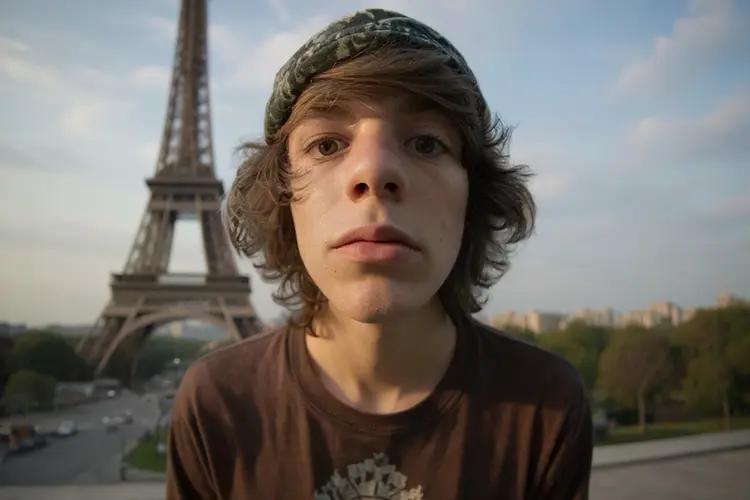
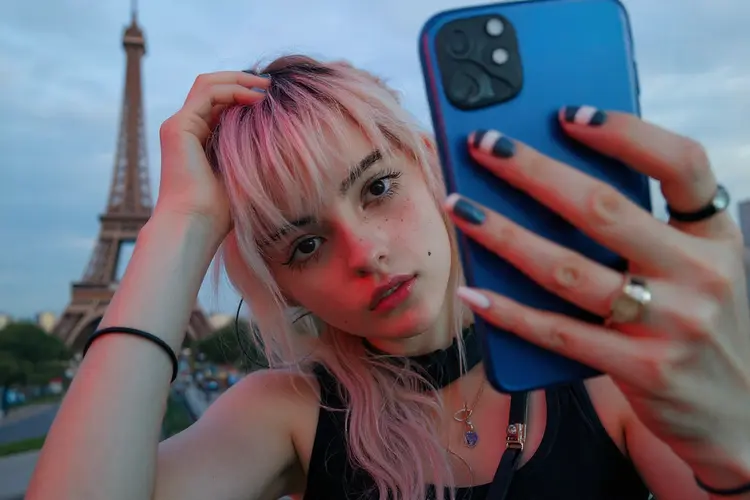
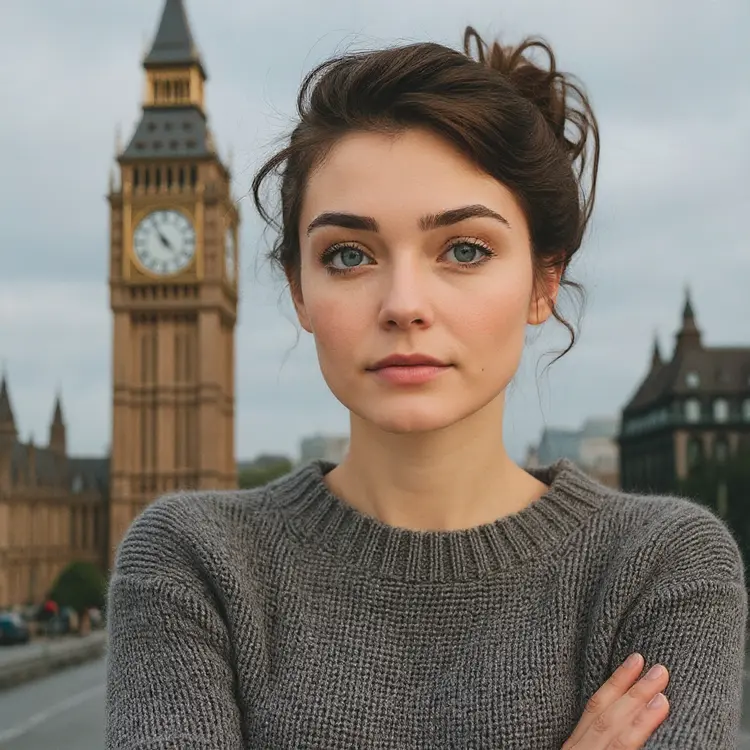
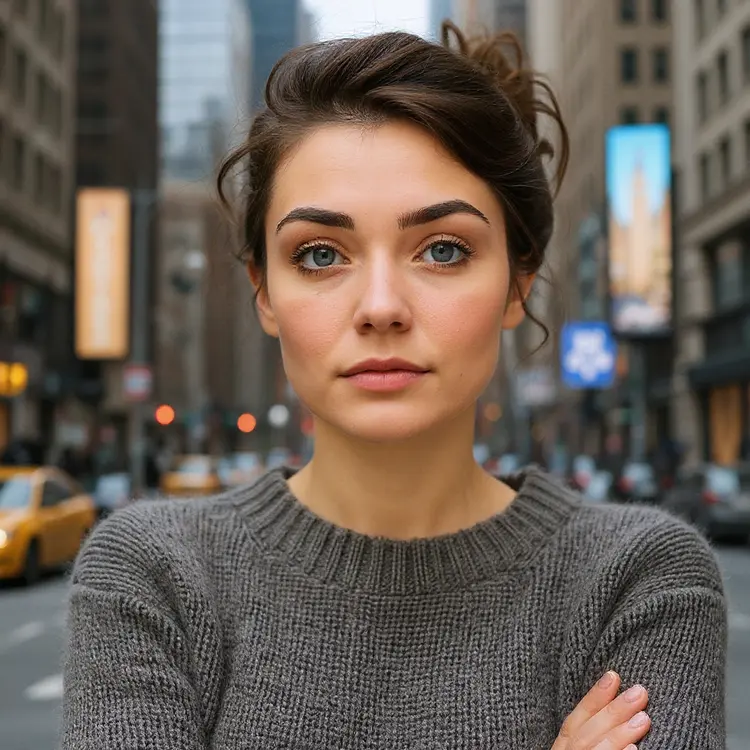
Iconic Locations takes a single portrait photo and places the person inside a scene at one of the world's most recognizable landmarks. If you want to appear at the Taj Mahal, the Grand Canyon, or the Shibuya Crossing without buying a plane ticket, this tool makes it happen in seconds. Upload one image, pick a destination, and get a realistic composite photo you can actually use. The model includes over 70 landmark presets across six continents, from European classics like Sagrada Familia and Santorini to natural wonders like Everest Base Camp and Victoria Falls. Output aspect ratios are fully configurable, so the result fits a social post, a widescreen banner, or a portrait card without any manual cropping. A gender-aware rendering parameter and fixed seed option give you repeatable, consistent results across multiple runs. Travel brands, content creators, and anyone who wants a striking location photo without a production budget will find a natural fit here. Pick a landmark from the dropdown, adjust the format if needed, and download a clean PNG or JPG. The whole process takes less than a minute per image.

Official

Flux Kontext Apps

12.1k runs

Iconic Locations

2025-05-28

Commercial Use

Place Yourself at Iconic Locations Worldwide

Table of contents

  • Overview
  • How It Works
  • Frequently Asked Questions
  • Credit Cost
  • Features
  • Use Cases
  • Examples
Get Nano Banana Pro

Overview

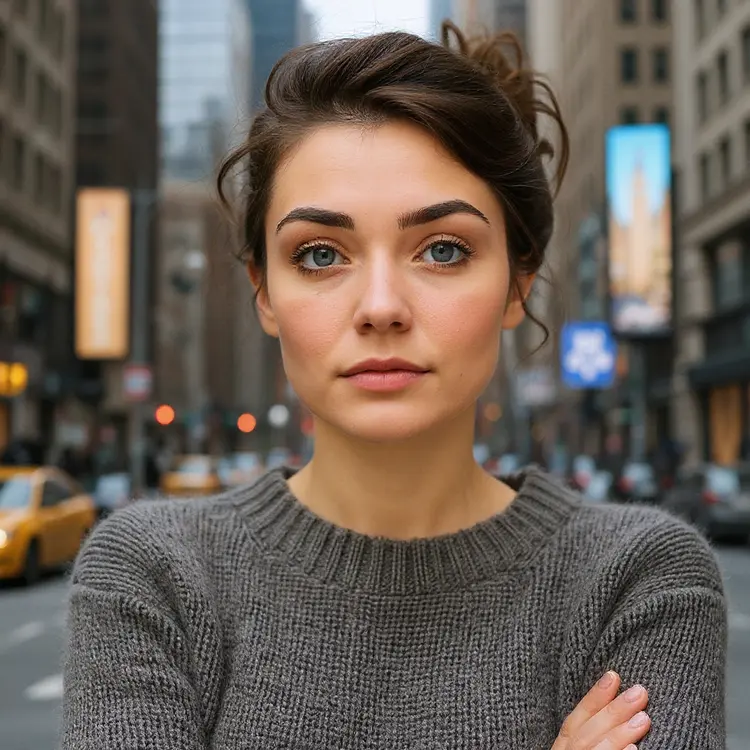
Iconic Locations places any person from a single photo into more than 60 of the world's most recognizable landmarks, no travel required. Upload a portrait, choose a destination from the Eiffel Tower to Everest Base Camp, and the model integrates the subject naturally into that scene. On Picasso IA, this runs directly in your browser with no design software or complex editing needed. It's practical for travel-themed social content, creative profile pictures, or client projects where you need someone placed in a specific setting fast.

How It Works

  • Upload a clear photo of the person you want to place (JPEG, PNG, GIF, or WebP formats accepted).
  • Pick from over 60 iconic destinations in the location dropdown, from the Colosseum and Taj Mahal to Bali and the Northern Lights.
  • Choose an aspect ratio: match your original photo automatically, or set a specific format like 16:9 for landscape or 9:16 for vertical social posts.
  • Optionally set the gender parameter to give the model more accurate context for compositing the subject.
  • Hit generate and download your image in PNG or JPG, clean and ready to use.

Frequently Asked Questions

Do I need programming skills or technical knowledge to use this? No, just open Iconic Locations on Picasso IA, adjust the settings you want, and hit generate.

Is it free to try? Yes, you can run Iconic Locations without a paid plan to get started. Credit availability depends on your account tier on Picasso IA.

How long does it take to get results? Most images are ready in under 20 seconds. Generation time can vary slightly depending on server load and the selected output format.

What output formats are supported? You can download results as PNG or JPG. PNG is the default and preserves the most detail; JPG is smaller and easier to share or attach directly.

Can I customize the composition or reproduce the same result? Yes. You can control the aspect ratio, provide a gender hint for more accurate subject placement, and fix the seed value to reproduce identical results across multiple runs.

How many images can I generate? Each run uses credits from your account. There is no hard cap on total generations, so you can iterate as many times as your available credits allow.

Where can I use the images I create? You can download and use them for personal projects, social media, portfolios, or client work. Images come without watermarks.

Credit Cost

Each generation consumes 1 credit

1 credit

or 5 credits for 5 generations

Features

Everything this model can do for you

70+ preset locations

Choose from landmarks on six continents, including the Colosseum, Machu Picchu, and the Northern Lights.

Aspect ratio control

Match the output to your original photo or switch to 16:9, 9:16, or square format for any platform.

Gender-aware rendering

Set the gender parameter to produce a more natural-looking placement for the person in the scene.

Reproducible results

Lock in a seed value to regenerate the exact same output whenever you need a consistent look.

Two output formats

Download your image as a clean PNG or JPG, ready for posting, printing, or sharing.

Single photo input

All you need is one portrait image in JPEG, PNG, GIF, or WEBP format to get going.

No editing required

The model composites the landmark scene automatically with no manual masking or layering needed.

Use Cases

Upload a portrait and generate a realistic photo of yourself standing at the Eiffel Tower without traveling

Create social media content showing a friend or client at their dream destination from a single headshot

Produce travel-themed profile pictures by placing any person in front of landmarks like the Colosseum or Taj Mahal

Generate mockup photos for travel agencies showing customers at specific destinations before they book a trip

Make personalized greeting cards by placing the recipient at a famous location as a fun surprise

Test how a person looks at different world landmarks by switching locations without re-uploading the photo

Build branded content for tourism campaigns by placing a model photo in multiple destination scenes

Examples

Input
Input 1
Output
6.2s
View Example
Input
Input 1
Output
6.5s
View Example
Input
Input 1
Output
5.6s
View Example
Input
Input 1
Output
6.6s
View Example
Input
Input 1
Output
7.2s
View Example
Input
Input 1
Output
6.9s
View Example

Switch Category

Effects

Text To Image

Text To Image

Text To Video

Large Language Models

Large Language Models

Text To Speech

Text To Speech

Super Resolution

Super Resolution

Lipsync

AI Music Generation

AI Music Generation

Video Editing

Speech To Text

Speech To Text

AI Enhance Videos

Remove Backgrounds

Remove Backgrounds