• Picasso AI Logo
    Logo Picasso IA
  • Home
  • AI Image
    Nano Banana 2
  • AI Video
    Veo 3.1 Fast
  • AI Chat
    Gemini 3 Pro
  • Edit Images
  • Upscale Image
  • Remove Background
  • Text to Speech
  • Effects
    NEW
  • Generations
  • Billing
  • Support
  • Account
  1. Collection
  2. Text to Image
  3. Impossible Scenarios

Place Yourself in Impossible Scenarios

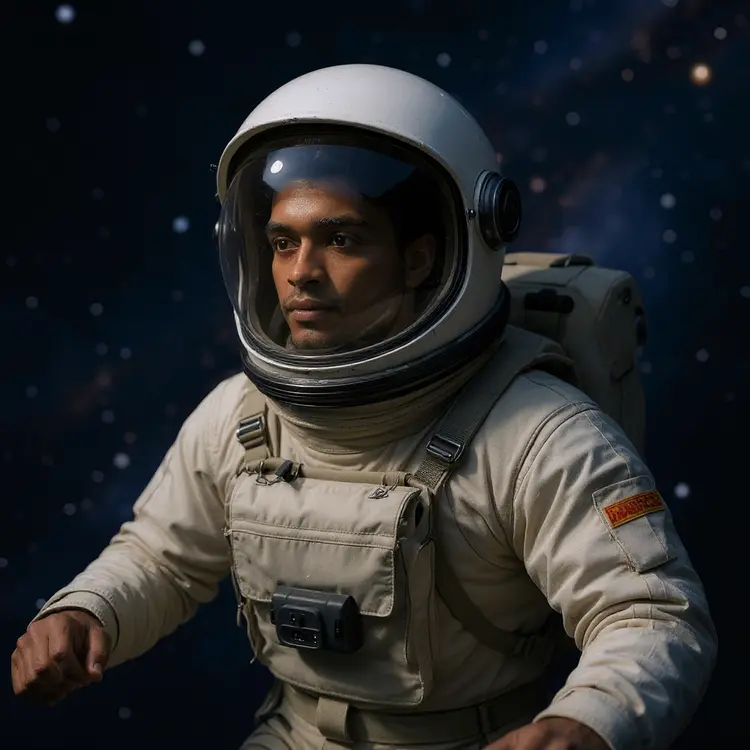
Impossible Scenarios takes a portrait photo and places the person into one of over 30 cinematic extreme scenes, from floating in orbit to surfing a tsunami. The problem it solves is simple: most people will never skydive from 30,000 feet or stand on Mars, but they can see themselves there in seconds. Upload one photo, pick a scenario, and get back a fully rendered image where the person looks like they genuinely belong in that world. The model handles lighting, perspective, and costume automatically to match the scene. Whether you pick free-climbing El Capitan or a gorilla encounter in dense jungle, the output shows the person in accurate gear with scene-appropriate details. You can also control aspect ratio across 13 preset options, match your input image's proportions, and switch between PNG and JPG output. It fits naturally into social media content, personalized gifts, campaign mockups, and event materials. Feed it a headshot and a scenario, and in a few seconds you have a finished image ready to download. If the first result is not quite right, regenerate with a different seed or swap scenarios until you get exactly what you want.

Official

Flux Kontext Apps

6.2k runs

Impossible Scenarios

2025-05-29

Commercial Use

Place Yourself in Impossible Scenarios

Table of contents

  • Overview
  • How It Works
  • Frequently Asked Questions
  • Credit Cost
  • Features
  • Use Cases
  • Examples
Get Nano Banana Pro

Overview

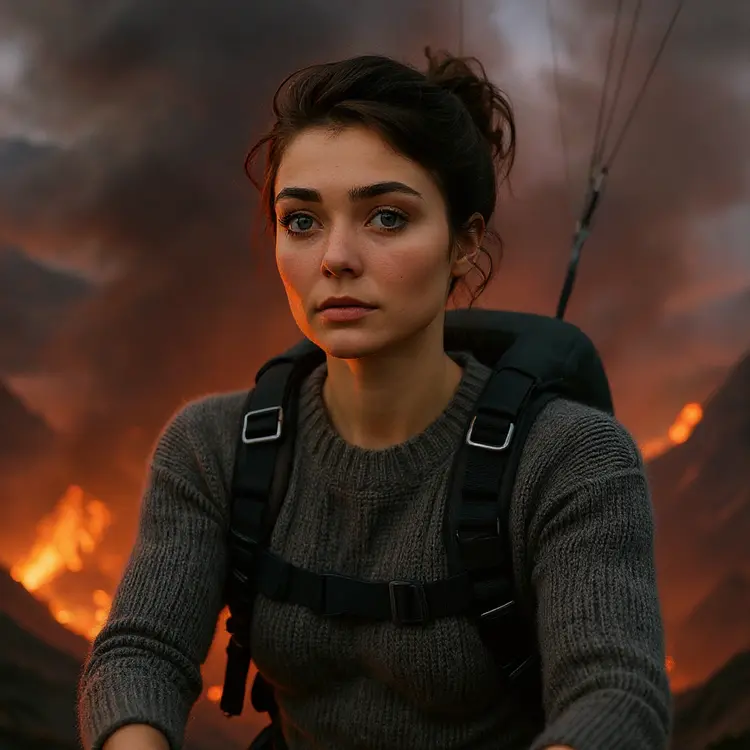
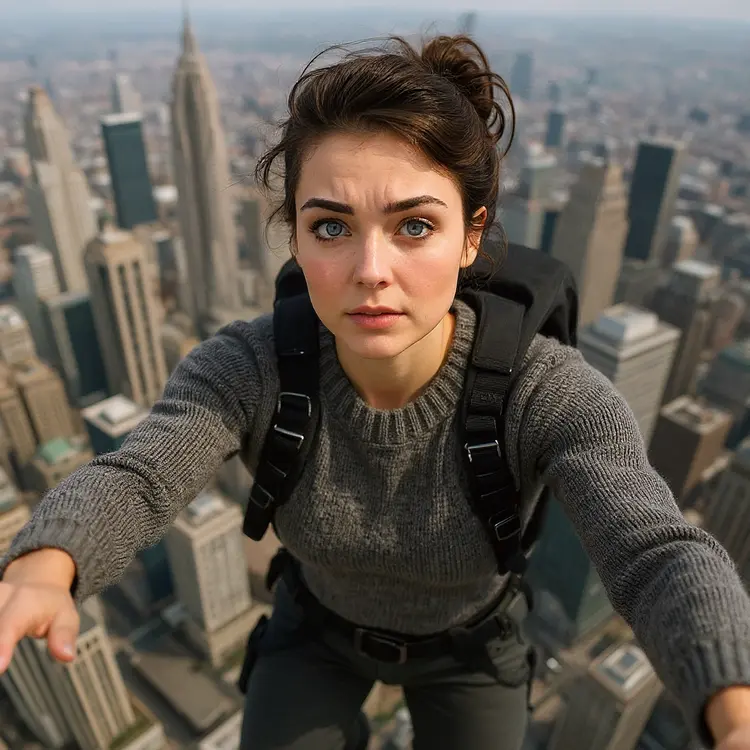
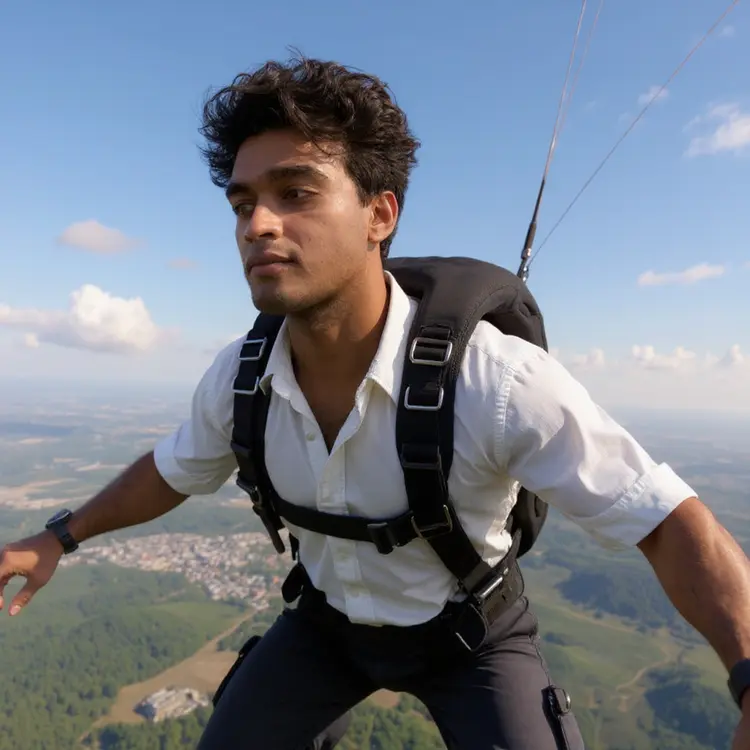
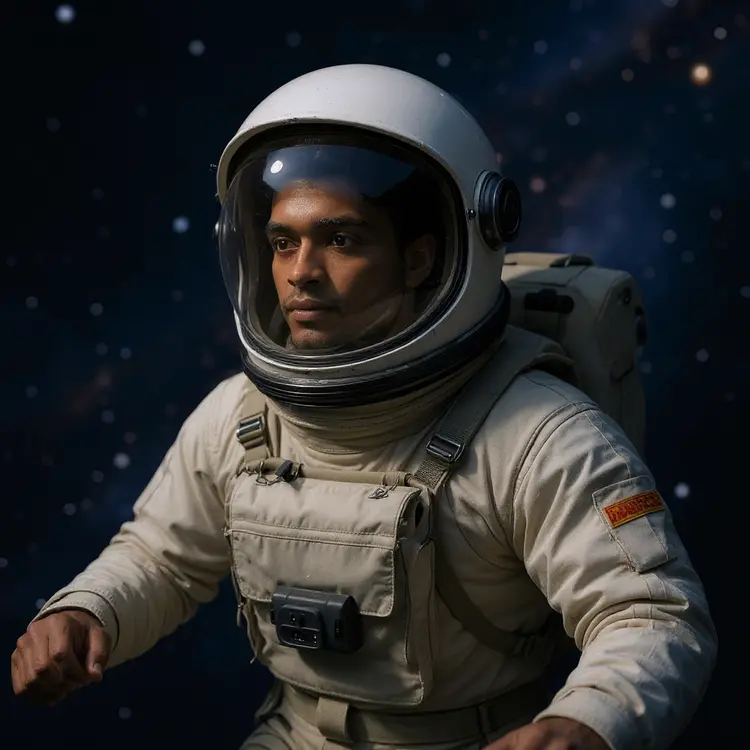
Impossible Scenarios places a real person, taken from a single photo, into visually convincing extreme situations that would be impossible, dangerous, or wildly expensive to photograph in real life. Think floating weightless in orbit, standing face-to-face with a lion in the wild, or surfing a tsunami wave. You upload a portrait, pick a scenario from the built-in list, and the model composites your subject into a fully rendered scene that looks like it actually happened. On Picasso IA, the whole process runs in your browser with no software to install.

How It Works

  • Upload a clear photo of the person you want to place in a scene (jpeg, png, gif, or webp formats are accepted)
  • Choose one of the preset impossible scenarios from the dropdown, or select "Random" to let the model pick for you
  • Set the aspect ratio to match your input image automatically, or pick a specific ratio like 16:9 for cinematic framing or 9:16 for social posts
  • Optionally set the gender field to help the model render accurate clothing and physical details for the chosen scenario
  • Click generate and receive a finished image in jpg or png format, ready to download and share

Frequently Asked Questions

Do I need programming skills or technical knowledge to use this? No, just open Impossible Scenarios on Picasso IA, adjust the settings you want, and hit generate.

Is it free to try? Yes. You can run the model directly in your browser without setting up a developer account or any local software.

How long does it take to get results? Most generations complete in under 30 seconds. The exact time depends on the selected scenario and the resolution of your input image.

What makes a good input photo? A clear, well-lit photo where the person's face and upper body are visible tends to produce the most convincing results. Blurry, heavily cropped, or very low-resolution images can reduce how well the subject integrates into the scene.

Can I control the aspect ratio of the output? Yes. You can match the output dimensions to your input image automatically, or choose from a wide range of ratios including 1:1, 16:9, 9:16, 4:3, and several others suited to different platforms and print formats.

Where can I use the outputs? The generated images work for social media posts, creative projects, event promotions, gifts, or personal entertainment. Output files download as clean jpg or png assets with no watermarks added by the model.

What if the result doesn't look right? Run the generation again. Each run with the same settings can produce a different result. You can also enter a specific seed value to reproduce an output you liked, or adjust the safety tolerance slider if the scene is coming out too conservative.

Credit Cost

Each generation consumes 1 credit

1 credit

or 5 credits for 5 generations

Features

Everything this model can do for you

30+ preset scenarios

Choose from spacewalks, deep-sea dives, volcanic expeditions, and other extreme scenes with one click.

Single photo input

Upload one clear portrait to generate a full cinematic scene around the person.

Flexible aspect ratios

Output in 1:1, 16:9, 9:16, 4:3, and more, or match the proportions of your input image automatically.

Gender-aware generation

Specify male or female to get contextually accurate clothing and gear in the output.

Reproducible results

Set a seed value to recreate the exact same output across multiple runs.

PNG and JPG export

Download the final image in your preferred format, clean and ready to use.

Adjustable safety settings

Control content filtering level to match the intended audience and platform.

Use Cases

Drop a photo of yourself into a spacewalk scene outside a space station for a shareable social media post

Put a friend's portrait onto the surface of Mars in a spacesuit as a birthday gift or inside joke

Place a client's headshot into a dramatic shark dive or storm scene for an attention-grabbing campaign visual

Turn a standard team photo into a group shot on the Moon for an office event invitation

Generate a personalized action scene of someone skydiving or bungee jumping for a motivational poster

Create a fantasy portrait of yourself facing a dragon in medieval armor for gaming or cosplay content

Drop a loved one's photo into a volcanic expedition scene as a fun, memorable gift card visual

Examples

Input
Input 1
Output
6.2s
View Example
Input
Input 1
Output
5.8s
View Example
Input
Input 1
Output
6.4s
View Example
Input
Input 1
Output
6.8s
View Example

Switch Category

Effects

Text To Image

Text To Image

Text To Video

Large Language Models

Large Language Models

Text To Speech

Text To Speech

Super Resolution

Super Resolution

Lipsync

AI Music Generation

AI Music Generation

Video Editing

Speech To Text

Speech To Text

AI Enhance Videos

Remove Backgrounds

Remove Backgrounds