• Picasso AI Logo
    Logo Picasso IA
  • Home
  • AI Image
    Nano Banana 2
  • AI Video
    Veo 3.1 Lite
  • AI Chat
    Gemini 3 Pro
  • Edit Images
  • Upscale Image
  • Remove Background
  • Text to Speech
  • Effects
    NEW
  • Generations
  • Billing
  • Support
  • Account
  1. Collection
  2. Text to Image
  3. Restore Image

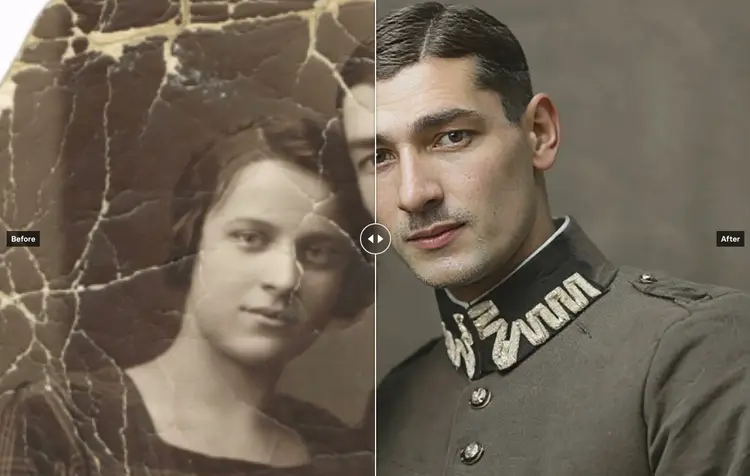
Restore Image: Fix and Colorize Old Photos

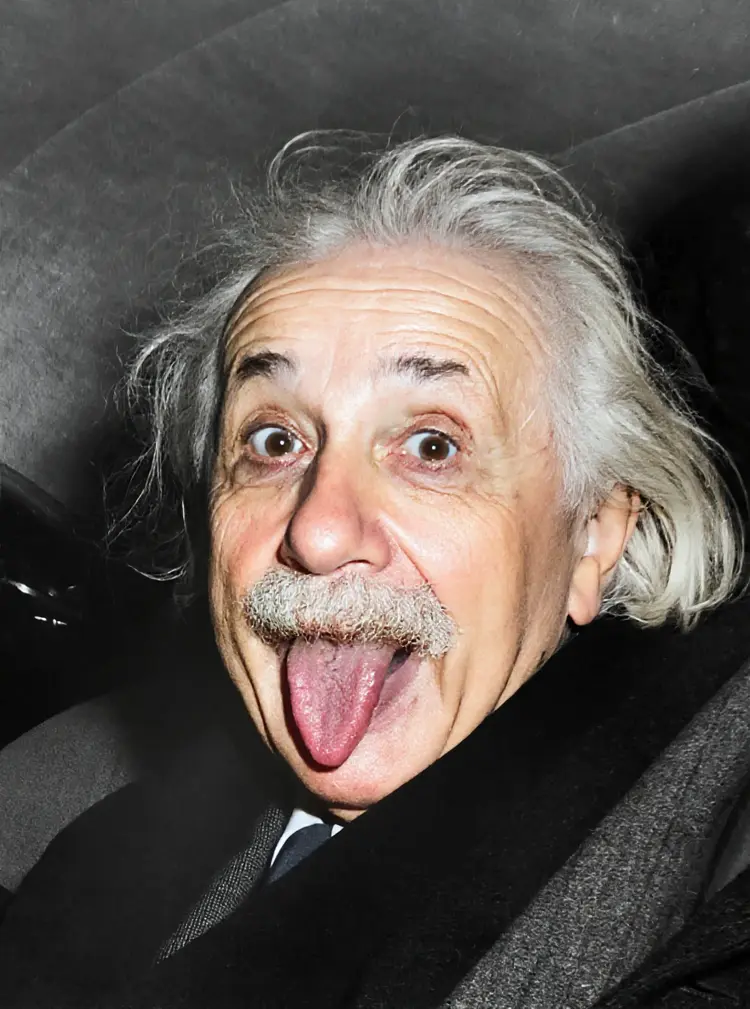
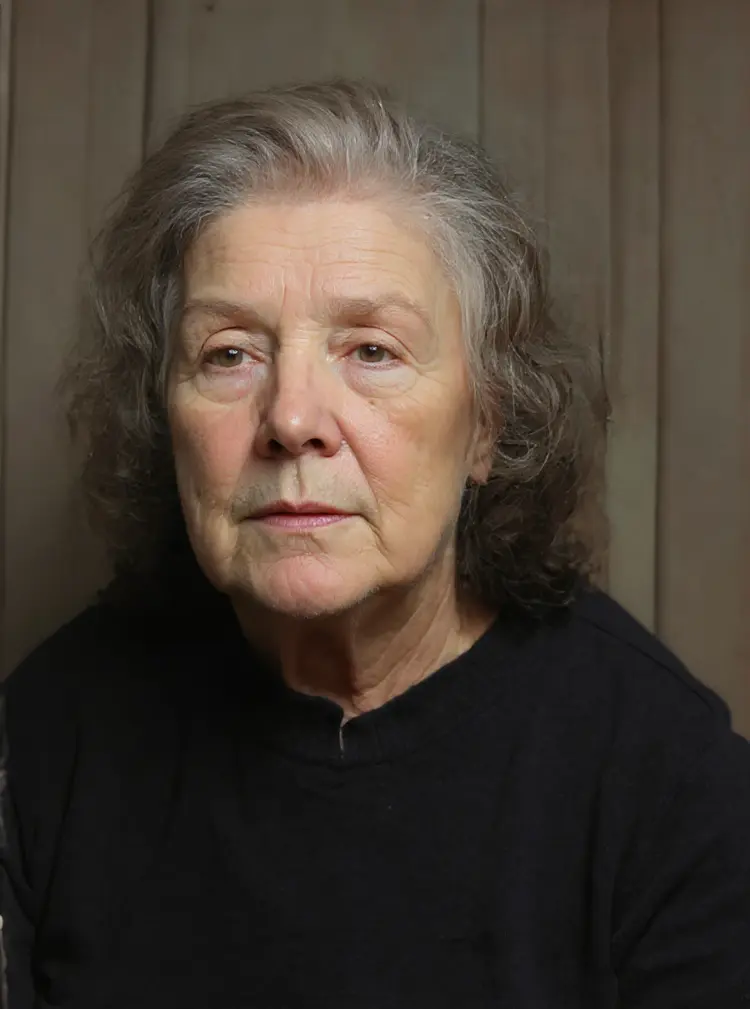
Old photos deteriorate over time. Scratches, fading, discoloration, and physical damage make it hard to share or display images that matter. Restore Image takes a damaged photo and returns a clean, repaired version using AI, automatically detecting and fixing tears, blemishes, loss of detail, and color fade. The model handles three distinct tasks in a single run. It repairs visible damage like cracks and scratches, reconstructing missing detail from surrounding pixels. It sharpens faded or blurry areas, bringing back texture and contrast. It can also colorize black-and-white photos with natural, believable tones, so a portrait from the 1940s looks like it was shot on a modern camera. For anyone digitizing a family archive, preparing photos for a memorial, or simply wanting to print a clean version of a worn snapshot, this model fits directly into that process. Upload the image, adjust your preferred output format, and download the result. The output is a polished PNG or JPG ready to print, frame, or share without any manual retouching.

Official

Flux Kontext Apps

1.10m runs

Restore Image

2025-05-31

Commercial Use

Restore Image: Fix and Colorize Old Photos

Table of contents

  • Overview
  • How It Works
  • Frequently Asked Questions
  • Credit Cost
  • Features
  • Use Cases
  • Examples
Get Nano Banana Pro

Overview

Restore Image takes old, damaged, and faded photographs and brings them back to a usable state in seconds. The problem it solves is real: most people have at least one box of aging prints with torn corners, deep scratches, or the flat grey palette of a black-and-white era. On Picasso IA, you upload the photo, and the model repairs physical damage, fills in missing areas, and can apply natural color to monochrome images in a single pass. No editing software, no manual retouching, no waiting days for a specialist.

How It Works

  • Upload your photo directly from your device in JPG, PNG, GIF, or WEBP format
  • The model reads the image and identifies damage: scratches, tears, fading, water stains, and missing sections
  • Restoration and colorization run together in one pass, matching surrounding tones and textures to fill gaps naturally
  • Select your preferred output format (JPG for smaller files, PNG for maximum detail) before generating
  • Download the finished image at full resolution, ready to print, frame, or share

Frequently Asked Questions

Do I need programming skills or technical knowledge to use this? No, just open Restore Image on Picasso IA, adjust the settings you want, and hit generate.

Is it free to try? Yes, you can run a restoration without any upfront payment. Start with a free generation to see exactly what the model does with your photo before deciding anything else.

How long does it take to get results? Most restorations finish in under 30 seconds. Very large or heavily damaged images may take a little longer, but the wait is short either way.

What kinds of damage can the model handle? It works well on scratches, tears, water stains, fading, discoloration, and missing sections. It also colorizes black-and-white photos by inferring plausible, natural tones from the visual content of the image.

Can I reproduce the same result if I like it? Yes. Set a specific seed value before generating, and the model will produce the same output each time you run it with that seed. Leave the seed blank to get a fresh result on every run.

What output formats does it support? You can save your restored image as PNG or JPG. PNG is the default and retains the most detail, which matters when you plan to print or enlarge the photo.

Where can I use the restored images? The files are yours with no watermarks added. Use them for printing, framing, sharing on social media, digitizing a family archive, or delivering to a client.

Credit Cost

Each generation consumes 1 credit

1 credit

or 5 credits for 5 generations

Features

Everything this model can do for you

Scratch repair

Removes visible cracks, tears, and blemishes by reconstructing detail from surrounding pixels.

Automatic colorization

Converts black-and-white photos to full color with natural, believable tones.

Fading correction

Restores contrast and brightness to photos that have dulled or yellowed over time.

PNG and JPG output

Download your restored photo in either format, ready to print or share immediately.

Single image input

Works from one upload with no batch setup or complicated configuration required.

Reproducible results

Set a seed value to regenerate the exact same restoration output consistently.

No manual retouching

The model detects and fixes damage automatically, with no layer editing or brushwork needed.

Use Cases

Repair old family photos with visible scratches, tears, or water damage to get a clean digital copy

Colorize a black-and-white portrait from the 1940s or 1950s with natural, realistic skin and background tones

Restore faded wedding or graduation photos that have lost contrast and detail over the decades

Fix creased or stained scanned photo prints pulled from physical archives

Prepare a worn historical photo for print or framing by removing artifacts and sharpening detail

Convert a damaged black-and-white photograph into a full-color image for a family reunion slideshow

Clean up low-quality scanned photos before uploading them to a genealogy or memorial project

Examples

5.8s
4.7s
6.1s
7.1s
5.1s
6.3s
5.9s

Switch Category

Effects

Text To Image

Text To Image

Text To Video

Large Language Models

Large Language Models

Text To Speech

Text To Speech

Super Resolution

Super Resolution

Lipsync

AI Music Generation

AI Music Generation

Video Editing

Speech To Text

Speech To Text

AI Enhance Videos

Remove Backgrounds

Remove Backgrounds