• Picasso AI Logo
    Logo Picasso IA
  • Home
  • AI Image
    Nano Banana 2
  • AI Video
    Veo 3.1 Fast
  • AI Chat
    Gemini 3 Pro
  • Edit Images
  • Upscale Image
  • Remove Background
  • Text to Speech
  • Effects
    NEW
  • Generations
  • Billing
  • Support
  • Account
  1. Collection
  2. Text to Image
  3. Text Removal

Remove Text from Any Image with Text Removal

Text Removal takes an image containing text, signs, watermarks, or labels and produces a clean version with all readable content erased. It solves a real problem for designers, social media managers, and product teams who regularly work with images they cannot reshoot or edit from scratch. Instead of hours in a photo editor, you upload once and receive a clean file within seconds. The model identifies every region of text in the image, regardless of font size, color, or placement, and fills those areas with contextually matching background content. It handles curved text on product labels, overlaid titles on marketing photos, and street signs in architectural shots. Output is available in JPG or PNG format, and the aspect ratio can match the original or be set to any standard dimension. Text Removal fits directly into production pipelines where clean, text-free images are needed fast. Drop it between your raw asset library and your design tool, or use it to refresh licensed stock photos that carry embedded attribution text. Upload your image, confirm the settings, and download a ready-to-use file in one step.

Official

Flux Kontext Apps

102.1k runs

Text Removal

2025-05-29

Commercial Use

Remove Text from Any Image with Text Removal

Table of contents

  • Overview
  • How It Works
  • Frequently Asked Questions
  • Credit Cost
  • Features
  • Use Cases
  • Examples
Get Nano Banana Pro

Overview

Text Removal is a purpose-built AI model that strips text out of any image and fills the gap with visually consistent background content. If you have a product photo with a watermark, a screenshot with annotations, or a stock image with overlaid captions, this model handles the cleanup in one step. On Picasso IA, you upload the image, choose your output settings, and get back a clean version with no visible trace of the original text. It works across photographs, illustrations, and digital graphics, handling multiple text elements in a single pass.

How It Works

  • Upload your image in JPEG, PNG, GIF, or WebP format. The model accepts common file types, so no conversion is needed beforehand.
  • Choose your preferred aspect ratio: keep the original proportions with "match input image," or pick a standard format like 16:9 or 1:1 for a specific output size.
  • Select your output format, either JPG for smaller files or PNG for lossless quality, depending on how you plan to use the result.
  • The model analyzes the image, identifies all text regions, removes them, and reconstructs the background so the areas blend naturally with the surroundings.
  • Download the finished image. No editing software or manual retouching required.

Frequently Asked Questions

Do I need programming skills or technical knowledge to use this? No, just open Text Removal on Picasso IA, adjust the settings you want, and hit generate.

Is it free to try? Yes, you can run the model without any upfront payment. Check your account for available credits or any free-tier limits that apply.

How long does it take to get results? Most images are processed in under 30 seconds. The exact time depends on image size and complexity, but you rarely wait long.

What output formats are supported? The model outputs either JPG or PNG. PNG is the default and preserves full image quality with no compression artifacts, which makes it a good fit for designs or print use.

Can I control the output quality or style? You can set the aspect ratio and output format before generating. For reproducible results, enter a specific seed value so you can re-run the exact same generation later.

How many times can I run the model? You can generate as many times as your credits allow. If a first result is not quite right, adjusting the seed or aspect ratio and re-running often produces a cleaner output.

Where can I use the outputs? The cleaned images belong to you and can be used for commercial or personal projects. Common uses include product photography, social media assets, presentations, and design work. Picasso IA does not restrict what you create with the results.

Credit Cost

Each generation consumes 1 credit

1 credit

or 5 credits for 5 generations

Features

Everything this model can do for you

Full text removal

Erases all text from an image in one pass, including small print, curved labels, and overlaid titles.

Background preservation

Fills erased text regions with contextually matching background content for a natural result.

Flexible aspect ratio

Output can match the original image dimensions or be set to any standard ratio, from 1:1 to 21:9.

PNG and JPG export

Choose your output format to match the requirements of your project or platform.

Reproducible results

Set a seed value to generate the same output consistently across multiple runs.

No manual selection

The model detects and targets all text automatically without requiring manual masking or selection.

Use Cases

Strip overlay text and titles from marketing photos before repurposing them in a new campaign

Remove price tags or label text from product images to reuse them across different markets

Erase street signs or building text from architectural and real estate photos

Clean watermark text off sample images before presenting mockups to clients

Remove subtitles or caption overlays burned into screenshots to create caption-free versions

Strip attribution text from licensed stock images before integrating them into design assets

Remove visible text from a social media post screenshot to use as a neutral background or texture

Examples

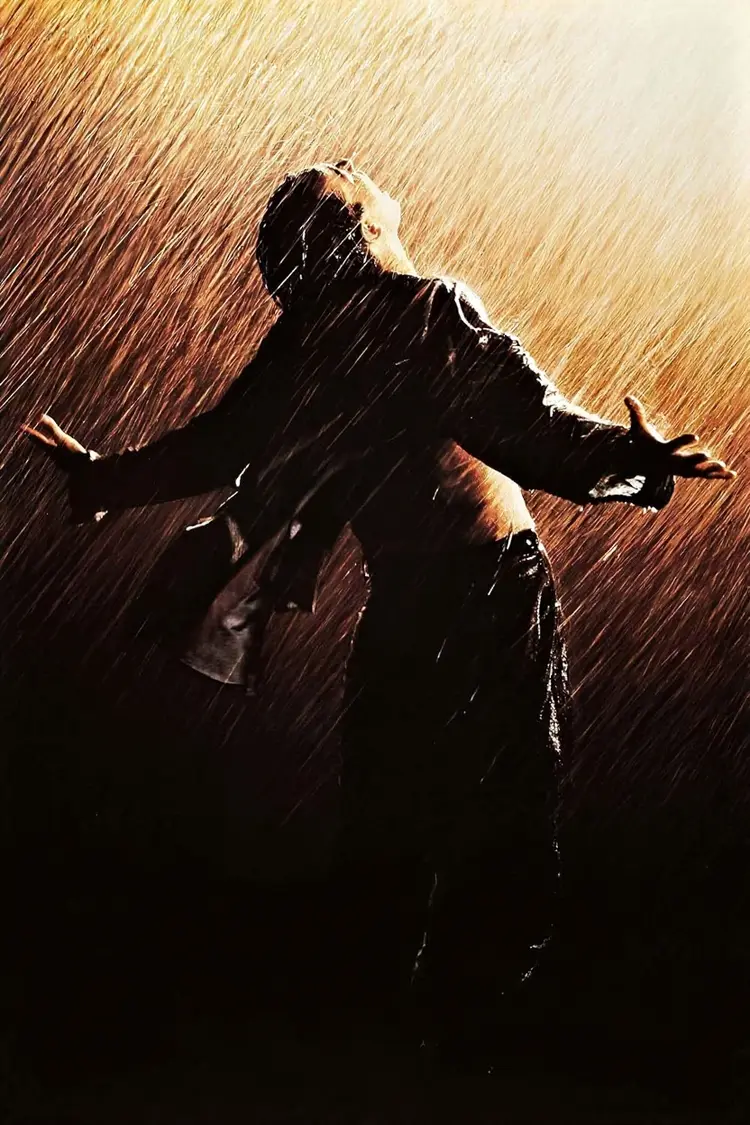
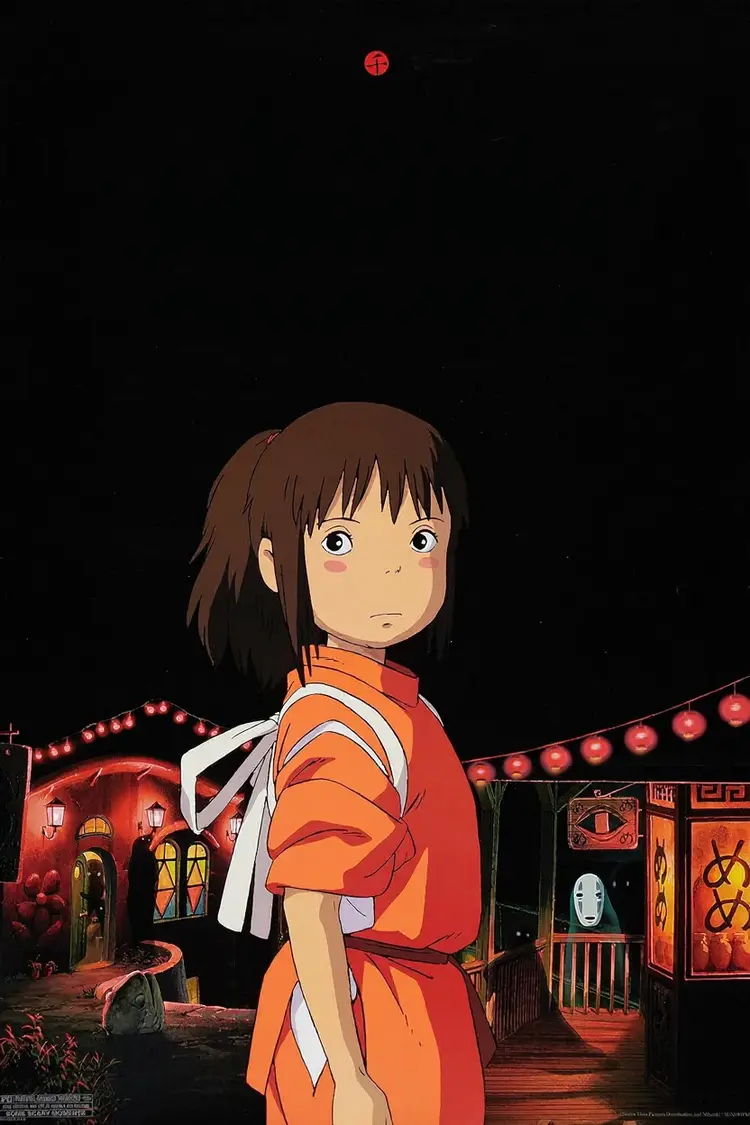
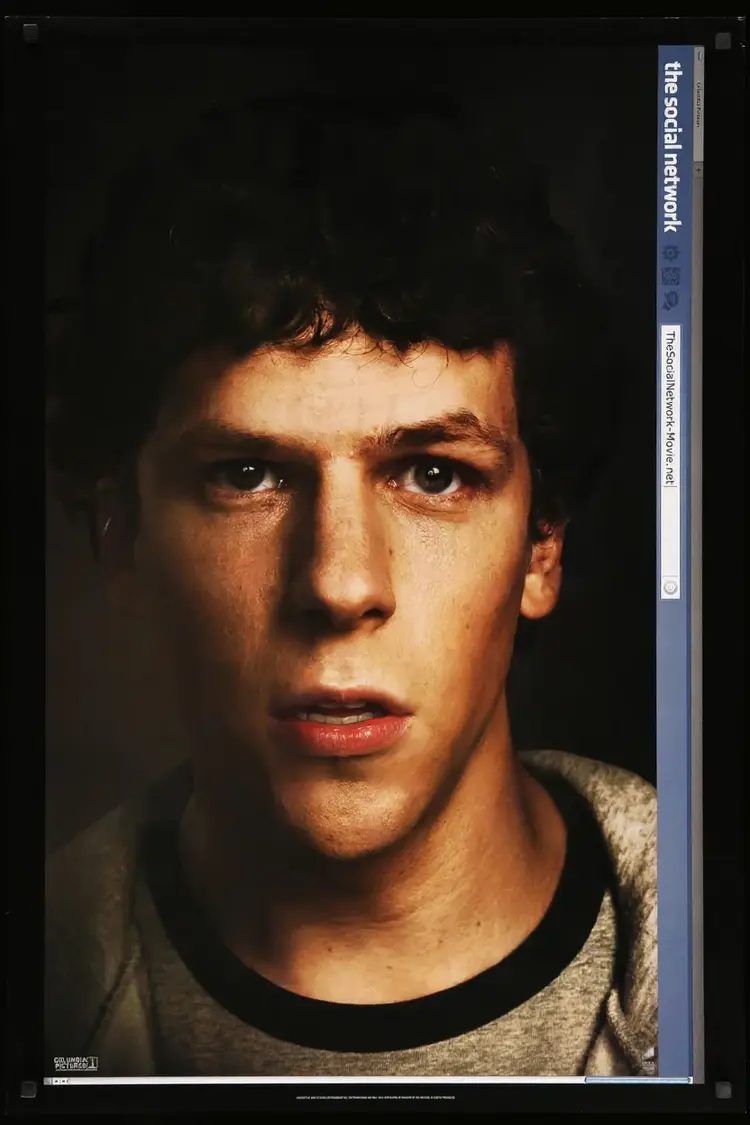
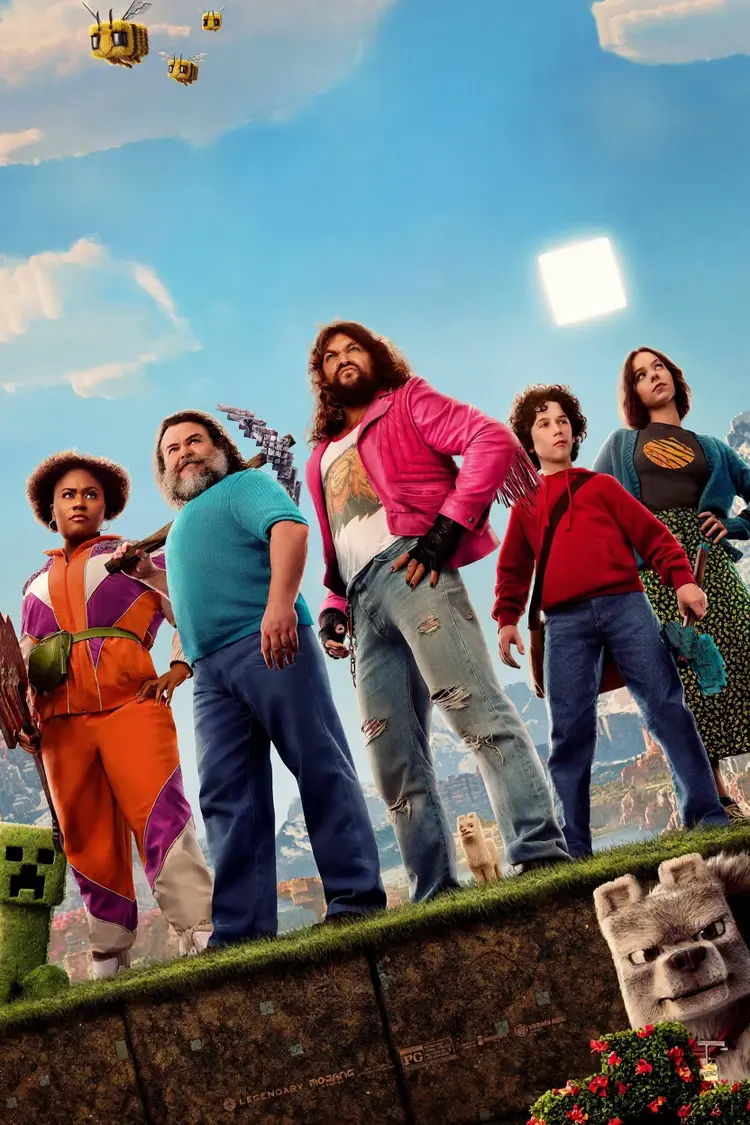
Input
Input 1
Output
6.4s
View Example
Input
Input 1
Output
6.1s
View Example
Input
Input 1
Output
5.3s
View Example
Input
Input 1
Output
6.9s
View Example
Input
Input 1
Output
6.8s
View Example
Input
Input 1
Output
6.6s
View Example

Switch Category

Effects

Text To Image

Text To Image

Text To Video

Large Language Models

Large Language Models

Text To Speech

Text To Speech

Super Resolution

Super Resolution

Lipsync

AI Music Generation

AI Music Generation

Video Editing

Speech To Text

Speech To Text

AI Enhance Videos

Remove Backgrounds

Remove Backgrounds