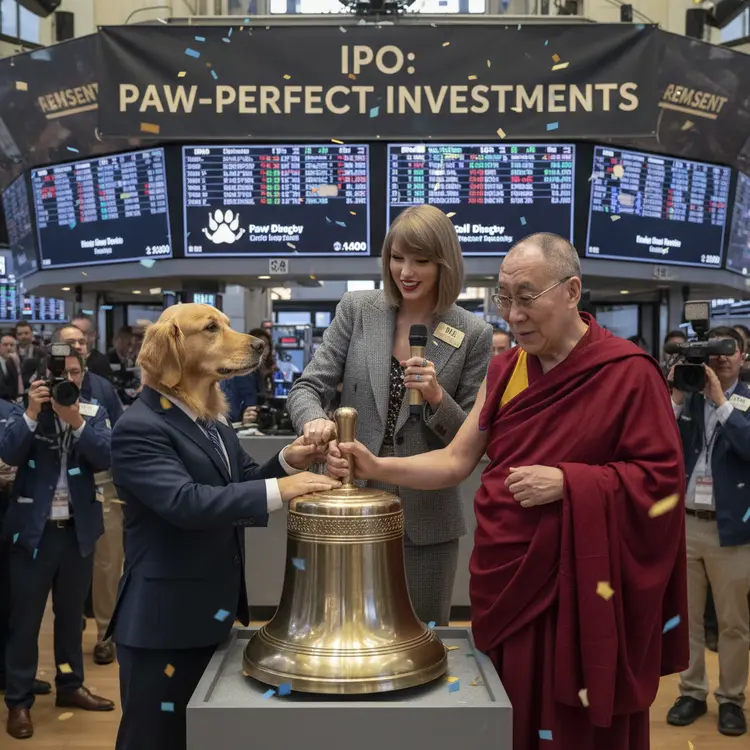
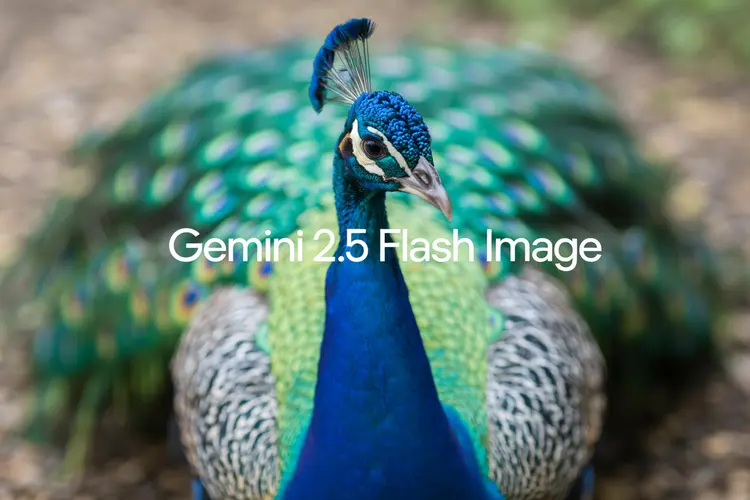
Gemini 2.5 Flash Image turns written descriptions into finished images without any design software or technical setup. Whether you need a product visual, a scene illustration, or a stylized portrait, you type what you want and the model handles the rest. It's built for speed, producing sharp results without the back-and-forth of manual editing. The model accepts both text prompts and reference images, so you can start from scratch or use an existing photo as a base. You choose the aspect ratio from a set of standard options including square, portrait, landscape, and cinematic formats. Output lands in JPG or PNG, clean and ready to drop into any project. Creatives working on tight deadlines use it to produce draft visuals in the time it would take to open design software. Social media managers, indie developers, and content producers feed it a prompt and iterate fast. If you have an image concept in your head, this is the shortest path from idea to file.
Gemini 2.5 Flash Image generates finished images from a text prompt, alone or combined with reference photos you upload. It solves one of the most common creative bottlenecks: turning a vague idea into a concrete visual without needing design software or stock subscriptions. On Picasso IA, you describe what you want, choose your format and aspect ratio, and the model returns a download-ready image in seconds. There is no installation, no waiting list, and no coding involved.
Do I need programming skills or technical knowledge to use this? No, just open Gemini 2.5 Flash Image on Picasso IA, adjust the settings you want, and hit generate.
Is it free to try? Yes, you can run Gemini 2.5 Flash Image without a paid subscription to get started. Check your account page for the current generation limits tied to your plan.
How long does it take to get results? Most images are ready within a few seconds. Prompt complexity and the number of reference images you upload can affect generation time slightly, but results are typically fast.
What output formats are supported? The model produces images in JPG or PNG. JPG is the default and suits most publishing needs. PNG is the better choice when you need a file without compression artifacts or with a transparent background.
Can I use my own images as references? Yes. Upload one or more reference images alongside your text prompt. The model reads them to match style, color, or composition, giving you tighter control over what the output looks like.
What aspect ratios can I choose from? You can pick from square (1:1), portrait and landscape options (2:3, 3:2, 3:4, 4:3, 4:5, 5:4), vertical (9:16), widescreen (16:9), and ultra-wide (21:9). There is also a "match input image" option that mirrors the proportions of your uploaded reference.
Where can I use the images I generate? The images are yours to use in blogs, social media posts, client presentations, print projects, and more. Download them and use them wherever your project needs a visual.
Everything this model can do for you
Type a description and receive a finished image without any drawing or design tools.
Upload one or more photos as a visual base, then describe changes or a new direction for the output.
Choose from eleven standard formats including 1:1, 9:16, 16:9, 4:3, and cinematic 21:9.
Download your image in the format that fits your workflow, with no forced compression surprises.
Get a finished image in seconds, making it practical to run several iterations in a single session.
Feed multiple reference photos at once to blend styles, objects, or compositions into one output.