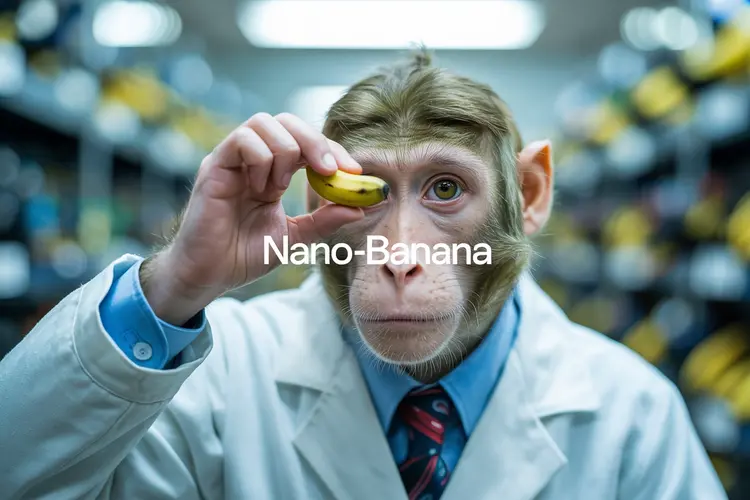
Nano Banana is a text-to-image model that handles both image creation and photo editing through plain-language prompts. If you have a photo that needs a detail adjusted, or you want to generate a scene from scratch, you describe what you want and the model produces the result. It closes the gap between having an idea and holding a finished image file. The model accepts one or multiple reference images alongside your text prompt, so you can blend references or apply targeted edits across several inputs at once. Output arrives in JPG or PNG depending on your preference, and the results reflect the specific details in your prompt rather than a generic interpretation. Whether you're changing a product background, adjusting colors in a portrait, or building a scene entirely from text, the outputs are sharp and accurate to what you wrote. Nano Banana fits into any visual workflow where iteration speed matters. Designers use it to draft variations before finalizing elsewhere. Marketers test visual concepts without booking a photo shoot. Drop in an image, type what you want changed, and get a new version in seconds.
Nano Banana is a text-to-image model that handles both original image creation and photo editing through plain-language descriptions. On Picasso IA, you write what you want, optionally upload a reference image, and receive a finished file in seconds. It fills the space between knowing what an image should look like and actually having that file ready to use. A marketer who needs a product photo with a different background, a designer drafting quick scene variations, or anyone who wants to fix a photo without opening a complex editor can type what they need and get the result without any technical setup.
Do I need programming skills or technical knowledge to use this? No, just open Nano Banana on Picasso IA, adjust the settings you want, and hit generate.
Is it free to try? Yes, you can run Nano Banana without a paid subscription to see whether the results fit your project before committing.
How long does it take to get results? Most generations finish within a few seconds. Processing time can vary slightly based on the complexity of your prompt and the number of reference images you provide.
What output formats are supported? The model outputs either JPG or PNG. You pick the format in the settings panel before running the generation.
Can I customize the output style or quality? You shape the result through your prompt. Writing specific details about lighting, color palette, composition, or artistic style directly influences what the model produces.
How many times can I run the model? You can run as many generations as you need and iterate on the prompt or reference images until the output matches what you had in mind.
Where can I use the outputs? Images downloaded from Picasso IA carry no watermarks, so you can use them in client work, social media, product pages, or any other context without restriction.
Everything this model can do for you
Type a description and receive a finished image without any reference photo.
Upload several reference photos at once to blend or edit across multiple inputs.
Describe what should change in an existing photo and get an updated version back.
Choose your preferred format before generating to fit your downstream workflow.
Fine details in your text prompt are reflected in the output, not averaged out.
Run the model directly in your browser without installing software or writing code.
Customizable image editing and transformation
Ideal for creative, commercial, or personal projects
have the people smile and take a selfie from a phone
Make the sheets in the style of the logo. Make the scene natural.