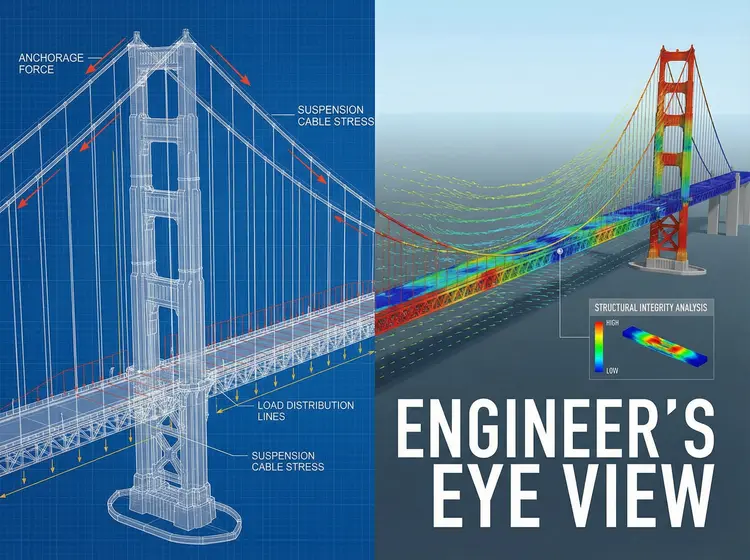
Nano Banana Pro is a text-to-image model built for creators who need quality output without spending hours on prompts or post-editing. Type a description of what you want to see, and the model renders it at resolutions up to 4K. Whether you need a clean product shot, a custom illustration, or a background for a project, you get a usable image fast. The model accepts up to 14 reference images alongside your text prompt, so you can feed it visual context and steer the output toward a specific look. You can choose the aspect ratio from a wide set of presets including 16:9 for banners, 9:16 for social stories, or 1:1 for profile visuals. Output lands in JPG or PNG, both ready for immediate use in any design tool. Designers use it to sketch out visual concepts before committing to a full production shoot. Social media managers drop in a prompt during a campaign sprint and get several variations to choose from. Open the model, write what you see in your head, and hit generate.
Nano Banana Pro is a text-to-image model on Picasso IA that converts a written description into a finished image at resolutions up to 4K. Unlike simpler generators, it accepts up to 14 reference images alongside your text, so you can feed it the visual context it needs to hit a specific look. A social media manager can describe a product scene, attach a brand color reference, and get a shareable image in seconds. Designers working on tight deadlines get a visual draft without sourcing stock photos or opening a complex editing suite.
Do I need programming skills or technical knowledge to use this? No, just open Nano Banana Pro on Picasso IA, adjust the settings you want, and hit generate.
Is it free to try? Yes, you can run the model without paying. Open the page, type a prompt, and generate your first image right away.
How long does it take to get results? Most images come back within a few seconds. A 4K render on a detailed prompt may take slightly longer, but you rarely wait more than a minute.
What output formats are supported? You can export your image as JPG or PNG. Both formats are compatible with design tools, CMS platforms, and social media upload systems.
Can I customize the output quality or style? Yes. You control the aspect ratio, resolution, and content filter level. Attaching reference images also lets you push the output toward a specific visual direction without rewriting the prompt from scratch.
What happens if I'm not happy with the result? Change a word or phrase in your prompt, swap out a reference image, or adjust the aspect ratio and run it again. Small tweaks often shift the result significantly.
Everything this model can do for you
Render images at 1K, 2K, or 4K resolution for print, web, or screen use.
Feed up to 14 images alongside your prompt to direct style, composition, or subject.
Choose from 11 presets including 16:9, 9:16, 4:3, and 1:1 to fit any canvas.
Export directly as JPG or PNG with no watermarks added.
Set the safety filter level to match your project requirements and target platform.
Reuse prompts and reference images to produce close variations without losing the original direction.
Ideal for creative, marketing, or prototyping workflows