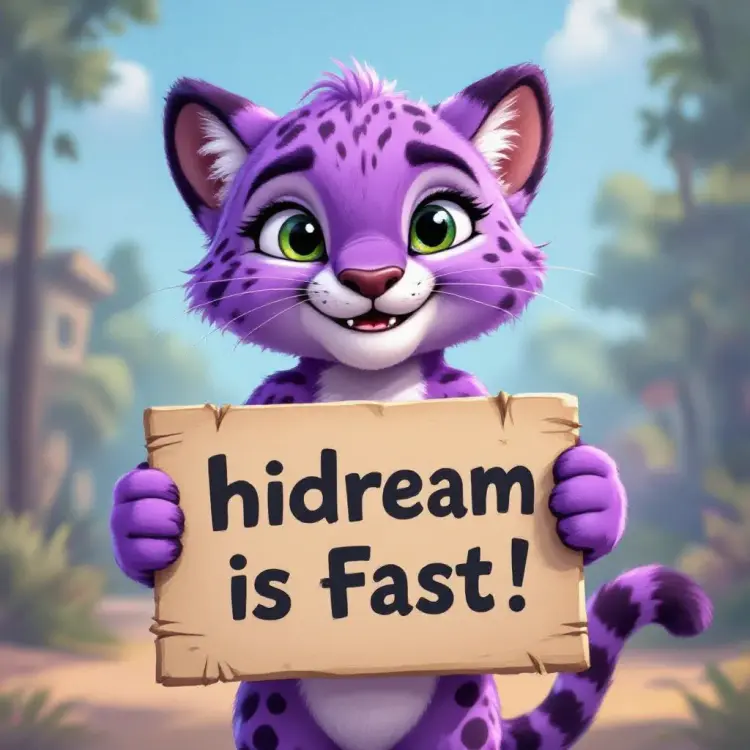
Hidream L1 Dev is a text-to-image model built for creators who want sharp, detailed visuals without a long setup or a slow wait. You write a prompt, choose a resolution and speed mode, and the model returns a finished image ready to download. The performance-tuned build runs faster than the standard version while keeping output quality high. The model supports seven output resolutions, from square formats ideal for social media to wide landscape ratios suited for banners and headers. Four speed modes let you trade a bit of quality for a faster result when you are iterating, or switch to the highest-quality mode when you need a final asset. Output formats include PNG, JPG, and WebP, so your files are ready for any platform or publishing workflow. Hidream L1 Dev fits into creative workflows where speed and control matter equally. Run it to generate a first draft, refine the prompt, then reuse the seed to reproduce the output with small adjustments. The model is free to try on Picasso IA, and no technical knowledge is required to begin.
Hidream L1 Dev is a text-to-image model that takes a written prompt and returns a high-resolution image in seconds, available on Picasso IA. It is built for creators who need sharp visuals without a long wait: a product photographer who wants quick mockups, a designer sketching layout ideas, or a marketer generating scene options for an ad. The model runs an optimized version of the base architecture, producing clean outputs faster than the unmodified original. You pick your resolution, your speed preference, and your output format, then generate.
Do I need programming skills or technical knowledge to use this? No, just open Hidream L1 Dev on Picasso IA, adjust the settings you want, and hit generate.
Is it free to try? Yes. You can run Hidream L1 Dev at no cost by creating an account. No payment details are required to start generating.
How long does it take to get results? Generation time depends on your speed mode. The faster modes return an image in a few seconds. The highest-quality mode takes a bit longer but adds more detail and refinement to the output.
What output formats are supported? You can download images as PNG, JPG, or WebP. For JPG and WebP, a quality setting from 1 to 100 lets you balance file size against visual sharpness.
Can I customize the output quality or style? Yes. Adjust the prompt, resolution, and speed mode to shape the result. Set a specific seed value and the model will reproduce the same output each time you run it with that prompt.
What happens if I am not happy with the result? Tweak the prompt wording, try a different resolution, or switch speed modes. Each run is fast enough that you can iterate several times without a long wait.
Everything this model can do for you
Switch between highest quality and near-instant output depending on whether you are iterating or finishing a final asset.
Generate images at square, portrait, or landscape ratios, with sizes spanning from 768x1360 to 1360x768 pixels.
Download your image as PNG, JPG, or WebP at quality levels up to 100.
Reproduce any result exactly by saving and reusing the same seed value across runs.
A performance-tuned version of the base model delivers comparable quality in less processing time.
a purple cheetah holding a sign that says "pip install pruna"