Hidream L1 Full is a text-to-image model that converts written descriptions into finished images across multiple resolutions and aspect ratios. Type a prompt, choose a size, and get a result you can use right away. It handles the part of the creative process that usually slows people down: turning an idea into a usable visual. Seven resolution presets cover square, portrait, and landscape formats up to 1360×768 pixels, so the image fits the platform you are designing for without extra cropping. Four speed modes let you trade render time for output fidelity depending on your deadline. Seed control means you can reproduce any image exactly, which matters when you find a composition worth building on. Content creators, designers, and marketers use it when they need visual assets quickly and do not have time for a full production process. Set your parameters and download the result as PNG, JPG, or WebP.
Hidream L1 Full is a text-to-image model that converts written descriptions into finished images across seven resolution and aspect ratio presets. On Picasso IA, you write your prompt, pick a size that fits your project, choose how much processing time you want to spend, and download a clean image in the format you need. There is no rendering pipeline to configure and no local installation required. It suits anyone who regularly needs new visual assets, from a solo creator building a brand identity to a marketing team that generates content daily.
Do I need programming skills or technical knowledge to use this? No, just open Hidream L1 Full on Picasso IA, adjust the settings you want, and hit generate.
Is it free to try? Yes, you can generate images with Hidream L1 Full without a paid plan. The free tier lets you test the model and compare speed modes before committing to anything.
How long does it take to get results? Generation time depends on the speed mode you select. The fastest option delivers a result in a few seconds. The highest-fidelity mode takes longer but produces sharper detail and more consistent rendering, which matters if the image goes directly into a finished design.
What output formats are supported? You can export images as PNG, JPG, or WebP. PNG preserves full quality with no compression. JPG and WebP support an adjustable quality setting so you can reduce file size when you need faster loading times on the web.
Can I customize the output quality or style? Yes. The speed mode controls how much processing the model applies to each image. Style and content are driven entirely through your text prompt. Describing the lighting, subject, colors, and composition gives the model enough to work with. Reusing a seed with a modified prompt lets you iterate on a direction without losing a composition you liked.
What happens if I am not happy with the result? Adjust your prompt and run the model again. Adding more descriptive detail, specifying a style in words, or switching to a higher-fidelity speed mode often produces a noticeably better result.
Everything this model can do for you
Pick from square, portrait, and landscape formats to fit your target platform.
Choose between maximum fidelity and faster draft outputs depending on your deadline.
Reproduce any image exactly by saving and reusing the seed from a successful run.
Download results as PNG, JPG, or WebP with adjustable quality for JPG and WebP.
Every image is delivered clean and ready for direct use in client work or publishing.
The highest-fidelity mode produces detailed images suitable for print or large displays.
Set the quality level on JPG and WebP exports to balance file size and visual clarity.
Compatible with a wide range of artistic styles
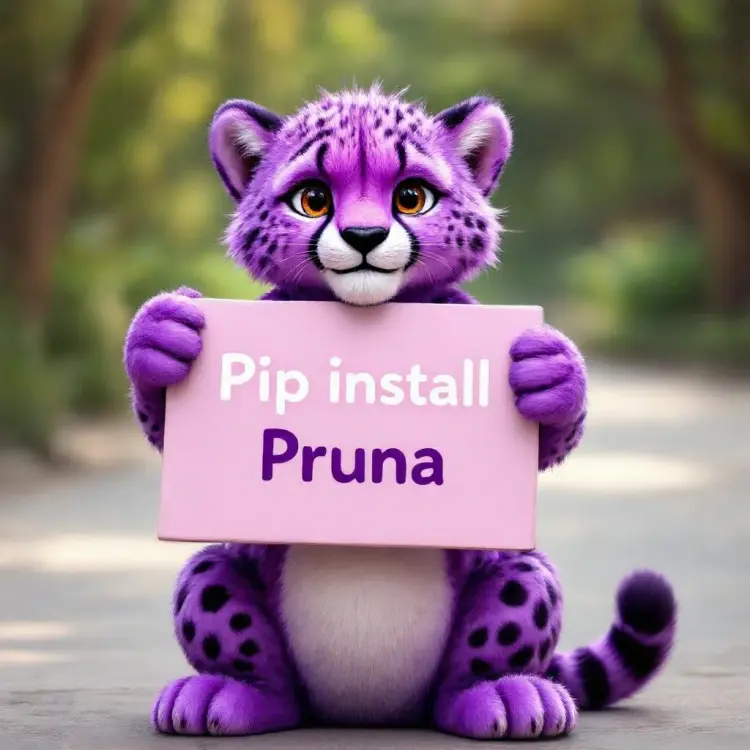
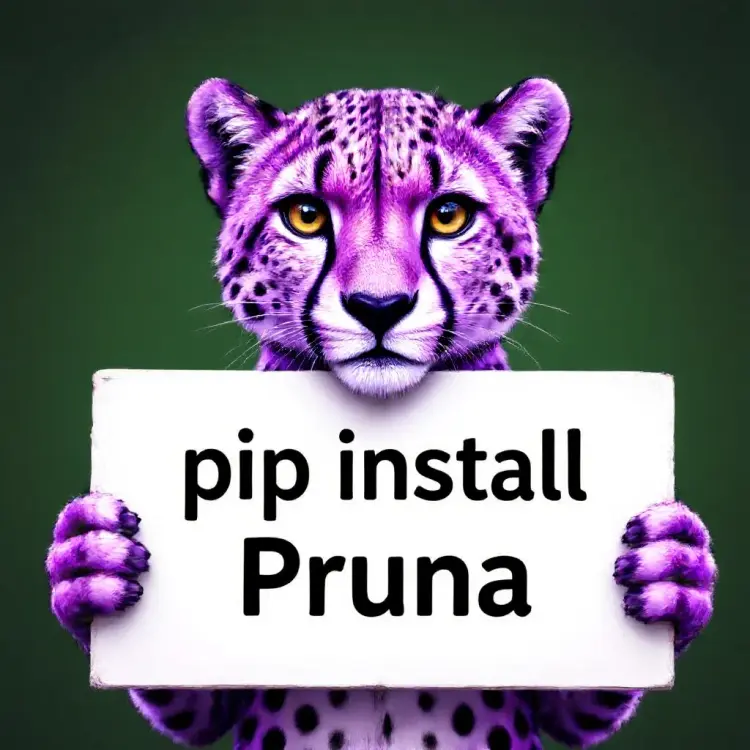
a purple cheetah holding a sign that says "pip install pruna"