• Picasso AI Logo
    Logo Picasso IA
  • Home
  • AI Image
    Nano Banana 2
  • AI Video
    Veo 3.1 Lite
  • AI Chat
    Gemini 3 Pro
  • Edit Images
  • Upscale Image
  • Remove Background
  • Text to Speech
  • Effects
    NEW
  • Generations
  • Billing
  • Support
  • Account
  1. Collection
  2. Text to Image
  3. Ideogram V3 Quality

Generate Realistic Images with Ideogram v3 Quality

Ideogram v3 Quality is a text-to-image model built for people who need images that look genuinely convincing, whether they are creating social content, mocking up product visuals, or experimenting with different artistic directions. It produces both photorealistic scenes and polished graphic designs from a written prompt, without requiring any design background or technical setup. The model includes over 60 built-in style presets, ranging from Watercolor and Oil Painting to Art Deco, Dramatic Cinema, and Flat Vector. You can set a precise output resolution, choose an aspect ratio suited to your platform, and use the inpainting feature to fix or replace a specific area of an existing image without starting over. Magic Prompt can also reinterpret your text automatically to produce more varied and detailed results from the same input. For creative professionals, it speeds up the concept phase by producing usable visual references in seconds. For marketers and content creators, it means fewer stock photo searches and faster turnaround on visual assets. Open it, write a description of what you need, and iterate until the result matches your vision.

Official

Ideogram Ai

1.81m runs

Ideogram V3 Quality

2025-04-30

Commercial Use

Generate Realistic Images with Ideogram v3 Quality

Table of contents

  • Overview
  • How It Works
  • Frequently Asked Questions
  • Credit Cost
  • Features
  • Use Cases
  • Examples
Get Nano Banana Pro

Overview

Ideogram v3 Quality generates images from text with a level of visual fidelity that holds up in real production contexts. It handles both photorealistic output and structured graphic design, so a marketer and an illustrator can both get usable results from the same model. On Picasso IA, the entire process runs in a browser with no installation. Type a description, pick your settings, and the image is ready in seconds, whether you need a product mockup, a styled portrait, or a conceptual illustration.

How It Works

  • Write a text prompt describing the image you want, as detailed or as brief as the idea requires
  • Choose a style preset from the list, or select a style type like Realistic or Design to set the general direction
  • Set your preferred aspect ratio or pick a specific resolution from the available dimensions
  • Optionally upload an existing image with a black-and-white mask to inpaint and replace a targeted area
  • Hit generate, review the result, then adjust the prompt or settings and rerun with a different seed if needed

Frequently Asked Questions

Do I need programming skills or technical knowledge to use this? No, just open Ideogram v3 Quality on Picasso IA, adjust the settings you want, and hit generate.

Is it free to try? Yes, you can run Ideogram v3 Quality on Picasso IA without any upfront commitment. The platform provides free credits to get started, and you can review the current plan options for higher volumes.

How long does it take to get results? Most images are ready in under 10 seconds at standard resolutions. Higher pixel dimensions may add a few seconds, but the wait is rarely noticeable in practice.

What output formats are supported? The model returns images in standard formats that work in any design tool, website builder, or presentation software. You can download and use them directly without additional conversion.

Can I customize the output quality or style? Yes. You have control over the style preset, style type, aspect ratio, resolution, and Magic Prompt behavior. Combining these gives you a wide range of visual outcomes from the same base prompt.

What happens if I am not happy with the result? Change one or two variables, such as the style preset or the wording of your prompt, and regenerate. Small adjustments tend to produce noticeably different results, so iteration is fast.

Can I use the outputs in commercial projects? Output usage rights depend on your account plan. Check the terms on the platform for specifics on commercial use before publishing generated images.

Credit Cost

Each generation consumes 1 credit

1 credit

or 5 credits for 5 generations

Features

Everything this model can do for you

60+ style presets

Pick from Oil Painting, Watercolor, Art Deco, Dramatic Cinema, Flat Vector, and many others to define the exact visual look.

Inpainting support

Upload an image with a black-and-white mask to replace specific areas without altering the rest of the composition.

Precise resolution control

Select from a wide range of portrait, landscape, and square pixel dimensions to match any output requirement.

Magic Prompt

Automatically rewrites your input to generate richer and more varied images without any prompt engineering on your part.

Style type selector

Switch between Realistic, Design, General, and Auto modes to align the output with your intended format.

Seed-based reproducibility

Reuse the same seed across runs to regenerate an identical image whenever consistency matters.

Style reference images

Upload reference photos to anchor the visual style of the generated image to a real-world example.

Flexible input for both original and edited images

Use Cases

Generate a product image on a plain background by writing a short text description of the item and its color

Fix a specific section of an existing photo by uploading it with a black-and-white mask and describing what should replace the masked area

Create editorial-style portraits by selecting the Dramatic Cinema preset and writing a detailed scene description

Produce social media graphics in a 9:16 aspect ratio by setting the ratio before entering your prompt

Test multiple art directions on the same concept by switching between presets like Oil Painting, Art Deco, and Flat Vector

Generate a poster or logo concept by choosing the Design style type and describing the layout, colors, and mood

Create consistent visual assets across a project by reusing the same seed to reproduce the exact same composition

Write prompts in a non-English language and let Magic Prompt translate and optimize them before the image generates

Examples

None
3:2
10.3s
Style Type: None
Magic Prompt Option: Off

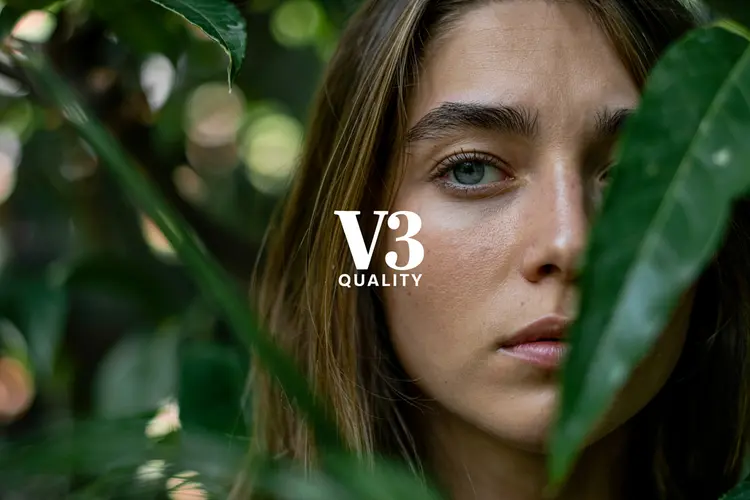
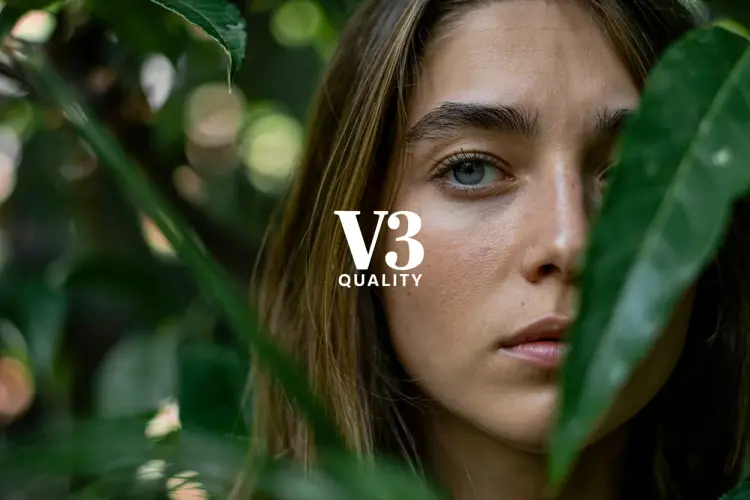
The text "V3 Quality" in the center middle. A color film-inspired portrait of a young woman with a shallow depth of field that blurs the surrounding elements, drawing attention to the eye. The fine grain and cast suggest a high ISO film stock, while the wide aperture lens creates a pleasing bokeh effect, enhancing the candid and natural documentary style.

None
3:4
12.7s
Style Type: None
Magic Prompt Option: Auto

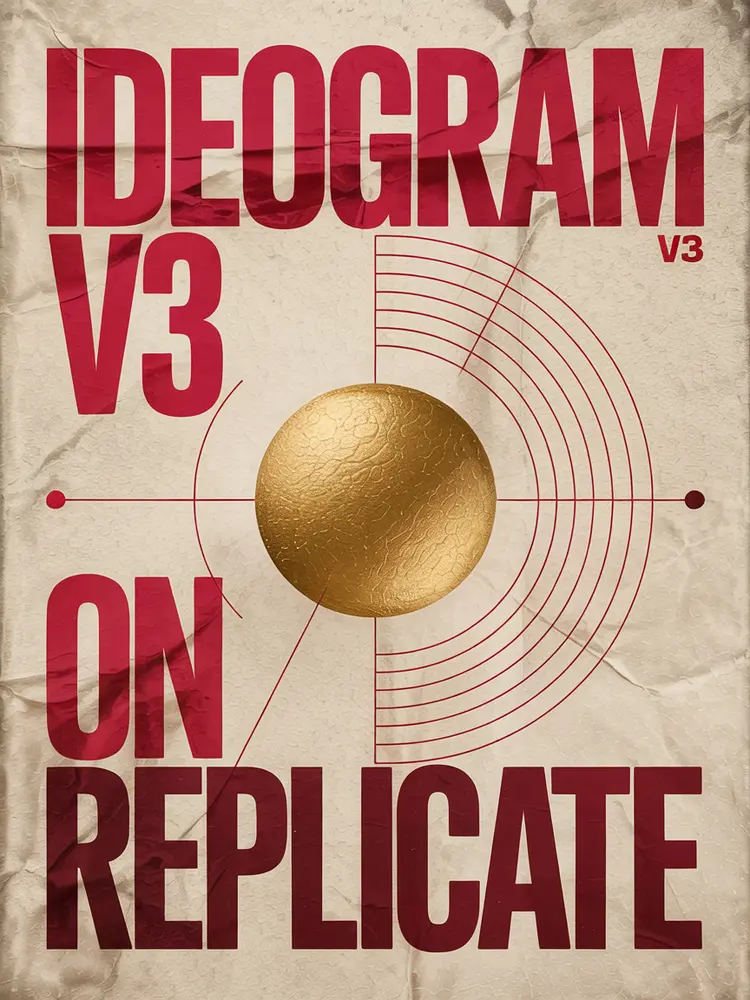
beautiful bauhaus stark typographic poster saying "Ideogram v3 on Replicate", pink and gold

None
3:2
11.8s
Style Type: None
Magic Prompt Option: Auto

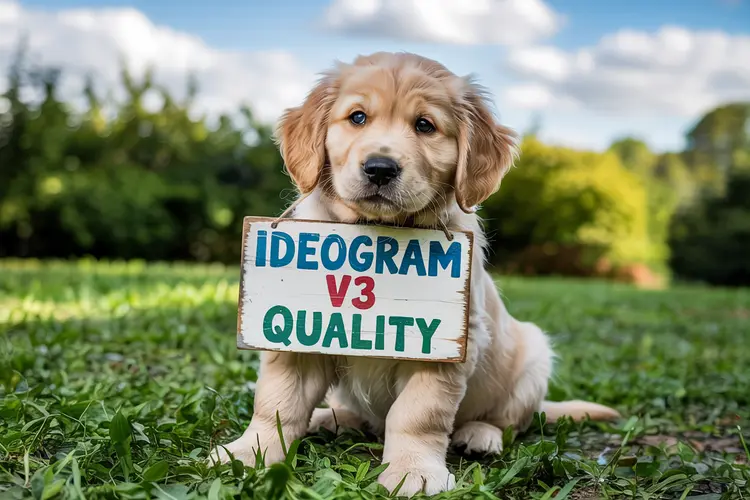
a photo of a puppy holding a sign that says "Ideogram v3 quality"

Switch Category

Effects

Text To Image

Text To Image

Text To Video

Large Language Models

Large Language Models

Text To Speech

Text To Speech

Super Resolution

Super Resolution

Lipsync

AI Music Generation

AI Music Generation

Video Editing

Speech To Text

Speech To Text

AI Enhance Videos

Remove Backgrounds

Remove Backgrounds