Overview
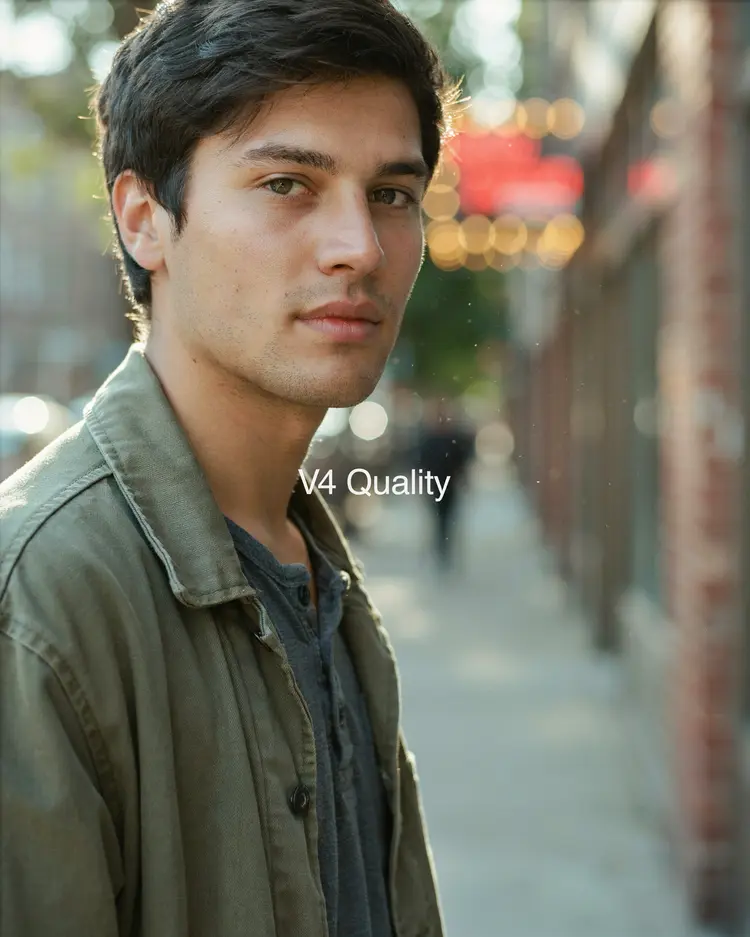
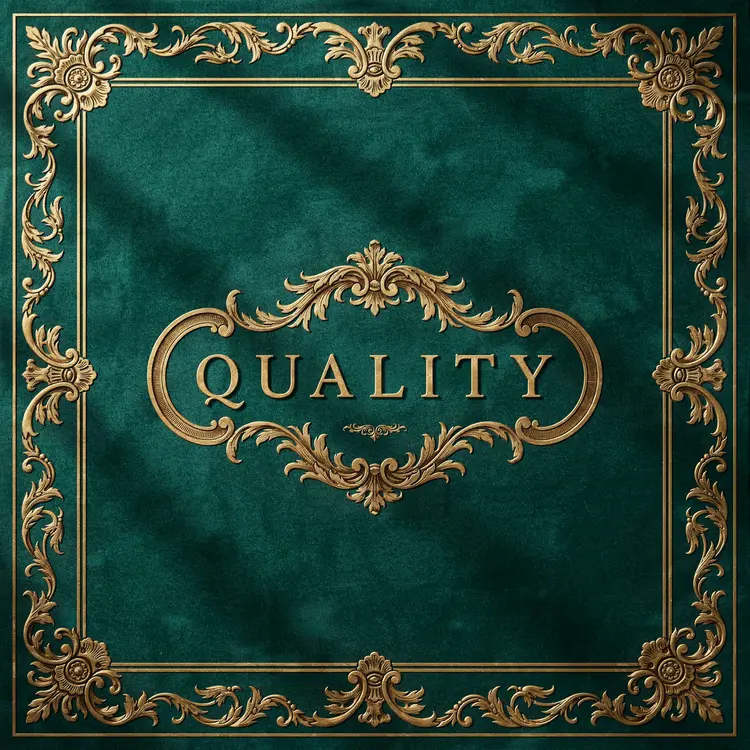
Ideogram v4 Quality is a text-to-image model built for users who need publication-ready visuals from a single written prompt. Where most image generators sacrifice detail for speed, this model prioritizes output quality at every step, producing images with sharp textures, accurate typography, and cohesive color palettes. Whether you're designing a social media header, a product label, or a custom illustration, the gap between what you describe and what you get is unusually small. Run it directly in your browser on Picasso IA without installing anything.
How It Works
- Type a natural-language prompt describing the scene, subject, mood, and style you want. The model uses Magic Prompt automatically to interpret and refine your description before processing.
- Choose an output resolution from a wide range of aspect ratios, from tall portrait formats to wide cinematic crops, or leave it blank and let the model pick the best fit for your prompt.
- Click generate. The model processes your input and returns a finished image, typically within seconds.
- Review the result. If the composition or detail isn't quite right, adjust your prompt wording and regenerate.
- Download your image as a clean file, ready to drop into any project.
Frequently Asked Questions
Do I need programming skills or technical knowledge to use this?
No, just open Ideogram v4 Quality on Picasso IA, adjust the settings you want, and hit generate.
Is it free to try?
Yes, you can run Ideogram v4 Quality on Picasso IA without a paid subscription to start. Check the current plan details on the platform for generation limits.
How long does it take to get results?
Most images are ready in a few seconds. Generation time can vary slightly depending on the resolution you select and current server load.
What resolutions are supported?
The model supports a wide range of sizes, from square 2048x2048 to tall portrait and wide landscape formats up to 3328 pixels on the long edge. You can specify the exact resolution or let the model choose based on your prompt.
Can I customize the style or visual direction of the output?
Yes. Your prompt is the primary control. Describe the lighting, color palette, artistic style, camera angle, and subject details to shape the result. The more specific you are, the closer the output matches your intent.
What happens if I'm not happy with the result?
Rewrite part of your prompt to clarify what wasn't working, then regenerate. Small changes in wording, like specifying the mood or removing ambiguous terms, often produce a noticeably different result.
Where can I use the outputs?
Images are yours to use in personal and commercial projects. Review the platform terms for specifics on commercial licensing.