Overview
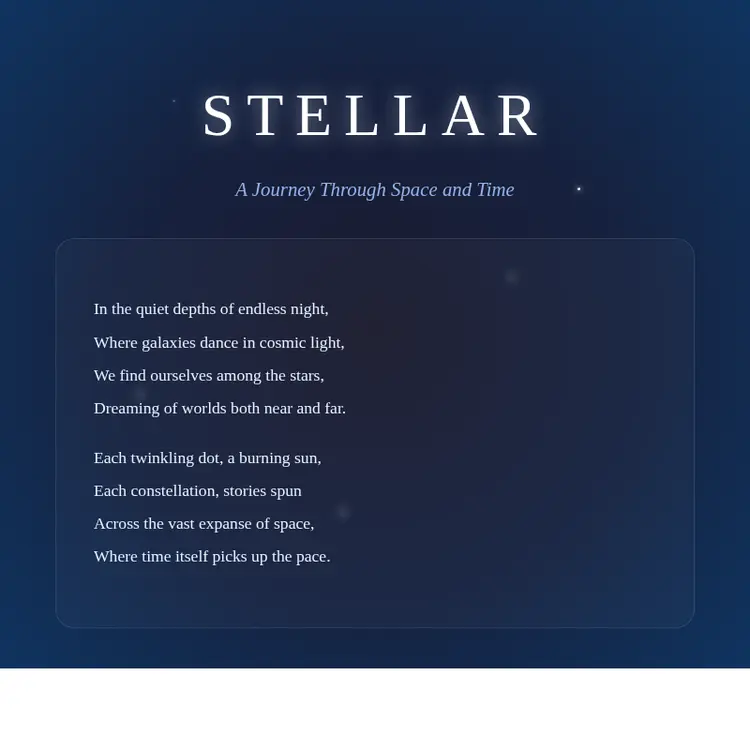
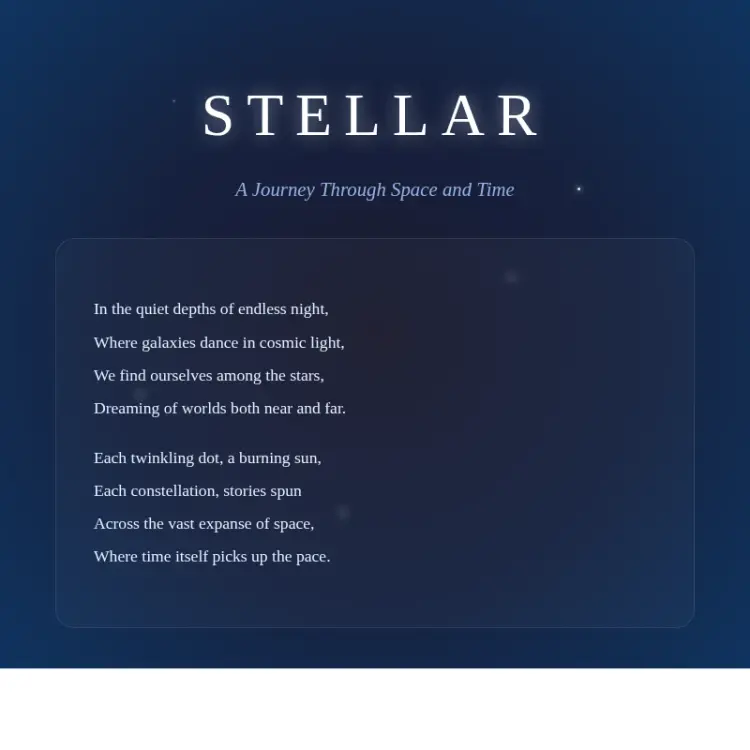
HTML To Image converts raw HTML and CSS into a finished image file without a browser, design software, or manual screenshots. Designers and developers often need pixel-perfect renders of templates, cards, invoices, or social media posts, and the usual workflow involves resizing a browser window and hoping the screenshot captures it right. HTML To Image on Picasso IA handles that in a single step: paste your markup, set the viewport, and get back a clean PNG, JPG, or WebP. It is especially useful for anyone building dynamic content pipelines or who just needs one reliable way to turn a web layout into a shareable asset.
How It Works
- Paste or type your HTML, including inline CSS or embedded style blocks, into the input field.
- Set the viewport width and height to match the canvas size you want for the final image.
- Choose an output format: PNG for transparency support, JPG for smaller file sizes, or WebP for a balance of quality and compression.
- Hit generate and the model renders the markup as a browser would, then exports a static image at the dimensions you specified.
- Download the result immediately, ready to drop into a presentation, email template, or social post.
Frequently Asked Questions
Do I need programming skills or technical knowledge to use this?
No, just open HTML To Image on Picasso IA, adjust the settings you want, and hit generate. If you can copy and paste HTML, you can use this tool.
Is it free to try?
Yes, you can run HTML To Image without a paid subscription to test it. Check the current plan details on your account page for generation limits.
What output formats are supported?
The model exports PNG, JPG, and WebP. PNG works best when you need a transparent background; JPG keeps file sizes small for opaque layouts; WebP offers strong compression without visible quality loss.
How long does it take to get results?
Most renders complete in a few seconds. Complex layouts with many elements or large viewport sizes may take slightly longer, but you rarely wait more than 10 to 15 seconds.
Can I control the size of the output image?
Yes. Set the viewport width and height before generating. The default is 1680x867 pixels, but you can adjust both values to match any target size, from a small social card to a full-page layout.
What kind of HTML works best?
Standard HTML with inline or embedded CSS renders reliably. Layouts that depend on externally loaded fonts or JavaScript-driven dynamic content may not appear as expected, since the model captures a static snapshot of the markup you provide.
Where can I use the output images?
The downloaded file is a plain image with no watermark, so you can use it in presentations, email campaigns, social media posts, client reports, or anywhere else you need a static visual of a web layout.