Dall E 2 is a text-to-image model that takes a written description and returns a matching image within seconds. Whether you need a quick visual for a presentation, a concept illustration for a client pitch, or just want to see an idea brought to life, you get a finished image without touching any design software. The model reads your written prompt and returns up to 10 images in a single run, letting you compare variations without re-entering settings. It handles a broad range of visual styles, from photorealistic scenes to painterly illustrations, based solely on how you phrase the description. Short prompts produce quick results, while longer, more detailed descriptions give it more direction to work with. It fits into any stage of a creative workflow where you need a reference image fast. Brief writers use it to sketch out visual directions; small teams use it to mock up concepts before bringing in a designer. Open the model, type your prompt, and have a starting point in under a minute.
Dall E 2 is a text-to-image model that converts a plain-language description into a ready-to-use image. It was among the first AI image models to make this kind of generation feel accessible to non-designers, and it remains a solid choice for fast concept work. On Picasso IA, you type a prompt, choose how many images you want (up to 10 at once), and get results in seconds with no installation required. Whether you need a quick illustration for a blog post or a visual draft for a client presentation, it gives you something concrete to work with right away.
Do I need programming skills or technical knowledge to use this? No, just open Dall E 2 on Picasso IA, adjust the settings you want, and hit generate.
Is it free to try? Yes, you can run Dall E 2 without any upfront commitment. Check the credit pricing on the model page to see how many generations are included.
How long does it take to get results? Most prompts return images within a few seconds. Running a full batch of 10 images takes slightly longer but still finishes in well under a minute.
What output formats are supported? Dall E 2 returns standard image files you can download directly and open in any design tool or image editor without extra conversion steps.
Can I customize the output quality or style? You shape the result through your prompt. Specifying lighting, color palette, composition, and artistic style gives you much closer control over what comes back. Generating several variations at once is the fastest way to find the right look.
How many times can I run the model? You can run Dall E 2 as many times as your credit balance allows. There is no hard cap on attempts, so iterating until you get the result you want is part of the normal workflow.
Where can I use the outputs? The images you generate are available for personal and commercial use. Review the current usage terms on the platform to confirm the specifics for your situation.
Everything this model can do for you
Type a description and receive a finished image without any design tools.
Request up to 10 images from one prompt and compare them side by side.
Produce photorealistic photos, illustrated artwork, or abstract compositions from the same input field.
Open the model on Picasso IA and start generating immediately, no software to install.
Write prompts the way you speak, no special syntax or technical formatting needed.
Images arrive at a fixed square resolution, ready to drop into layouts without cropping.
Adjust a few words in your description and regenerate to shift the style, mood, or composition.
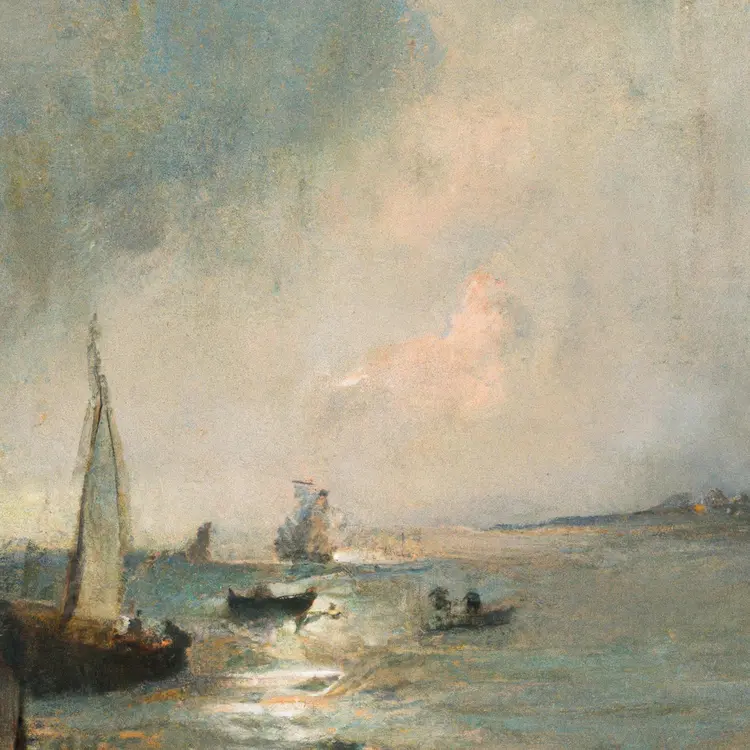
a turner painting, seascape
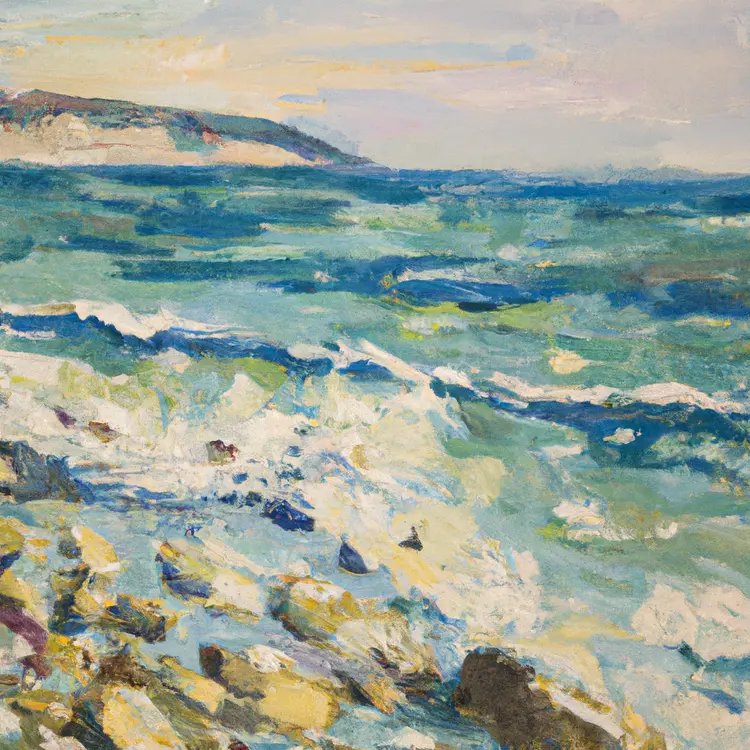
an oil painting of a seascape
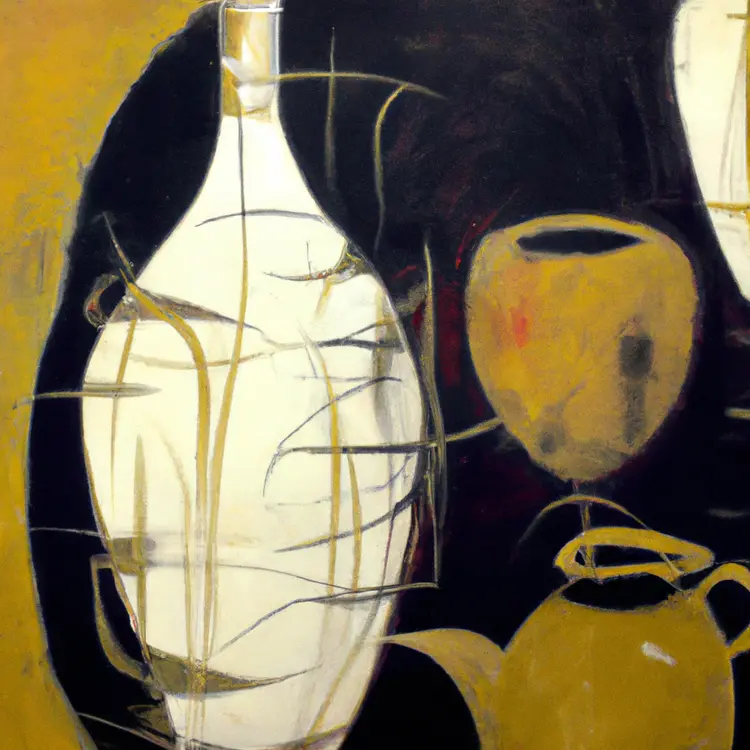
an abstract painting of a still life