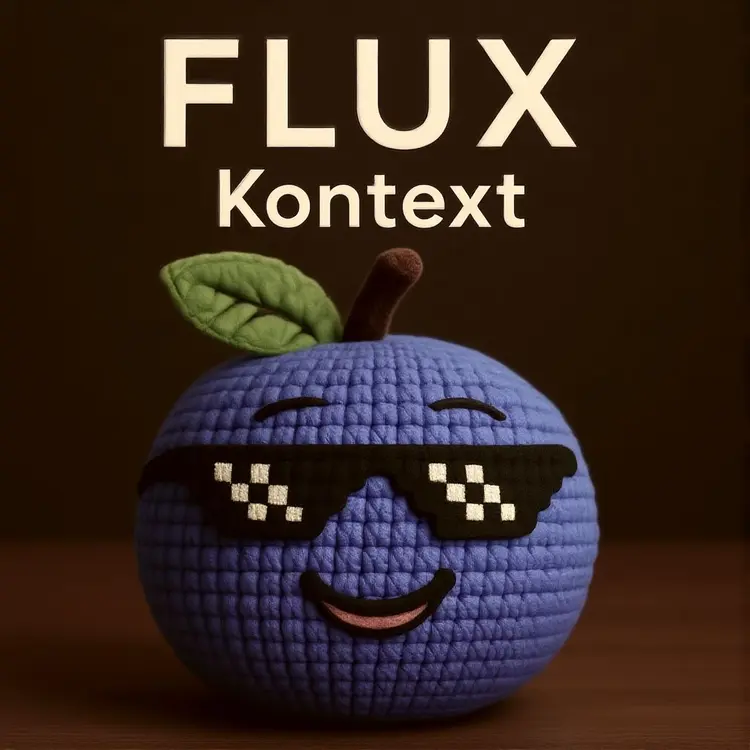
Overview
Flux Kontext Fast is an image-to-image generation model built for speed without sacrificing output quality. It takes an input image and a text prompt, then produces an edited version of the image in seconds, whether that means changing the background, shifting the art style, or reworking the subject entirely. The standout aspect is a speed mode selector that lets you control the trade-off between processing time and output consistency, from deliberate and stable to near real-time results. This makes it well-suited for high-volume workflows where waiting minutes per image is not practical. On Picasso IA, you run it directly in the browser with no installation required.
How It Works
- Upload your input image and write a prompt describing what you want the output to look like, such as a different style, a new setting, or a specific change to the subject.
- Select a speed mode from the settings panel: options range from more consistent results to faster generation, depending on your priorities for that run.
- Set the output aspect ratio to automatically match your input image, or pick a specific ratio like 16:9, 4:5, or 1:1.
- Optionally adjust the guidance scale and number of inference steps to control how closely the output follows your prompt and how much detail is retained.
- Hit generate and download your image in PNG, JPG, or WebP at the quality level you set.
Frequently Asked Questions
Do I need programming skills or technical knowledge to use this?
No, just open Flux Kontext Fast on Picasso IA, adjust the settings you want, and hit generate.
Is it free to try?
Yes, you can run Flux Kontext Fast without a paid account to see what the model produces. Check your current plan for details on generation limits.
How long does it take to get results?
In the fastest speed modes, results arrive in a few seconds. More consistent modes take slightly longer but tend to preserve finer detail in the output.
What output formats are supported?
The model produces PNG, JPG, or WebP files. For JPG and WebP, you can set the quality level before generating to balance file size and visual sharpness.
Can I customize the output style or quality?
Yes. The guidance scale controls how strictly the model follows your prompt. Lowering it introduces more creative variation; raising it keeps the output closer to what you described.
What aspect ratios can I choose from?
You can match the aspect ratio of your input image automatically, or select from preset ratios including 1:1, 16:9, 9:16, 4:5, 3:2, and more.
Where can I use the images I generate?
Outputs download without watermarks, so you can use them in client work, social media posts, product mockups, presentations, or any other context where you need a clean final asset.