Overview
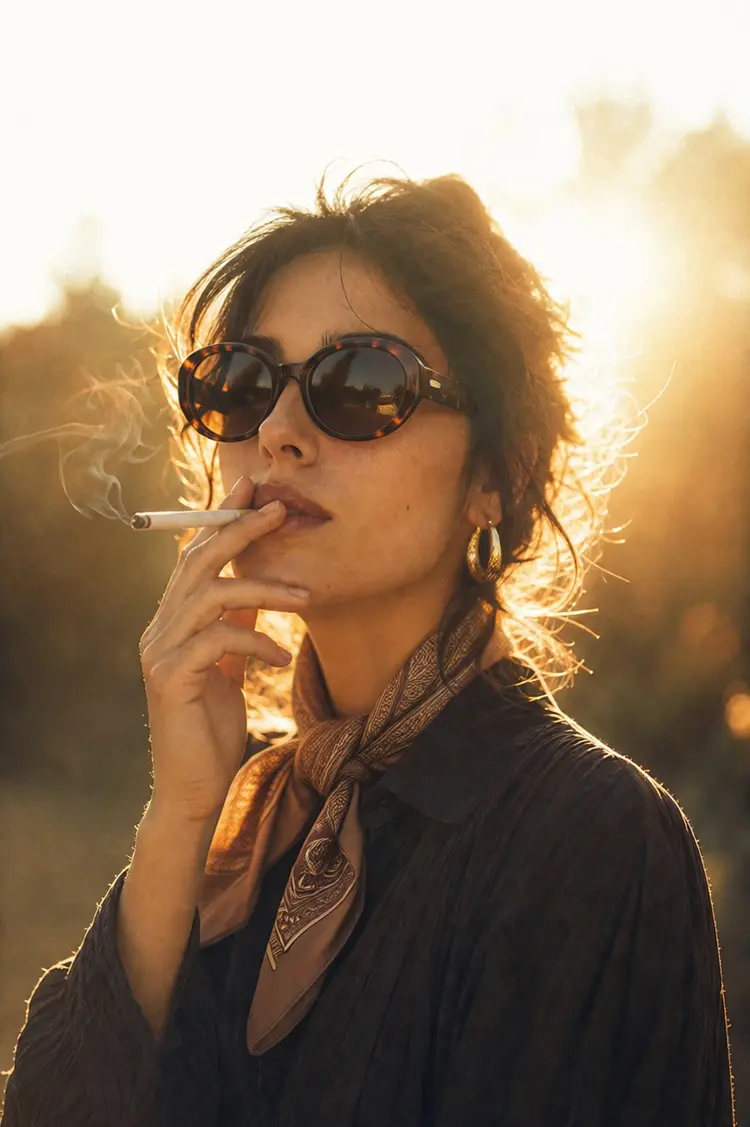
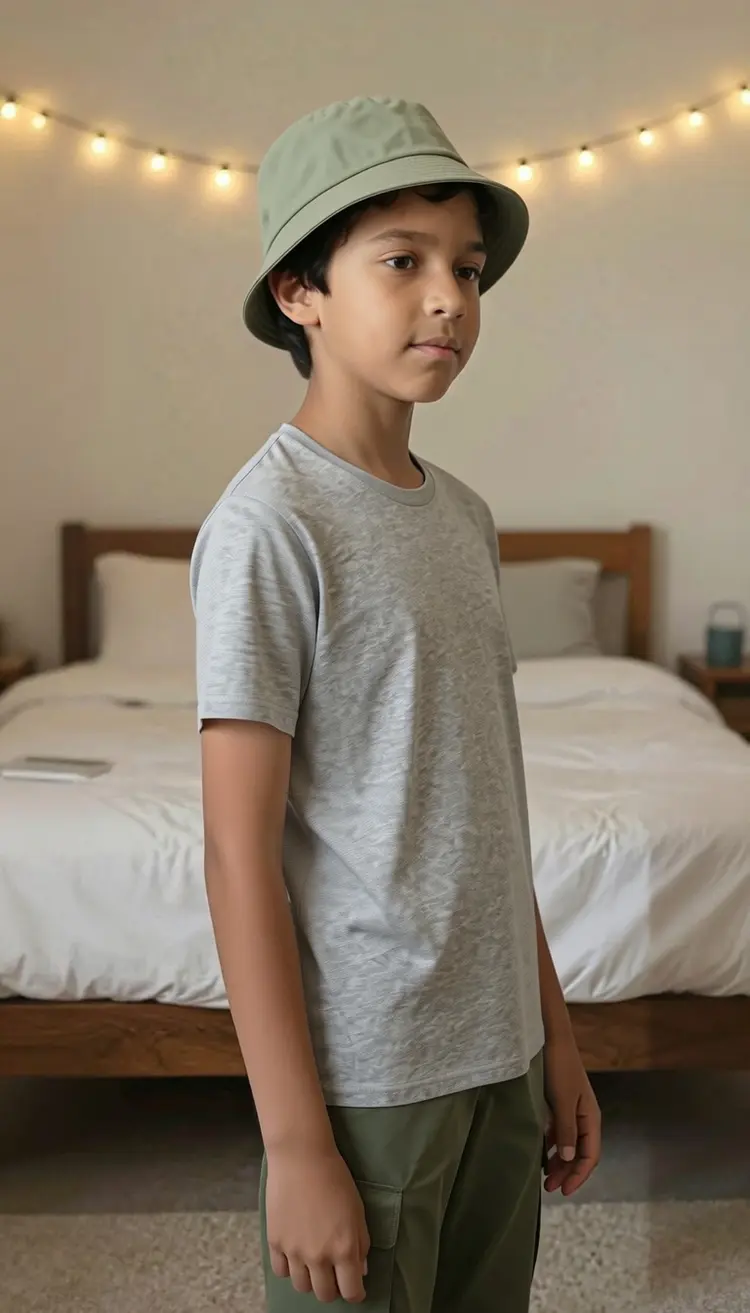
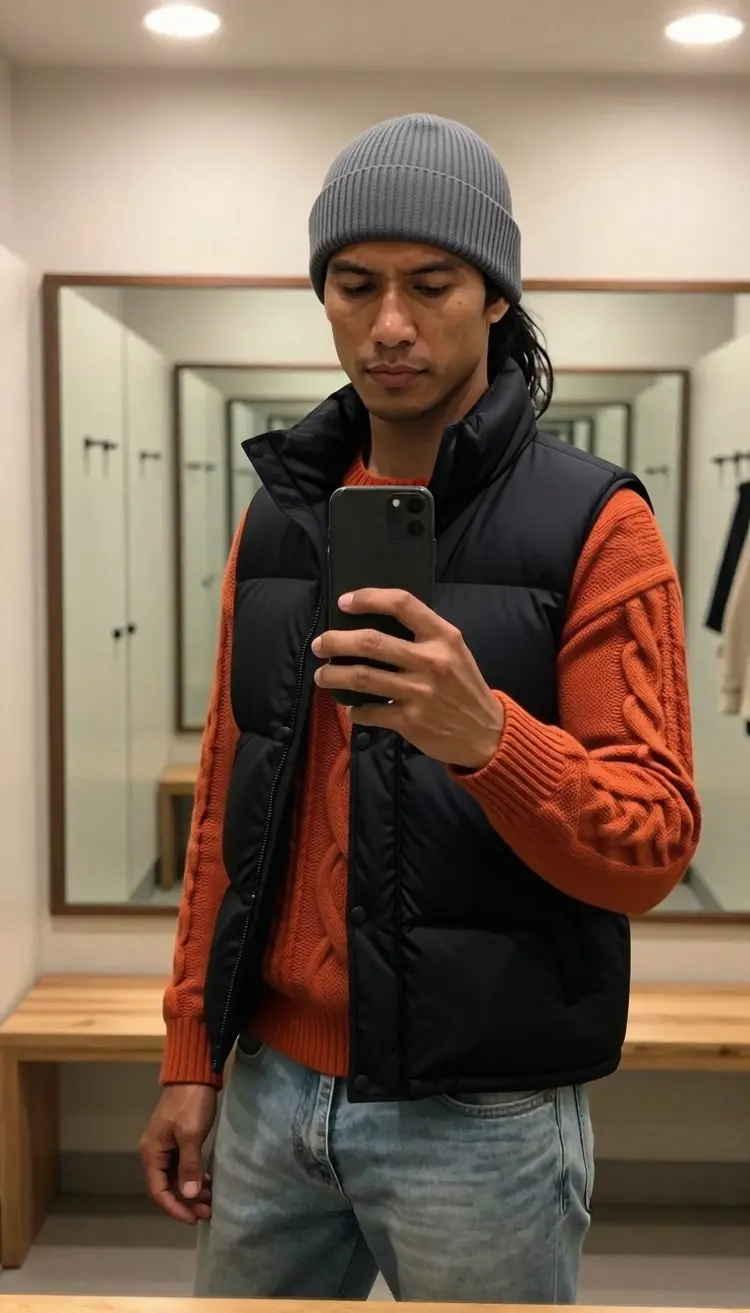
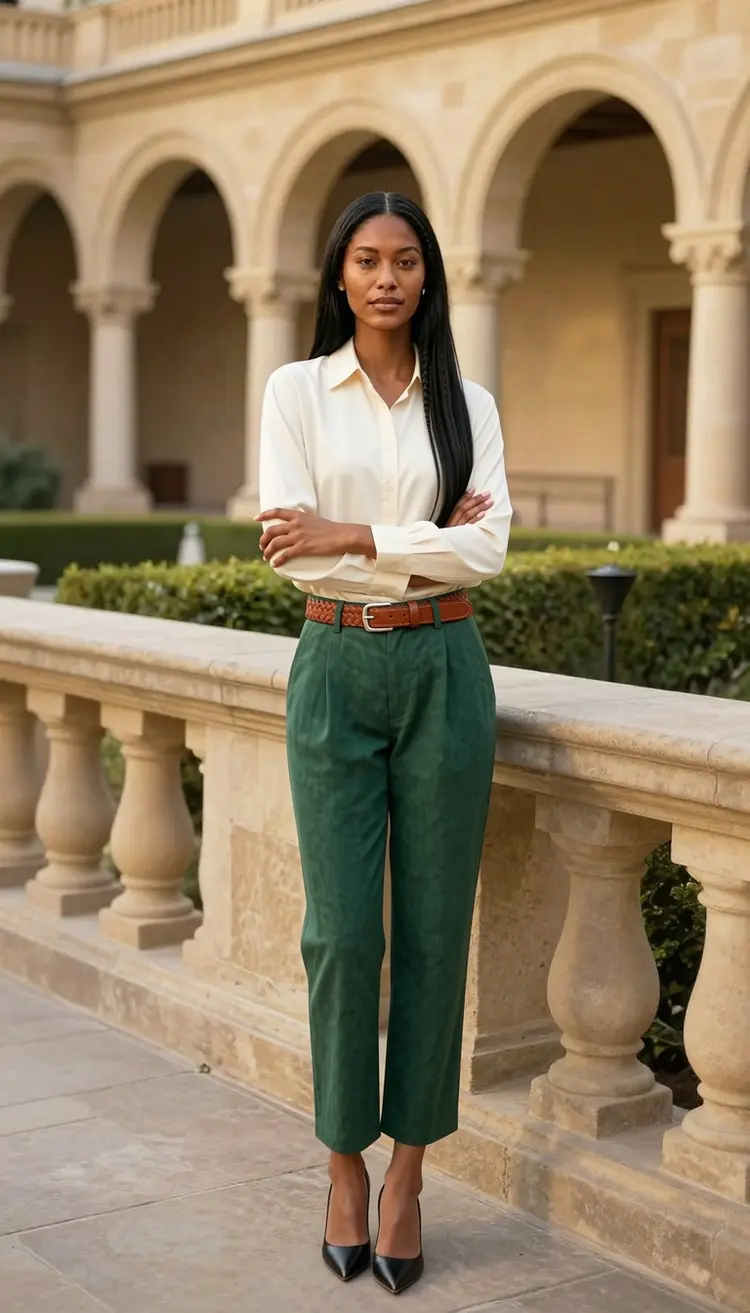
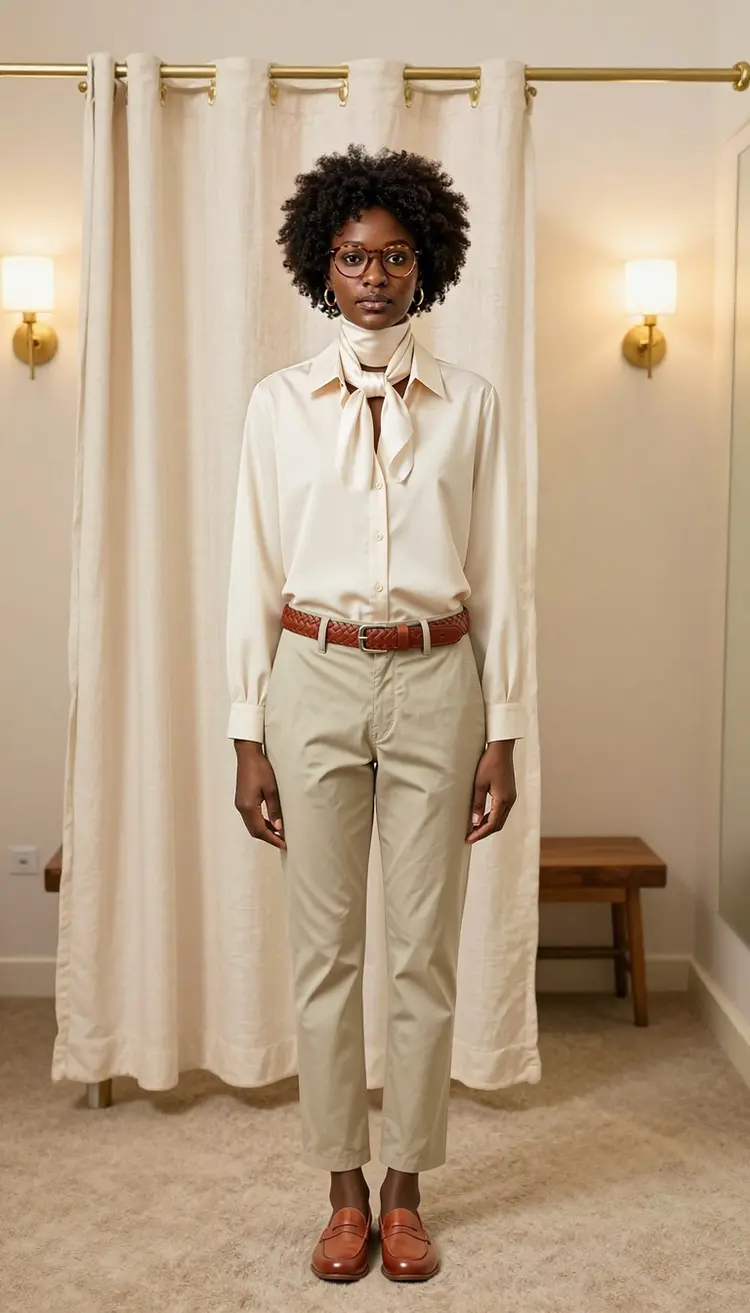
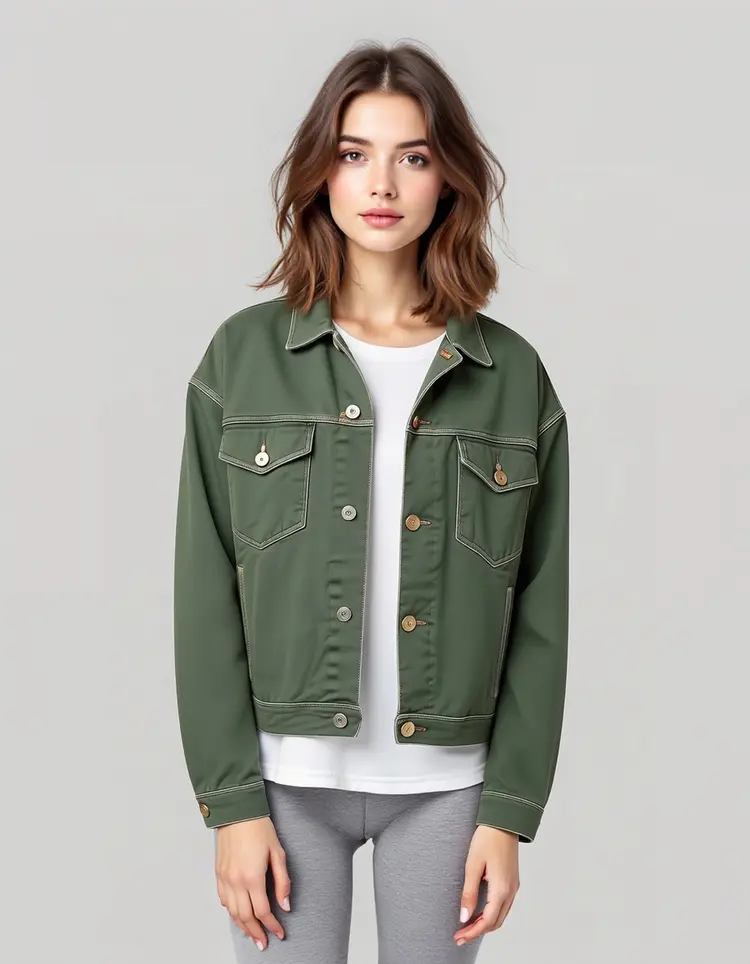
P Image Try On lets you dress a person in any outfit without a photo shoot, a studio, or Photoshop. Upload a photo of the person you want to style and one or more garment reference images, and the model places the clothes onto the body while keeping the face, pose, and proportions exactly as they were. It is built for e-commerce teams, content creators, and stylists who need to show an item on a real body before the sample even arrives. On Picasso IA, the whole process runs in your browser with no installs, no code, and no waiting on a designer.
How It Works
- Upload a clear photo of the person you want to dress. A front-facing shot at a reasonable resolution gives the most accurate fit.
- Add between one and six garment images as clothing references. Flat-lay product photos work well, as do images of the garment worn by someone else.
- If a garment image contains more than one item, type a short text prompt to tell the model which piece to use, for example "the red hoodie from image 1 and the cargo pants from image 2".
- Choose your output format (JPG, PNG, or WebP) and set the quality level if file size matters for your workflow.
- Toggle Turbo mode on if you need a quicker result and are working with four garments or fewer, then hit generate and download your finished image.
Frequently Asked Questions
Do I need programming skills or technical knowledge to use this?
No, just open P Image Try On on Picasso IA, adjust the settings you want, and hit generate.
Is it free to try?
Yes. You can run P Image Try On without a paid subscription to check the output quality for yourself. The pricing section has details on how many generations are included at each tier.
How long does it take to get results?
A single-garment try-on typically finishes in under 30 seconds. Stacking more garments or using a very high-resolution input adds a bit of processing time, but results come back quickly either way.
Can I layer multiple garments in one run?
Yes. You can upload up to six garment images for most runs, or up to eleven if you need to build a complete look. For stacks of more than four items, leave Turbo mode off to get the most accurate fit across all pieces.
What output formats are supported?
The model saves results as JPG, PNG, or WebP. JPG and WebP include a quality slider from 0 to 100, so you can find the right balance between sharpness and file size depending on where you plan to use the image.
Will the person's face or body position change?
No. P Image Try On preserves the original face, expression, and pose throughout the process. If you want to repose the person before the clothing is applied, you can supply an optional reference pose image and the model will match that position first.
Where can I use the output images?
The files download with no watermarks, so they are ready for product listings, social posts, pitch materials, or client presentations without any extra editing.