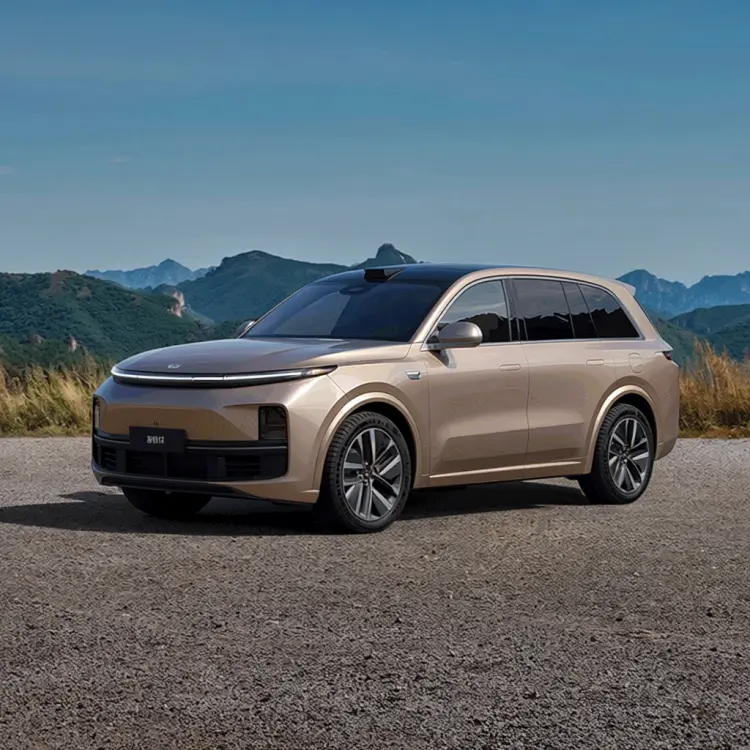
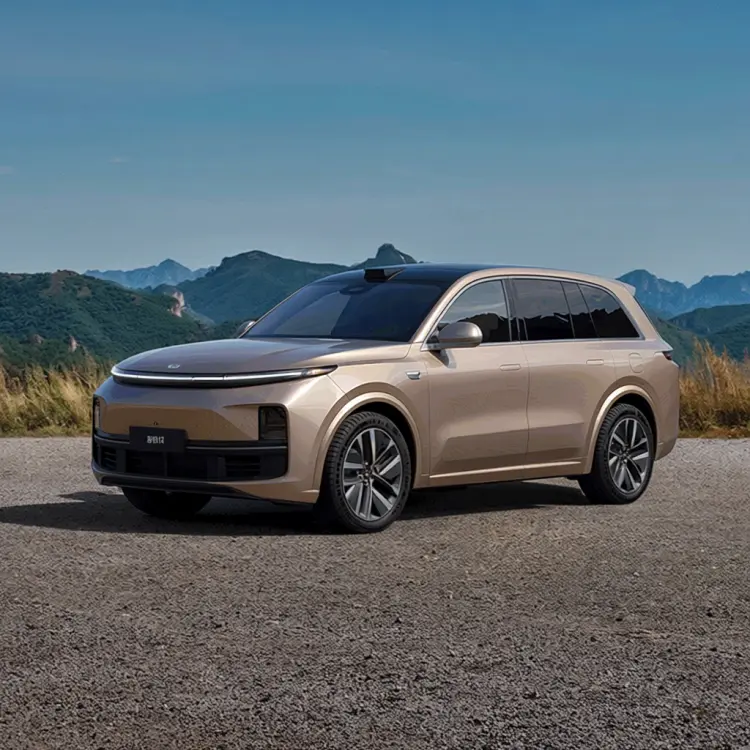
Getting a product to look naturally placed in a new setting is one of the harder parts of commercial photography. Qwen Image Edit Plus LoRA Fusion takes a photo of any object and rebuilds the composition so the perspective is corrected, the shadows fall right, and the subject blends into a completely different background you describe in plain text. You skip the photoshoot and the retouching session. The model uses a Fusion LoRA to match the spatial angle and lighting conditions of your subject to the new scene. You can choose between a fast 8-step generation for quick previews or a detailed 40-step pass for complex environments. Output formats include WebP, JPG, and PNG at quality levels up to 100, so results go straight to publishing without extra processing. It fits neatly into a product listing workflow: photograph the item on a plain background, upload the image, write a short scene description, and download a market-ready composite. No specialized software or 3D tools required.
Qwen Image Edit Plus LoRA Fusion drops any product or object into a brand-new setting, correcting perspective and adjusting lighting so the subject looks like it was photographed there rather than pasted in afterward. Photographers and e-commerce teams use it to create scene variations without a studio shoot, placing products into lifestyle contexts that match a brand in minutes. On Picasso IA, the whole process runs in your browser: upload the image, describe the scene you want, and the built-in Fusion LoRA adapter handles the blending work. The output reads as a single cohesive photo, not a composite.
Do I need programming skills or technical knowledge to use this? No, just open Qwen Image Edit Plus LoRA Fusion on Picasso IA, adjust the settings you want, and hit generate.
Is it free to try? You can run the model without a paid plan to start. Credit requirements and plan details are shown on the pricing page before you commit.
How long does it take to get results? The fast preset returns a result in seconds. The 40-step detailed preset takes longer and is better suited for final production images where sharpness and lighting accuracy matter.
What output formats are supported? You can export in webp, jpg, or png. For webp and jpg, quality is adjustable from 0 to 100. PNG outputs are always lossless and ignore the quality setting.
Can I reproduce the same result? Yes. Set a specific seed number before generating and reuse that exact seed to get the same image again. Without a seed, each run produces a different result.
How do I write a prompt that works well? Describe the physical environment in concrete terms: the surface the product sits on, the direction of the light source, and the overall mood of the scene. Specific details like "soft window light from the left on a linen tablecloth" give the model far more to work with than a vague setting description.
Where can I use the images I generate? The files download clean with no watermarks, making them suitable for product listings, marketing materials, client presentations, and social media posts.
Everything this model can do for you
Corrects perspective and lighting so any subject sits naturally inside the background you describe.
Run 8 inference steps for quick previews or 40 steps for polished, high-detail composites.
Output in 1:1, 16:9, 9:16, 4:3, 3:4, or matched to the original image dimensions.
Save in WebP, JPG, or PNG at quality up to 100 for print or digital publishing without extra processing.
Set a seed value to regenerate the exact same composite when you need consistency across a product line.
Adjust how strongly the Fusion adapter is applied to fine-tune the degree of scene integration.
Describe the target environment in plain English to set the lighting, surface, and mood of the output.