Overview
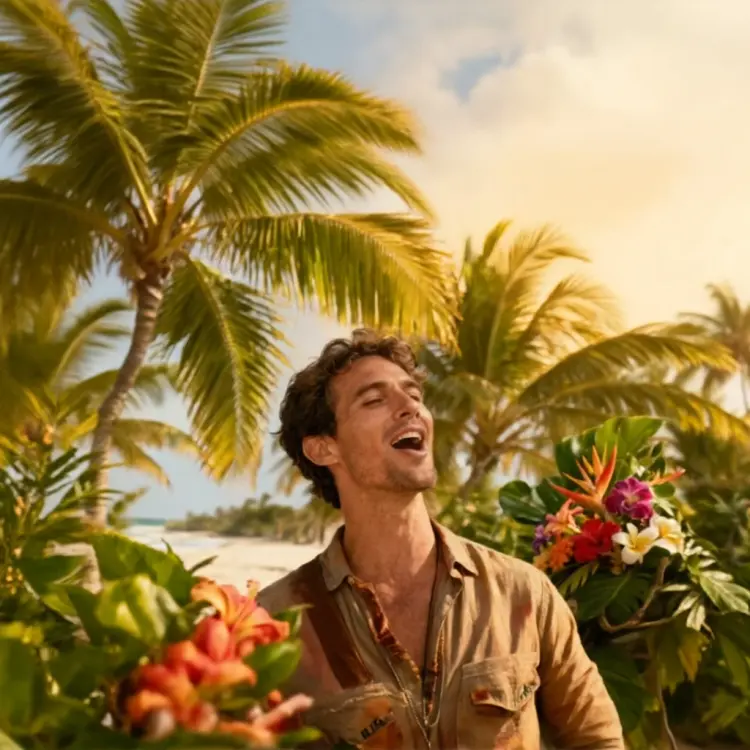
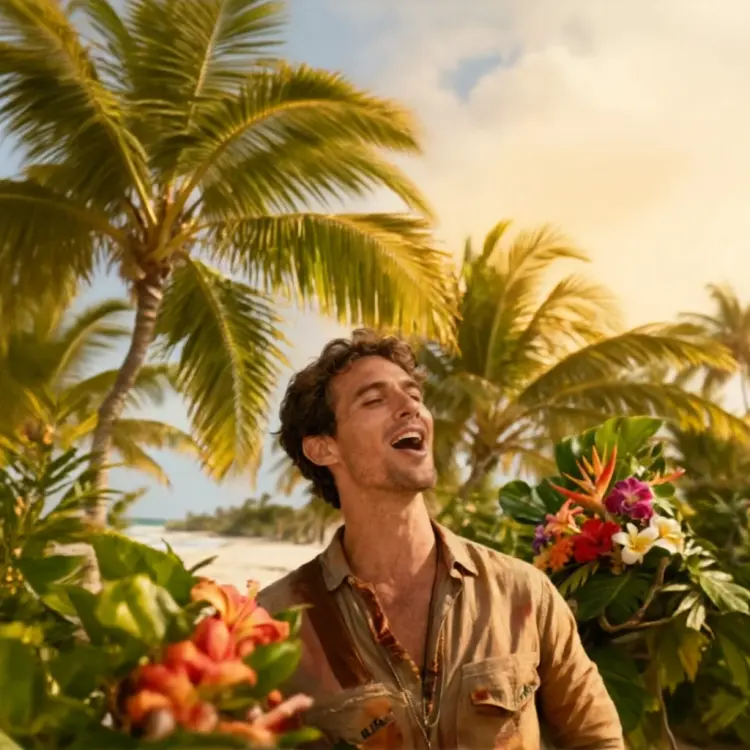
Qwen Image Edit Plus LoRA Next Scene takes one of your photos and a short text description, then produces a new image that reads like the natural next shot in a film sequence. The subject stays visually consistent across the edit while the camera angle, framing, and lighting shift to match whatever cinematic move you describe. This is practical for storyboard artists, content creators, and video producers who need to mock up shot progressions without a full production setup. Picasso IA runs this model entirely in the browser, so there is nothing to install and no configuration required before you start.
How It Works
- Upload your reference image in JPEG, PNG, GIF, or WebP format to set the base for the scene transition.
- Write a prompt starting with "Next Scene:" then describe the new camera move, framing, and lighting mood you want, for example, a slow push-in with warm afternoon light filling the background.
- Choose an aspect ratio (match the original, widescreen 16:9, portrait 9:16, or others) and select either the fast 8-step preset or the slower 40-step version for more detailed results.
- The model reads both the image and the prompt, preserves the subject's appearance, and generates a new frame that looks like a deliberate continuation of the same shot sequence.
- Download the finished image in WebP, JPG, or PNG at up to 95% quality, ready to drop into a storyboard, reel, or presentation.
Frequently Asked Questions
Do I need programming skills or technical knowledge to use this?
No, just open Qwen Image Edit Plus LoRA Next Scene on Picasso IA, adjust the settings you want, and hit generate.
Is it free to try?
Yes, you can run the model without any upfront commitment. Standard usage credits apply once you go beyond the free tier, and no credit card is required to start.
How long does it take to get results?
Using the fast preset (8 denoising steps), most generations finish in a few seconds. The 40-step detailed preset takes longer but produces finer texture and more controlled lighting transitions.
What output formats are supported?
The model exports in WebP, JPG, or PNG. WebP is the default and offers a solid balance of file size and visual quality for web and social use.
Can I customize the output quality or style?
Yes. You can set output quality from 0 to 100 for WebP and JPG files, adjust the LoRA scale to control how strongly the cinematic adapter shapes the result, and enter an explicit step count if neither preset fits your needs.
How many times can I run the model?
There is no hard cap on the number of generations. You can iterate as many times as you want within your available credits.
What happens if I am not happy with the result?
Refine your prompt to be more specific about camera direction, framing, and lighting conditions. You can also pin a seed to reproduce a previous output and then change one variable at a time until the frame looks the way you had in mind.