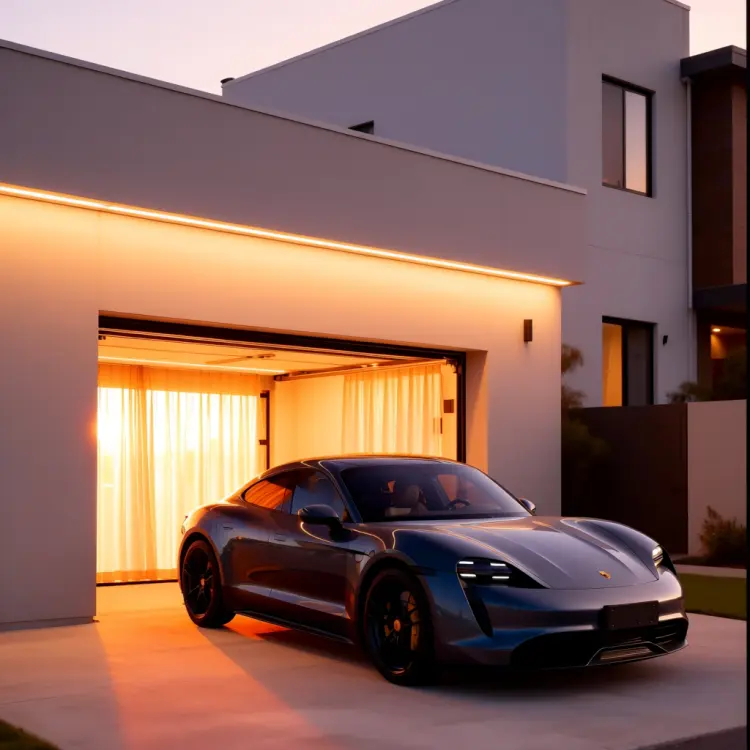
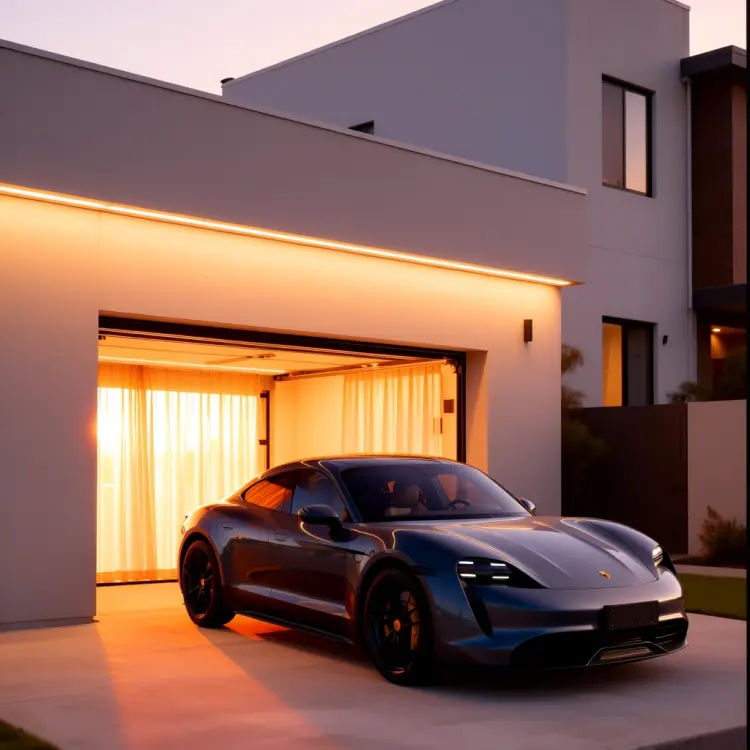
Qwen Image Edit Plus LoRA Relight is a photo relighting tool that takes any image and repaints its lighting conditions. If your photo looks flat, overcast, or was shot under dull indoor light, this model replaces that with curtain-filtered warmth, golden-hour tones, or moody atmospheric light without requiring any post-processing software. The model uses a specialized Relight LoRA adapter to apply soft, diffused window light across the full image. You can control speed with either an 8-step fast preset for quick iteration or a 40-step detailed pass for final output. Results arrive in webp, jpg, or png at up to 95% quality, and you can set the aspect ratio to match your original photo or switch to standard formats like 16:9 or 1:1. It fits naturally into photography and content creation workflows: take a flat raw shot, apply a warm evening relight, and get a social-ready image in seconds without opening editing software. Photographers use it for portrait mood adjustments, product teams for catalog shots that need consistent warm tones, and content creators for rapid scene changes that would take hours to do manually.
Qwen Image Edit Plus LoRA Relight takes any uploaded photo and repaints its lighting to match the mood you describe, without touching the subject or composition. On Picasso IA, you upload a portrait, product shot, or scene photo, type a short description of the light quality you want, and the model rebuilds the illumination around your subject. Think golden-hour warmth flooding through sheer curtains, or a cool blue dusk settling over a room. It solves a real problem: correcting or reimagining the light in a photo after it was taken, with no studio equipment and no retouching skill required.
Do I need programming skills or technical knowledge to use this? No, just open Qwen Image Edit Plus LoRA Relight on Picasso IA, adjust the settings you want, and hit generate.
Is it free to try? Yes, you can run the model directly in your browser with no account setup or software installation required.
How long does it take to get results? Using the fast 8-step preset, results typically appear within seconds. The 40-step detailed mode takes longer but produces more nuanced lighting with smoother tonal transitions.
What output formats are supported? You can download your relighted image in WebP, JPG, or PNG. For compressed formats, output quality is adjustable from 0 to 100, with 95 set as the default.
Can I control how strong the lighting effect is? Yes. The LoRA scale parameter lets you dial in how much the relighting adapter influences the output, from a subtle tonal shift to a full atmospheric repaint of the scene.
What happens if I am not happy with the result? Try making your prompt more specific about the light source direction or color temperature. You can also set the seed to lock a good base result and adjust other parameters around it. Picasso IA lets you iterate as many times as you need.
Where can I use the outputs? The images download with no watermarks, so you can use them in client presentations, social posts, product listings, or any other project without restriction.
Everything this model can do for you
Applies soft, diffused window light to photos for a natural indoor warmth effect.
Repaints scene lighting with warm sunset colors without affecting the original subject.
Choose an 8-step fast run for quick previews or a 40-step detailed pass for final output.
Output can match the input photo or be resized to 1:1, 16:9, 9:16, 4:3, or 3:4.
Save results as webp, jpg, or png at up to 95% quality for any platform.
Set a seed number to reproduce the exact same relight result across multiple runs.
Control how strongly the relight effect is applied to blend naturally with the original.