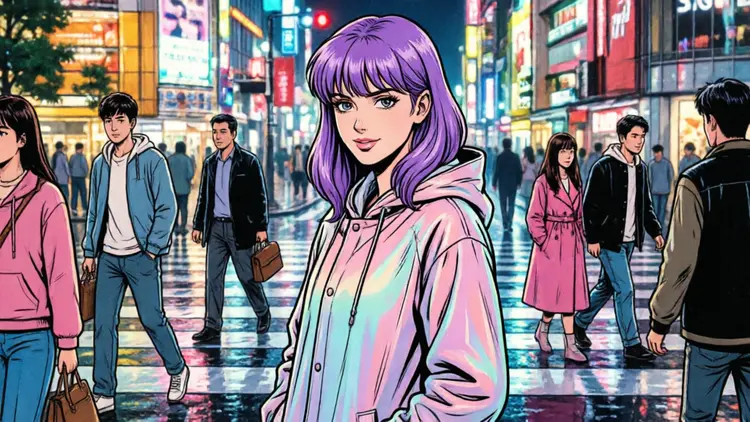
Qwen Image 2 is a text-to-image and image editing model built by Alibaba's Qwen team. If you've struggled to get AI art tools to reproduce readable text inside images — signs, posters, captions, product labels — this model handles it with noticeably better accuracy than most alternatives. It also supports Chinese text rendering, which is rare and genuinely useful for bilingual content. You can start from a plain text prompt or upload a reference image to guide the output. The built-in prompt expansion feature automatically fills in detail you might have left out, so even short, simple prompts tend to produce well-composed results. Negative prompts let you steer the model away from anything you don't want — cluttered backgrounds, specific colors, unwanted objects — without multiple retries. Aspect ratio options cover everything from square social posts to vertical phone wallpapers and wide-screen banners. Qwen Image 2 slots into your workflow whether you're refining a concept, editing an existing photo, or generating something from scratch. Upload a product shot and describe the changes you want, or type a prompt and get a finished image in seconds. Try it now — no account setup, no configuration required.
Qwen Image 2 is a text-to-image generation model built by Alibaba's Qwen research team, designed to bridge the gap between written descriptions and high-quality visual output. Where many AI image models struggle with legible text inside images, this one handles it with notable accuracy, including strong support for Chinese characters. Whether you are creating a product mockup with a label, a poster with bold typography, or a scene with embedded captions, the model delivers results that stay true to your written prompt. On Picasso IA, you can access this directly in your browser — no installation, no coding, no friction.
Do I need programming skills or technical knowledge to use this? No — just open qwen-image-2 on Picasso IA, adjust the settings you want, and hit generate. Everything runs inside the browser through a visual interface that requires zero technical background.
Is it free to try? Yes. You can run qwen-image-2 online at no cost and receive real outputs without entering payment information. Free access lets you evaluate the model's quality on your specific use case before deciding whether to use it at higher volume.
How long does it take to get results? Most generations complete within a few seconds to about half a minute, depending on the complexity of your prompt and the resolution you select. The process is fast enough that iterating through multiple variations in a single session is entirely practical.
What output formats are supported? Generated images are delivered as standard web-ready image files you can save directly to your device. The format is compatible with design tools, presentations, social media platforms, and publishing workflows without any conversion step.
Can I customize the output quality or style? Yes. Controls for image dimensions, inference steps, and guidance scale are available directly in the interface. Adjusting these parameters changes how detailed, stylized, or literal the output becomes, giving you real creative control beyond just editing your prompt text.
What happens if I'm not happy with the result? Simply revise your prompt and regenerate. Because results appear instantly, there is no cost to trying again with different wording, a tighter description, or a small adjustment to the settings. Most users find that one or two iterations produce something worth keeping.
Where can I use the outputs? Images generated through qwen-image-2 can be used across a wide range of contexts, including social media content, design mockups, marketing materials, presentations, and personal creative projects. Always review the current terms of use for specific commercial licensing details.
Ready to see what your words produce? Open qwen-image-2 on Picasso IA right now and generate your first image in under a minute.