Overview
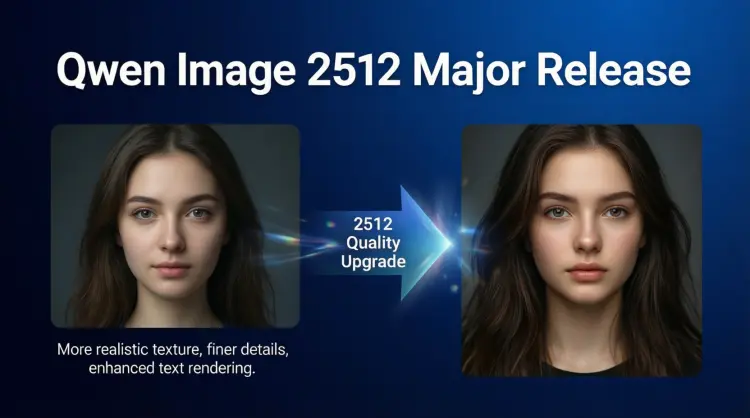
Qwen Image 2512 is a text-to-image model built for creators who need photorealistic results without spending hours in post-production. Where older models often produced blurry faces or garbled text on signs and posters, this version was specifically rebuilt to handle both with care. Available on Picasso IA, it takes a written prompt and returns a high-resolution image with realistic skin tones, fine surface texture, and readable embedded text in a single run. Whether you are shooting for a product mock-up, a character concept, or a scene with visible typography, the output is production-ready far more often than not.
How It Works
- Write a text prompt describing your scene, subject, or concept in plain language, including as much detail about lighting, color, and composition as you want
- Select an aspect ratio from the preset list or enter a custom width and height in pixels for a non-standard canvas
- Optionally upload a reference photo to steer the style and composition through image-to-image mode, then set the strength to control how much of the original survives
- Set guidance to a higher value if you want the output to stay close to your exact description, or lower it for more creative variation
- Hit generate and download the finished image in WebP, JPEG, or PNG at up to 100% output quality
Frequently Asked Questions
Do I need programming skills or technical knowledge to use this?
No, just open Qwen Image 2512 on Picasso IA, adjust the settings you want, and hit generate.
Is it free to try?
Yes, you can run Qwen Image 2512 online for free with no account required for your first generations. Just open the model, write your prompt, and see the output in seconds.
How long does it take to get results?
With fast mode on, most images render in under 30 seconds depending on resolution. Dropping the step count speeds things up further if you only need a quick draft or a composition check.
What output formats are supported?
You can download your image as WebP, JPEG, or PNG. WebP gives the best file size without visible quality loss for most use cases. Use PNG if you need a lossless, print-ready file.
Can I customize the output quality or style?
Yes. Raise the guidance value to tighten the output around your prompt, lower the step count for faster drafts, or upload a reference photo and adjust the strength slider to blend it with your new description. A negative prompt also lets you push unwanted elements out of the scene.
How many times can I run the model?
You can generate as many images as you need. Each run produces one image, so iterate with different seeds, prompt tweaks, or guidance adjustments until you get exactly what you were after.
Where can I use the outputs?
The images are yours to use in social posts, presentations, client mock-ups, print materials, or any personal and commercial project. Download as PNG for clean, watermark-free assets ready to hand off directly.