• Picasso AI Logo
    Logo Picasso IA
  • Home
  • AI Image
    Nano Banana 2
  • AI Video
    Veo 3.1 Fast
  • AI Chat
    GPT 5
  • Edit Images
  • Upscale Image
  • Remove Background
  • Text to Speech
  • Effects
    NEW
  • Generations
  • Billing
  • Support
  • Account
  1. Collection
  2. Text to Image
  3. Recraft V4 Pro Svg

CreditsUpgrade

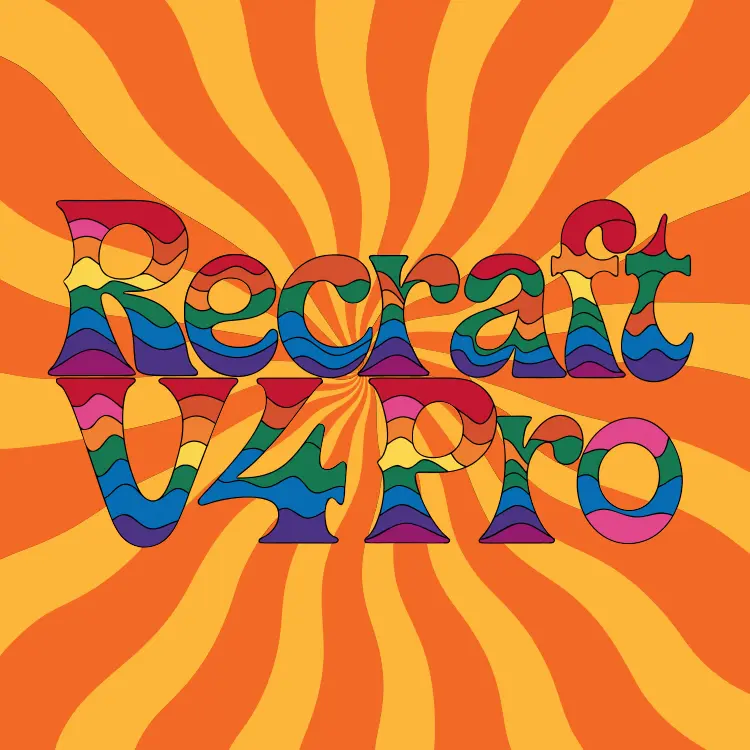
Recraft V4 Pro SVG — Text to Vector Graphics Generator

Designing a vector graphic used to mean hours in Illustrator or paying someone who knows their way around Bézier curves. Recraft V4 Pro SVG changes that. You type what you want — a badge, an icon, a decorative illustration — and the model returns a proper SVG file with clean paths, separate layers, and geometry that holds up at any resolution. The output isn't a rasterized image dressed up as a vector. It's actual SVG code with fine paths and structured geometry, which means you can open it in any design tool and edit individual elements. Pick a square canvas for icons, go 16:9 for banners, or 9:16 for mobile assets — the aspect ratio controls are straightforward and the file scales without a pixel of blur regardless of which you choose. This fits naturally into a workflow where you need a starting point fast. Drop the SVG into Figma, tweak the colors, adjust a path, and ship it. You're not locked into a static export. Try it with your next icon set or brand asset and see how much time you get back.

Official

Recraft Ai

2.6k runs

Recraft V4 Pro Svg

2026-02-17

Commercial Use

Recraft V4 Pro SVG — Text to Vector Graphics Generator
Table of contents
  • Overview
  • How It Works
  • Key Features
  • Frequently Asked Questions
  • Credit Cost
  • Use Cases
Get Nano Banana Pro

Overview

recraft-v4-pro-svg turns written descriptions into fully structured SVG vector graphics, solving one of the most time-consuming problems in design work: building scalable, editable artwork from scratch. Whether you need a clean company logo, a geometric illustration for a presentation, or an icon set that scales from a favicon to a billboard, this model produces layered vector output ready for real-world use. On Picasso IA, the whole process runs directly in your browser — no software installation, no coding required. Type what you want, generate, and walk away with a file you can actually work with.

How It Works

  • Write your prompt: Describe the graphic you want in plain language — style, shapes, colors, mood, or any specific elements you have in mind. The more specific you are, the closer the output lands to your vision.
  • The model interprets your prompt: recraft-v4-pro-svg processes your description and translates it into geometric instructions, building the image out of clean paths, curves, and layered shapes rather than pixels.
  • Output is generated as SVG: Instead of a flat raster image, you receive a structured vector file with editable paths, separate layers, and resolution-independent geometry.
  • Download and edit: Open the output in any vector editor — or use it directly in a web project, a print file, or a presentation. Every path is clean and addressable.
  • Iterate as needed: If the first result is close but not perfect, refine your prompt with more detail and generate again. Instant results mean you can experiment without waiting.

Key Features

  • Geometric precision at the path level: The model produces finer paths and more detailed geometry than typical AI text-to-image generation tools, which means smoother curves, tighter corners, and shapes that look intentional rather than approximate.
  • True SVG output, not a converted PNG: Every output is a native vector file with actual path data — you get something you can open in Illustrator, Figma, or a code editor and meaningfully change.
  • Infinite scalability: Because the output is vector-based, it looks equally crisp at 16px or 16,000px. No blurring, no pixelation, no re-exporting at different sizes.
  • Editable, layered structure: Clean layer organization means individual elements are separable. Swap a color, isolate a shape, or repurpose one component without starting over.
  • Recraft V4 Pro design sensibility: The underlying model applies a trained aesthetic sense toward composition and proportion, so outputs tend to have visual coherence rather than random element placement.
  • No coding required, runs free online: Access the full generation capability straight from your browser — no API keys, no local setup, no technical barrier between your idea and the output.

Frequently Asked Questions

Do I need programming skills or technical knowledge to use this? No — just open recraft-v4-pro-svg on Picasso IA, adjust the settings you want, and hit generate. The entire interface is built for anyone who can type a description, regardless of design or development background.

Is it free to try? Yes. The model is available to run online without requiring a paid subscription to get started. You can generate outputs and see exactly what the model produces before committing to anything.

How long does it take to get results? Most generations complete within seconds. The exact time depends on the complexity of your prompt and current server load, but you are typically looking at a short wait rather than a long one — fast enough to iterate multiple times in a single session.

What output format do I receive? You receive an SVG file — a standard, open vector format supported by virtually every design tool, browser, and publishing workflow. It is not a rasterized image disguised as a vector; it is genuine path-based data you can edit at any level.

Can I customize the style or level of detail? Yes. Adjusting your prompt is the primary way to steer the output. More descriptive language around style (flat, isometric, line art, minimal), color palette, and specific shapes gives the model stronger signals and produces more targeted results. Some parameter controls are also available directly in the interface.

Where can I use the graphics I generate? SVG outputs can be used in websites, mobile apps, presentations, printed materials, merchandise, and anywhere else a vector file is accepted. Always check the platform's terms of use for AI-generated content when working on commercial projects.

What if I am not satisfied with the result? Refine your prompt and generate again. Small changes in wording often produce noticeably different outputs. Adding specifics about composition, shape style, or color tends to close the gap between what you imagined and what the model produces. There is no penalty for running the model multiple times.

Try recraft-v4-pro-svg now and see how quickly a well-written prompt becomes a production-ready vector file.

Credit Cost

Each generation consumes 6 credits

6 credits
or 30 credits for 5 generations

Use Cases

Describe a app icon concept in plain text and receive an editable SVG you can drop straight into your Xcode or Android project.

Generate a set of matching social media icons from a single style description and export each as a standalone vector file.

Write out a logo idea — shape, color, mood — and get a structured SVG back that a designer can refine rather than build from scratch.

Create decorative border or frame illustrations for print layouts by describing the ornamental style you need, then scaling the output to any print size.

Build a library of category icons for a website by prompting each one individually with consistent style instructions, then editing all of them in Figma.

Turn a written description of a map or diagram into a geometric SVG illustration with labeled regions and clean line work.

Generate badge and stamp designs for merchandise by describing the shape, text placement, and graphic elements, then editing the vector layers to finalize.

Switch Category

Text To Image

Text To Image

Text To Video

Large Language Models

Large Language Models

Text To Speech

Text To Speech

Super Resolution

Super Resolution

Lipsync

AI Music Generation

AI Music Generation

Video Editing

Speech To Text

Speech To Text

AI Enhance Videos

Remove Backgrounds

Remove Backgrounds

Effects