Overview
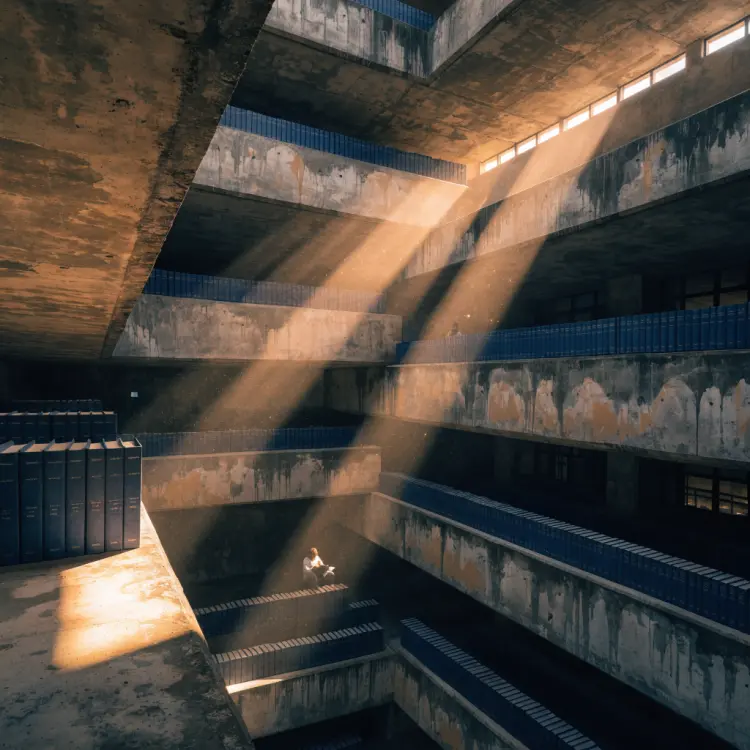
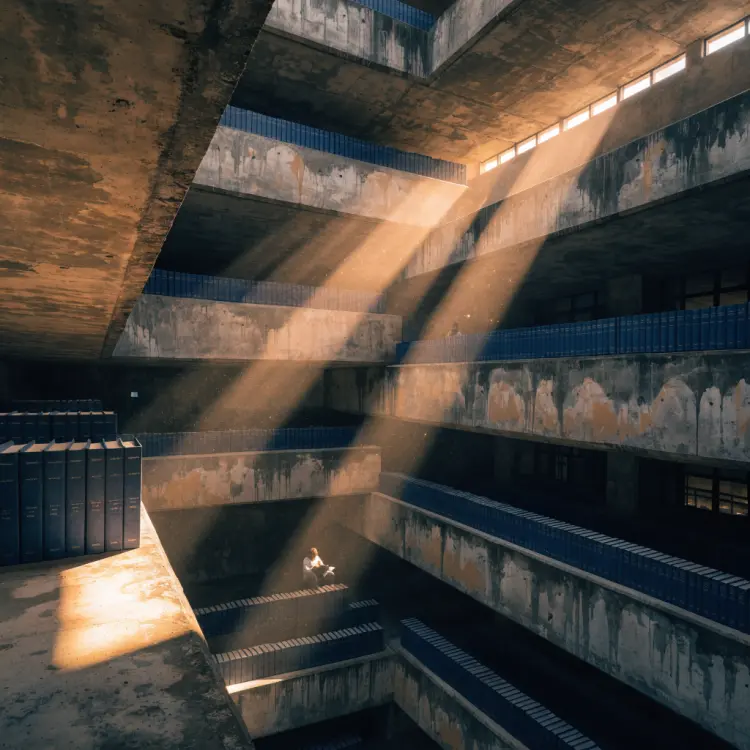
Recraft v4.1 is a text-to-image model built around design judgment, not just prompt matching. It was made for people who care about composition, typography, and visual style as much as raw image quality. Drop a detailed description into Picasso IA and get back an image that looks like it was art-directed, not just generated. Whether you need a polished product banner, a styled illustration, or a social graphic with readable text overlay, Recraft v4.1 handles the visual decisions that usually require several rounds of iteration.
How It Works
- Write a text prompt describing the scene, style, and any text you want rendered inside the image (up to 10,000 characters, so full creative briefs are fine)
- Choose your output size or aspect ratio from preset options covering square, portrait, landscape, and widescreen formats
- Hit generate and get your image back in seconds at standard resolution
- Review the result and adjust your prompt wording, size, or aspect ratio if you want a different composition
- Download the final image with no watermark and use it directly in your project
Frequently Asked Questions
Do I need programming skills or technical knowledge to use this?
No, just open Recraft v4.1 on Picasso IA, adjust the settings you want, and hit generate.
Is it free to try?
Yes, you can run Recraft v4.1 on Picasso IA for free without any account setup. Paid tiers are available if you need higher volume.
How long does it take to get results?
At standard resolution, most images are ready in a few seconds. Larger output sizes may take slightly longer depending on the complexity of your prompt.
What output formats are supported?
Recraft v4.1 returns a high-resolution raster image you can download immediately. It comes out ready for web, print, or digital publishing straight from the generator.
Can I include readable text in the generated image?
Yes. Recraft v4.1 has integrated text rendering, which means words and short phrases you describe in your prompt usually appear legible in the output rather than garbled. Include the exact copy you want as part of your prompt description.
What sizes and aspect ratios can I use?
You can pick from over a dozen preset sizes ranging from square (1024x1024) to widescreen (1344x768) and portrait (768x1344), or choose a named ratio like 16:9, 4:5, or 3:2. If you set an aspect ratio, the explicit pixel size setting is ignored.
What if I'm not happy with the result?
Refine your prompt with more specific wording about the composition, lighting, or style, then run it again. Small changes in phrasing often produce noticeably different outputs, so iteration is a normal part of the process.