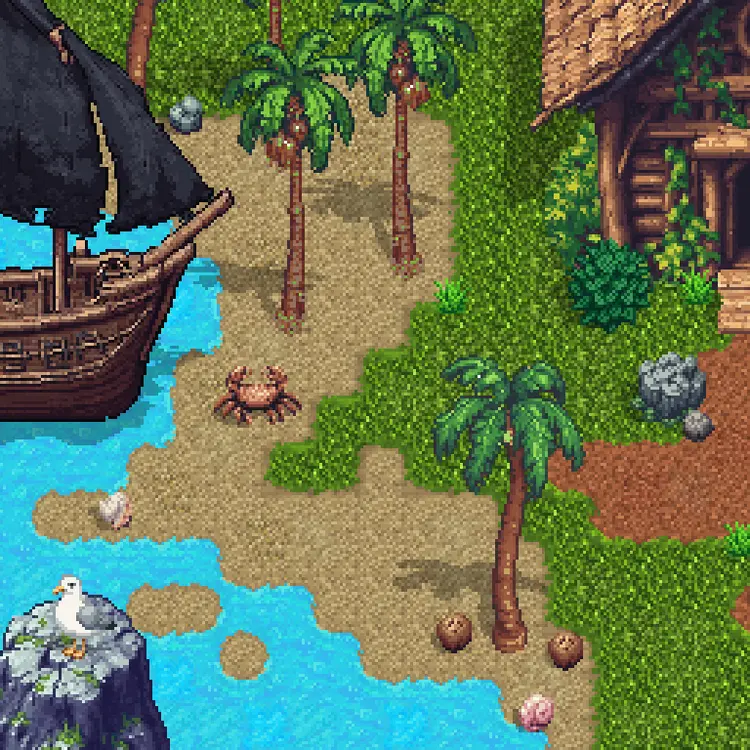
Building a game from scratch means spending hours on tilesets before you've written a single line of gameplay code. RD-Tile cuts that time down by generating pixel art tilesets, individual textures, and scene objects directly from a text description. Type what you want — cobblestone floor, forest terrain, lava cave — and get tileable pixel art back in seconds. The model handles six distinct output types: full tilesets using Wang-style edge combinations, detailed single-tile textures, texture variations on an existing tile, small placeable objects like rocks or chests, and large scene assets like trees or buildings. You can also run advanced tileset generation by combining two separate prompts or reference images, which is useful when you need a transition zone between two different biomes or surfaces. Whether you're prototyping a top-down RPG, building a platformer, or assembling a tilemap for a game jam, RD-Tile fits directly into your asset pipeline. Upload a reference image to generate matching variations, or start from zero with just a prompt. Try it now and have a working tileset before your next coffee break.
rd-tile is a specialized AI text-to-image generation model built specifically for creating pixel art tilesets from text descriptions. Whether you're building a top-down RPG, a platformer, or a retro-style city builder, getting consistent, tileable pixel assets is one of the most time-consuming parts of the process — rd-tile solves that directly. Available on Picasso IA with no coding required, it gives artists, game developers, and hobbyists a fast path from a written prompt to a usable tileset. Describe a grassy meadow, a dungeon floor, or a sci-fi metal corridor, and the model returns pixel art tiles that are built to fit together.
Do I need programming skills or technical knowledge to use this? No — just open rd-tile on Picasso IA, adjust the settings you want, and hit generate. The entire workflow is visual and text-based, so anyone comfortable typing a description can get results.
Is it free to try? Yes, you can run rd-tile without any upfront commitment. Picasso IA offers access to the model so you can test it, evaluate the output quality, and decide whether it fits your workflow before investing further.
How long does it take to get results? Most generations complete within a few seconds. The exact time can vary slightly depending on your settings and current server load, but you won't be waiting around — instant results are a core part of what makes iterating on tilesets practical.
Can I customize the output quality or style? Absolutely. Beyond the text prompt itself, you can adjust generation parameters to influence the visual style, tile count, and output variation. Describing a specific color palette, time period, or pixel density directly in your prompt also steers the result in a meaningful way.
What output formats are supported? rd-tile returns image files you can open in standard graphic editors or import directly into game engines like Godot, Unity, or RPG Maker. The format is compatible with the tools most indie developers already use.
Where can I use the outputs? The tiles you generate can be used in personal projects, game jams, prototypes, and commercial games — always check the current usage terms on the platform, but the outputs are intended to be practical assets, not just previews.
What happens if I'm not happy with the result? Just regenerate. Adjust your prompt to be more specific about the environment, style, or palette, or tweak the model settings and run it again. Because generation is fast, refining your results through multiple attempts is the normal workflow, not a workaround.
Open rd-tile right now and go from a text description to a complete pixel art tileset in seconds — no setup, no waiting, no friction.