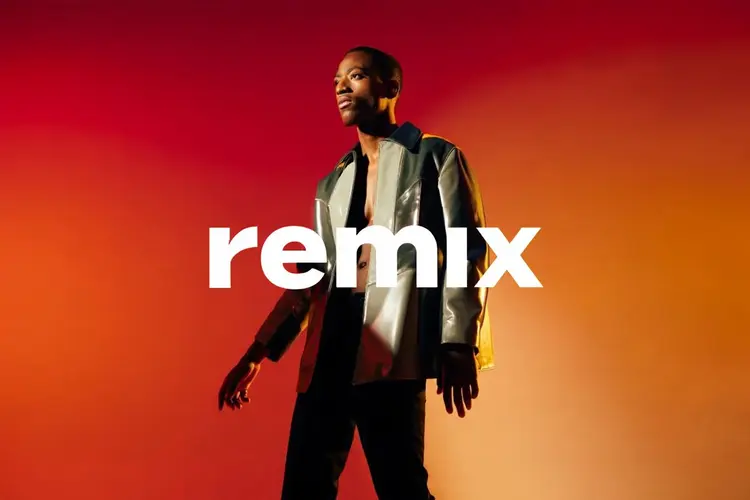
Remix is a text-to-image model that takes up to four reference images alongside a written prompt and produces a new image influenced by all of them. If you have existing photos that capture the look or mood you want but need something original, Remix bridges the gap without manual compositing or layer editing. You can supply anywhere from one to four reference images, and the text prompt directs how the model interprets and combines them. Seven aspect ratios are available, from vertical 9:16 for mobile to widescreen 16:9, so the output fits your platform without additional cropping. Switching between the latest release and a pinned version lets you reproduce consistent results across a batch when that matters. This model fits well in content production workflows where you need fresh visuals that feel connected to existing brand assets. Upload your reference photos, describe the scene or subject you want, and collect the result in seconds. Picasso IA runs it entirely in your browser, so there is no installation and no code to write.
Remix is a text-to-image model that accepts up to four reference images alongside a text prompt, letting you blend visual styles, subjects, or compositions into a single new output. Instead of starting from a blank prompt, you bring existing images as anchors and describe where you want to take them. This makes it practical for creators who have strong visual references but need something new built from them. On Picasso IA, you can upload your references, write your prompt, and receive a fresh image without writing a single line of code.
Do I need programming skills or technical knowledge to use this? No, just open Remix on Picasso IA, adjust the settings you want, and hit generate.
Is it free to try? Yes, you can run Remix without a paid subscription to get started. Check the current plan details on the pricing page for generation limits.
How many reference images can I upload? You can upload between one and four reference images per generation. More references give the model more visual material to draw from, which can help with coherence between the visuals and your prompt.
How long does it take to get results? Most generations complete within a few seconds, depending on image complexity and current server load. You do not need to stay on the page while it processes.
What aspect ratios are supported? Remix supports seven ratios: 1:1, 16:9, 9:16, 3:2, 2:3, 4:3, and 3:4. Pick the one that matches your target format before submitting.
Can I reuse the same references with a different prompt? Yes. Keep the same reference images and change your text prompt to steer the output in a different direction. Each generation is independent, so testing prompt variations costs only the generation itself.
Where can I use the outputs? The images you generate are yours to use in personal or commercial projects. Check your account plan for specific usage rights.
Everything this model can do for you
Accept up to 4 reference images at once to shape the composition, style, and color of the output.
Choose from 7 ratios including 1:1, 16:9, and 9:16 to match your target platform without manual cropping.
Write a prompt alongside your images to direct the subject, mood, and visual details of the result.
Lock to a specific model release to reproduce consistent results across a production batch.
Run the model directly in your browser without API setup or technical background.
Receive a finished image in seconds, not minutes, on standard settings.
Download the result without watermarks, ready for direct use in designs or posts.
Make him hold the purse