Overview
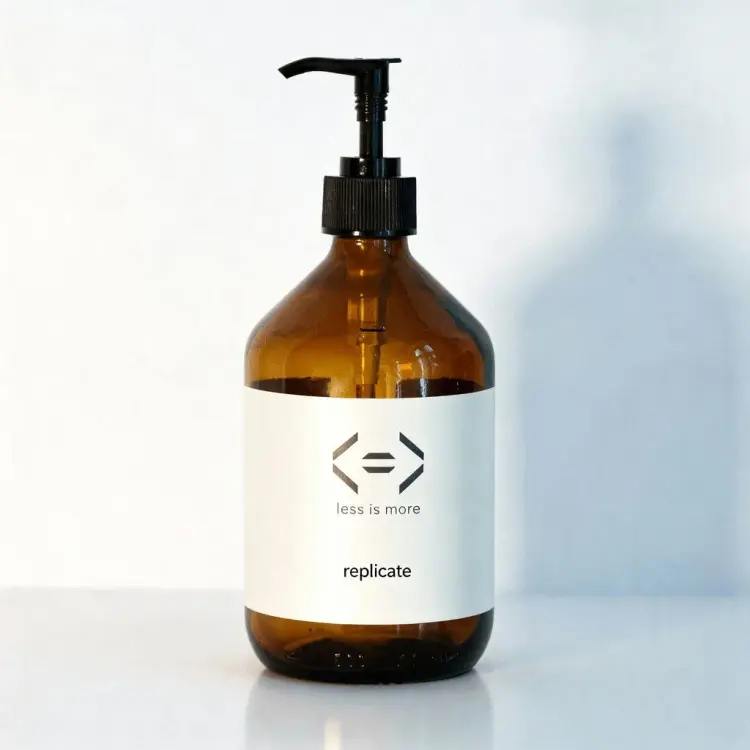
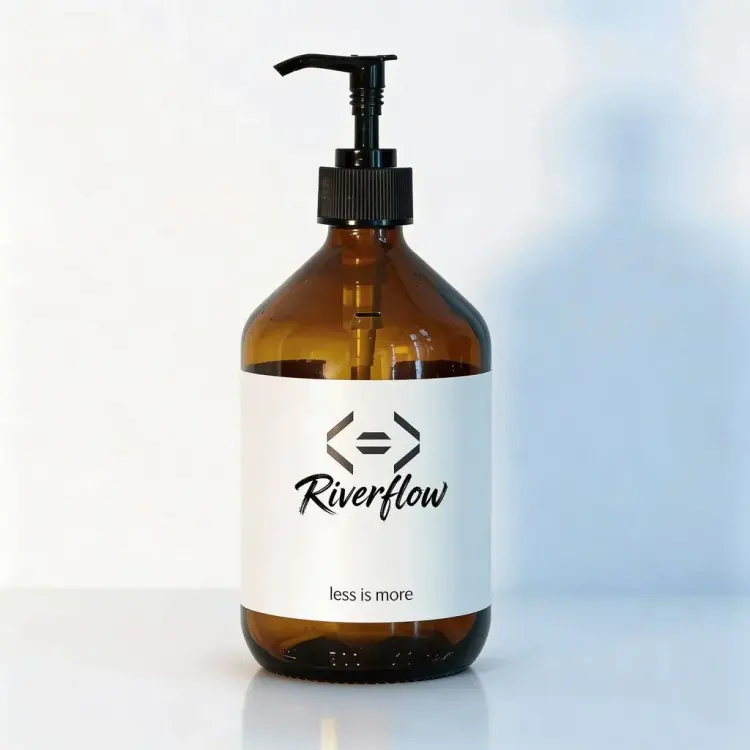
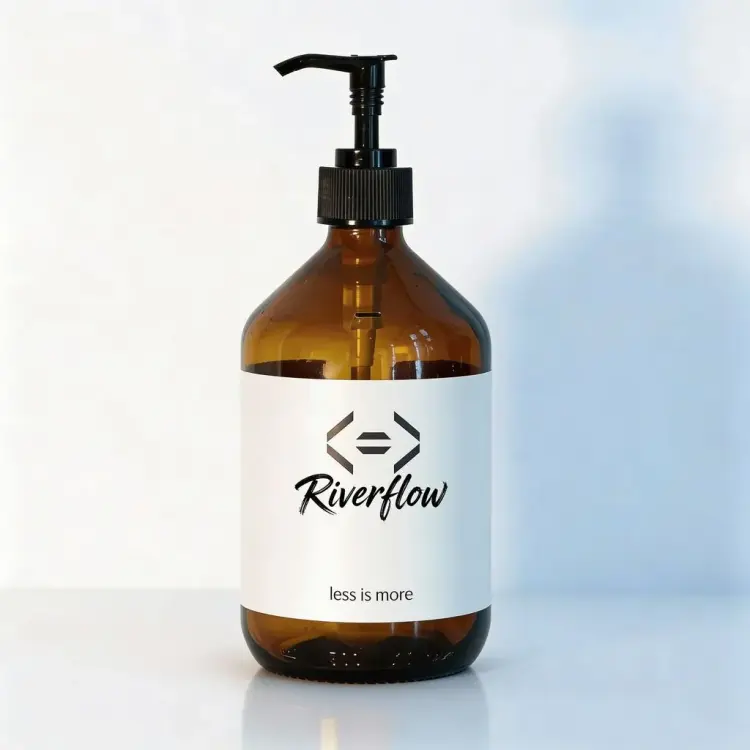
Riverflow 2.0 Fast is a text-to-image model built for speed without compromising output quality, and it includes something most generators skip: native font control. If you need a specific typeface inside a generated scene, a product label, a poster headline, a social graphic that uses your brand font, this model places it in a single pass. On Picasso IA, you upload your font files, pair them with the text you want rendered, and get a finished image without a separate editing step. Whether you are working from a prompt alone or refining an existing photo, the iteration loop stays short.
How It Works
- Write a generation instruction describing the image you want, or describe an edit if you are supplying a reference photo.
- Optionally upload up to two font files (TTF, OTF, WOFF, or WOFF2) and type the text strings you want placed inside the image in those fonts.
- Choose an aspect ratio from a preset list (1:1, 16:9, 9:16, and more) or set it to auto, then pick 1K or 2K resolution.
- Add up to four super-resolution reference images if you want fine details in the output to match a specific source.
- Hit generate and receive a clean WebP or PNG file, with optional transparent background support for assets that need to layer over other designs.
Frequently Asked Questions
Do I need programming skills or technical knowledge to use this?
No, just open Riverflow 2.0 Fast on Picasso IA, adjust the settings you want, and hit generate.
Is it free to try?
Yes, you can run Riverflow 2.0 Fast without a paid account. Check the current plan details on Picasso IA for generation limits and available tiers.
How long does it take to get results?
Most generations complete in a few seconds at 1K resolution. Running at 2K or increasing the internal reasoning iterations adds some time, but the model is specifically optimized for fast turnaround.
Can I embed my own fonts inside the generated image?
Yes. Upload up to two font files in TTF, OTF, WOFF, or WOFF2 format, specify the text string for each, and the model places the text directly inside the image during generation. No post-processing or external editor required.
What output formats are supported?
The model outputs WebP by default, with PNG available as an alternative. Both are clean files with no watermarks, suitable for client deliverables or direct publishing.
Can I edit an existing image instead of generating from scratch?
Yes. Supply one or more reference images alongside your instruction and the model treats the task as an image-to-image edit, modifying or extending what you provide.
What if my first result is not quite right?
Rephrase the instruction, adjust the aspect ratio, or turn on the prompt rewrite option to let the model rephrase your input before generating. You can also raise the internal reasoning iterations (up to 3) for more refined outputs.