Overview
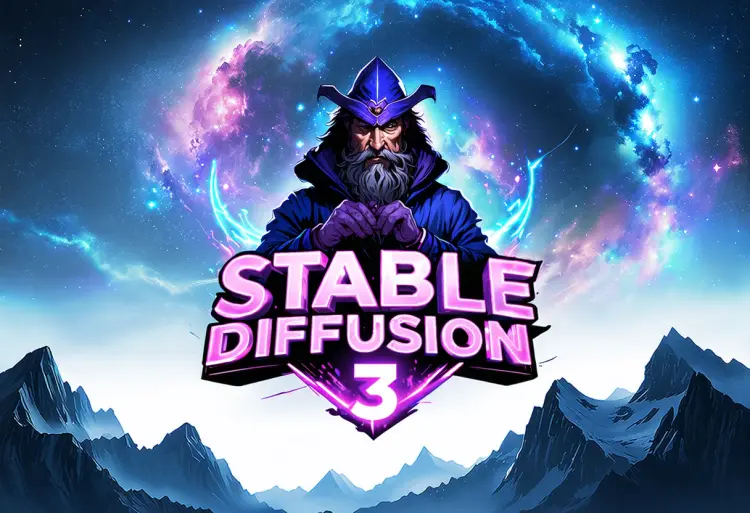
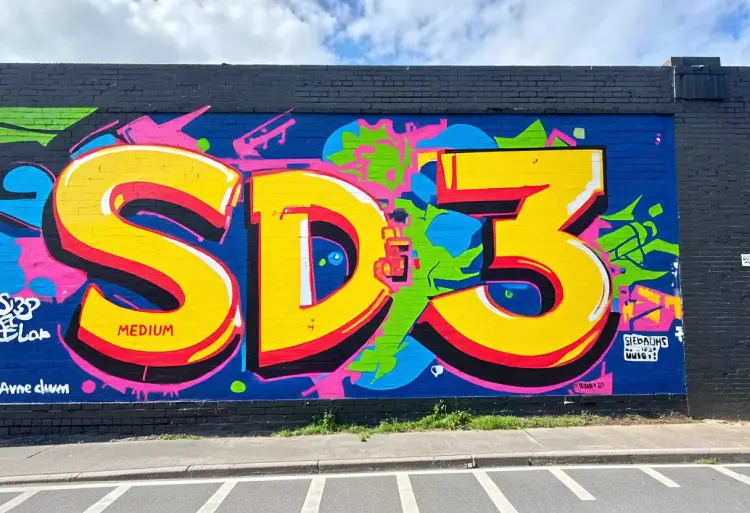
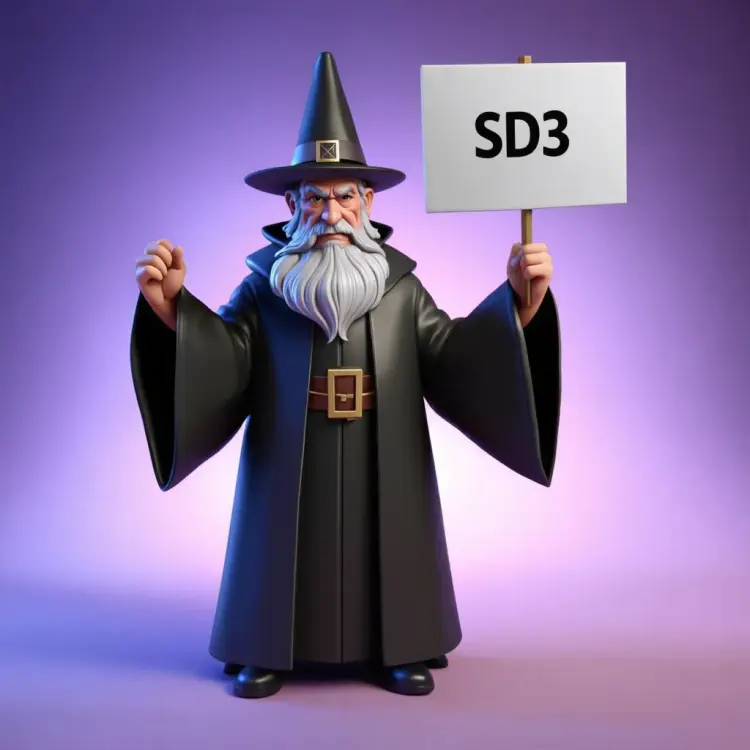
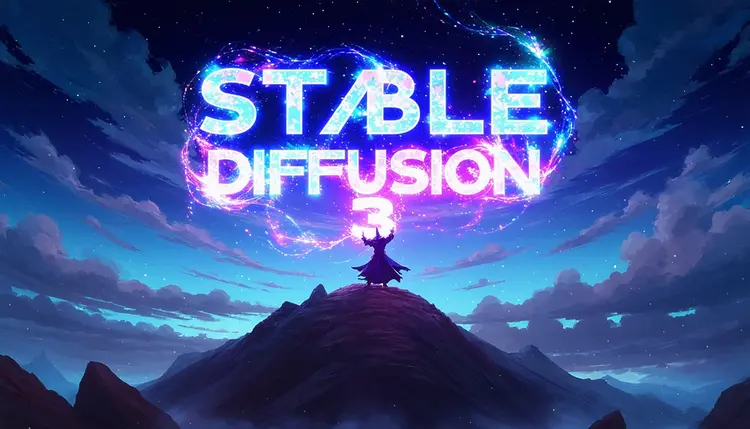
Stable Diffusion 3 is a text-to-image model built for users who need sharp, accurate results from detailed or complex prompts. Where earlier models stumbled on mixed subjects, layered scenes, or text rendered inside an image, SD3 handles them with noticeably cleaner output. On Picasso IA, you run it directly in your browser with no setup, no GPU, and no coding required. If you have ever typed a precise prompt and gotten something that looked like it ignored half your words, this model was built to fix that.
How It Works
- Type your prompt in plain language describing the image you want, including subjects, style, lighting, and composition.
- Choose an aspect ratio from the available options (1:1, 16:9, 9:16, and more) to match your target format, whether that is a social post, wallpaper, or portrait.
- Optionally upload a reference image to guide the output in image-to-image mode, where the model uses your photo as a starting point and applies your prompt on top of it.
- Adjust the guidance scale to control how literally the model follows your prompt, and set a seed if you want to reproduce the same result later.
- Pick your output format (WEBP, JPG, or PNG) and quality level, then hit generate to get your image in seconds.
Frequently Asked Questions
Do I need programming skills or technical knowledge to use this?
No, just open Stable Diffusion 3 on Picasso IA, adjust the settings you want, and hit generate.
Is it free to try?
Yes. You can run Stable Diffusion 3 without paying anything upfront. Check the current plan details on the platform for generation limits and credit information.
How long does it take to get results?
Most generations finish in under 15 seconds depending on the step count and image complexity. Setting steps lower speeds things up; setting them higher gives the model more time to refine details.
What output formats are supported?
You can download your image as WEBP, JPG, or PNG. WEBP balances file size and quality well for web use, while PNG is the right pick when you need a lossless file for print or further editing.
Can I customize the output quality or style?
Yes. The guidance scale controls how closely the model sticks to your prompt, the step count affects how much refinement happens, and the output quality slider (0 to 100) lets you dial in file fidelity. Combining these gives you meaningful control over the final result.
What happens if I am not happy with the result?
Change the seed to get a completely different variation from the same prompt, or adjust the wording and regenerate. Because each run is fast, iterating until you land on something you like takes only a few tries.
Where can I use the outputs?
The images you generate are yours to use in personal projects, client work, social media, or print. There are no watermarks on the downloaded files.