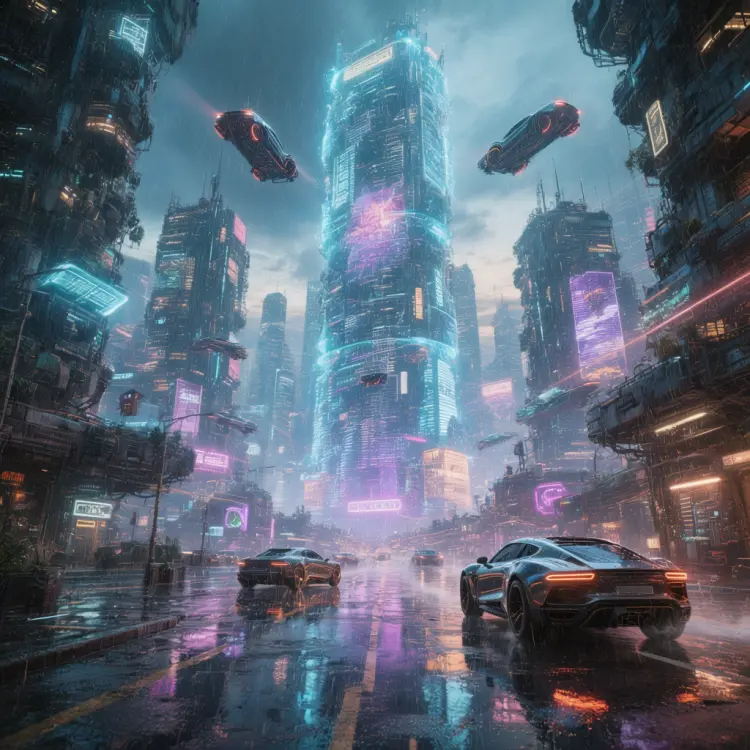
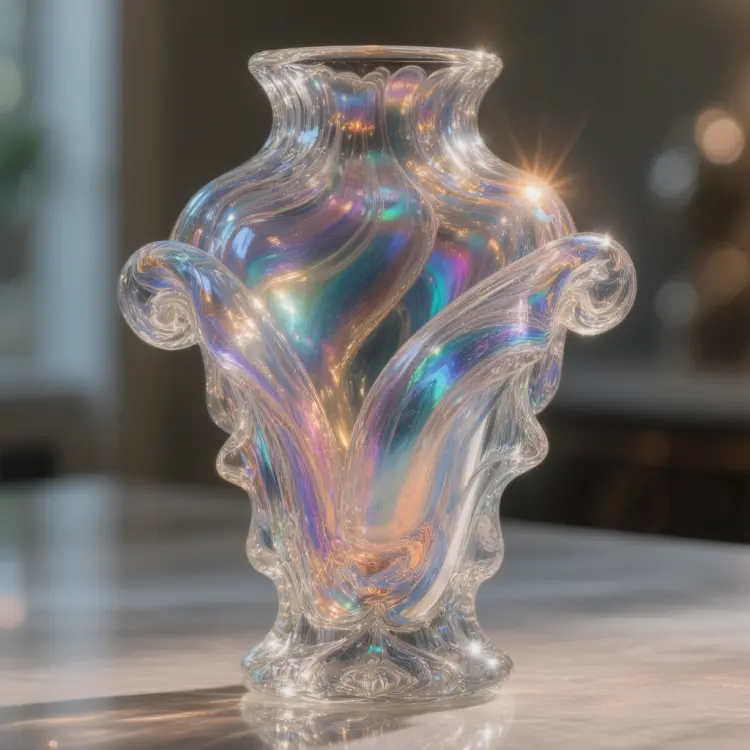
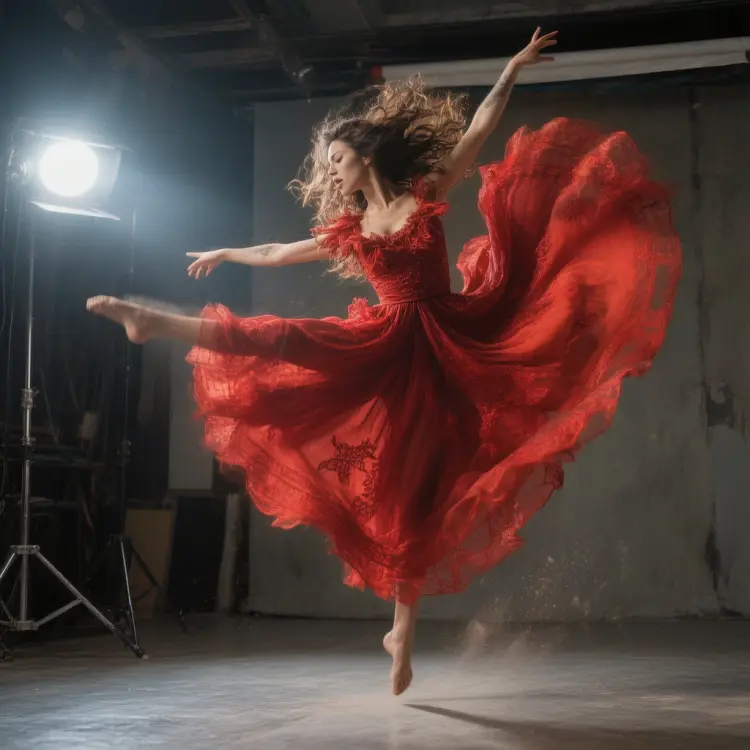
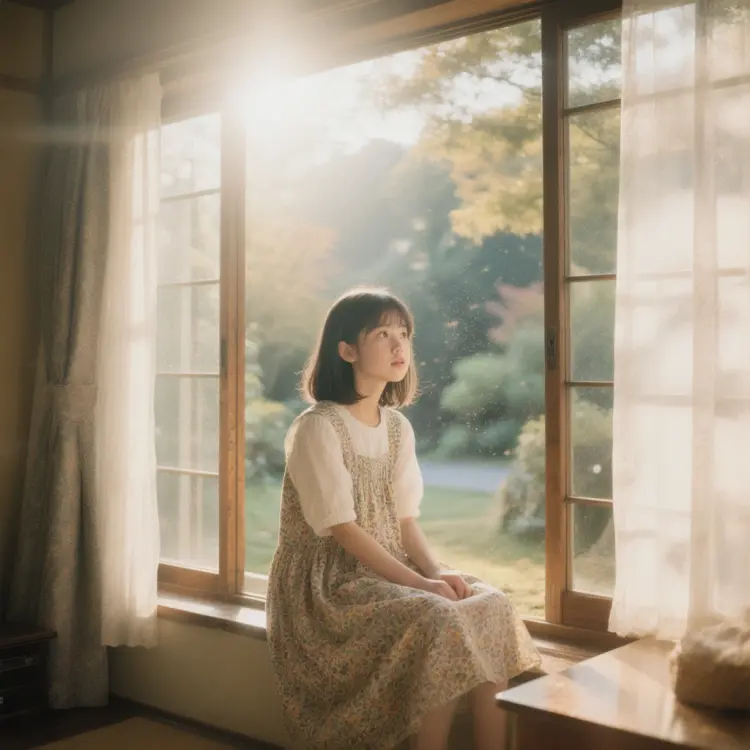
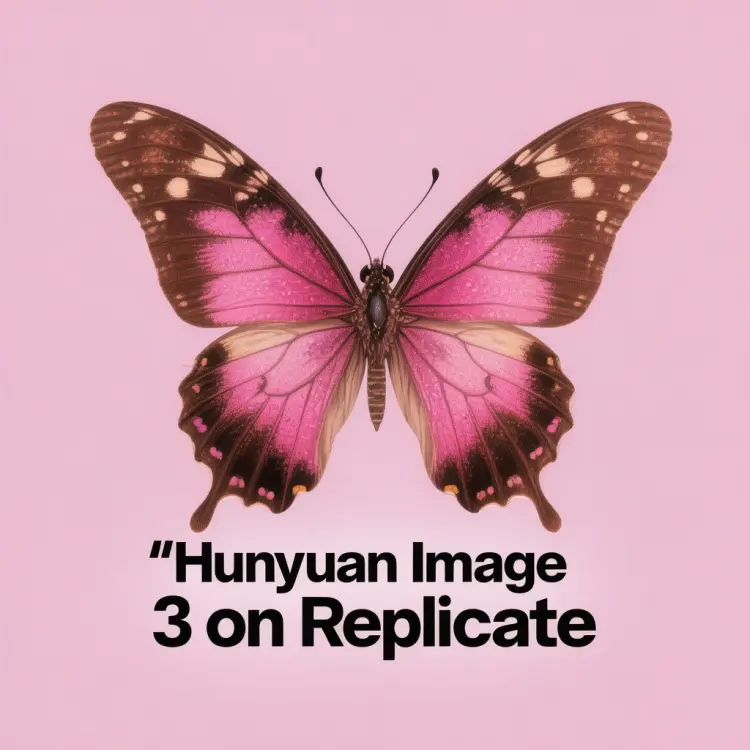
Hunyuan Image 3 is a multimodal text-to-image model that turns written descriptions into detailed, high-fidelity visuals. Whether you are a designer without a budget for stock photos or a content creator who needs fresh visuals on demand, it removes the friction between an idea and a finished image. Type what you want, hit generate, and get a result you can actually use. The model handles a wide range of aspect ratios, from square 1:1 frames to vertical 9:16 and widescreen 16:9, so the output fits your canvas without cropping or resizing. You can export in WebP, JPG, or PNG and dial the output quality from 0 to 100 to balance file size against fidelity. A fast-generation option cuts processing time further, so iteration cycles stay short. Hunyuan Image 3 fits naturally into any project that starts with words and needs to end with visuals. Writers building pitch decks, social media managers filling content calendars, and product teams sketching concepts all benefit from having a reliable image generator at hand. Open it on Picasso IA, describe what you need, and see a polished result in seconds.
Hunyuan Image 3 is a text-to-image model that takes a written prompt and returns a detailed, high-resolution image in seconds. If you've ever described a scene in your head and wanted to just see it, this is the tool for the job. On Picasso IA, you run it directly in your browser with no installs and no code. Whether you're mocking up a product visual, building a social media asset, or testing a creative concept, it turns plain language into finished images fast.
Do I need programming skills or technical knowledge to use this? No, just open Hunyuan Image 3 on Picasso IA, adjust the settings you want, and hit generate.
Is it free to try? Yes, you can run Hunyuan Image 3 for free on Picasso IA. Some generation limits may apply depending on your account plan.
How long does it take to get results? Most images are ready in a few seconds. The fast mode is on by default, so you won't be waiting long even for detailed or complex prompts.
What output formats are supported? You can download your image as WebP, JPG, or PNG. WebP is the default and works well for most web use. PNG is the right choice when you need a lossless file.
Can I customize the output quality or style? Yes. You can set the output quality on a scale from 0 to 100 for JPG and WebP files, and pick the aspect ratio that fits your project. The more descriptive your prompt, the more control you have over the final look.
How many times can I run the model? You can run it as many times as you need. Each generation is a fresh attempt, so iterating on your prompt is a normal part of the workflow.
Where can I use the outputs? The images come as clean files with no watermarks, ready to drop into presentations, social posts, product pages, or any design project you're working on.
Everything this model can do for you
Output images in 11 preset ratios including 1:1, 16:9, 9:16, and 21:9 without post-processing.
Save results as WebP, JPG, or PNG to match the requirements of any platform or workflow.
Set image quality from 0 to 100 to control file size and detail level in the final export.
Reduce processing time with an optional speed-optimized setting for quicker iteration cycles.
Pin a specific seed value to get the same image again after tweaking other settings.
Type a prompt, adjust a few sliders, and download the result without writing a single line of code.
Processes text and visual context together to produce images that closely match what the prompt describes.