• Picasso AI Logo
    Logo Picasso IA
  • Home
  • AI Image
    Nano Banana 2
  • AI Video
    Veo 3.1 Fast
  • AI Chat
    Gemini 3 Pro
  • Edit Images
  • Upscale Image
  • Remove Background
  • Text to Speech
  • Effects
    NEW
  • Generations
  • Billing
  • Support
  • Account
  1. Collection
  2. Text to Image
  3. Image Colorization

Restore Color to Old Photos with Image Colorization

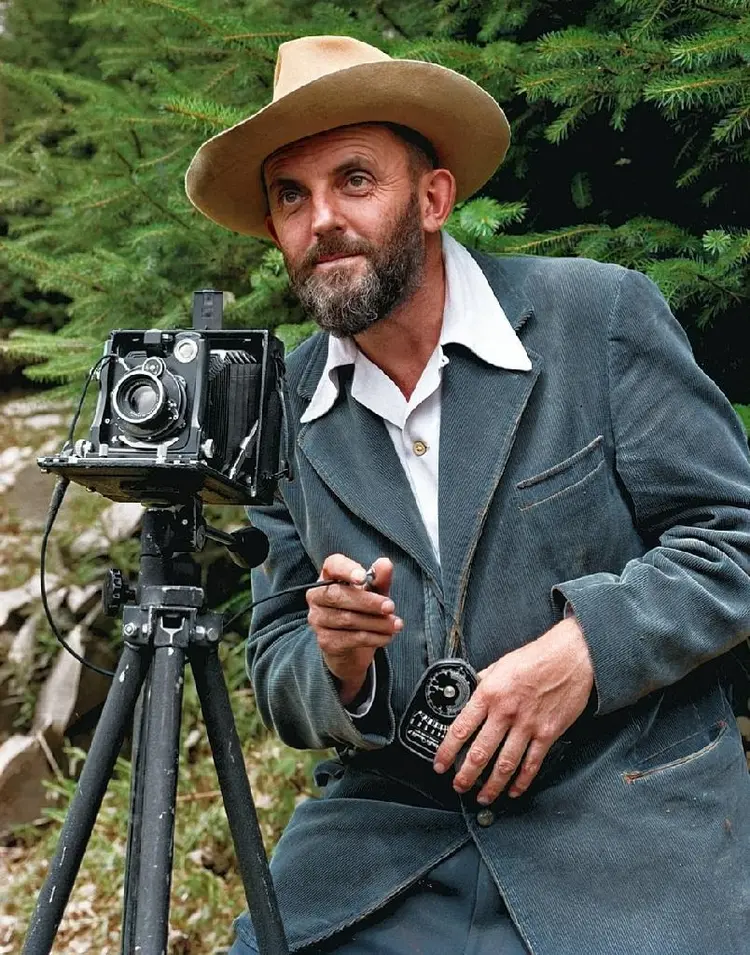
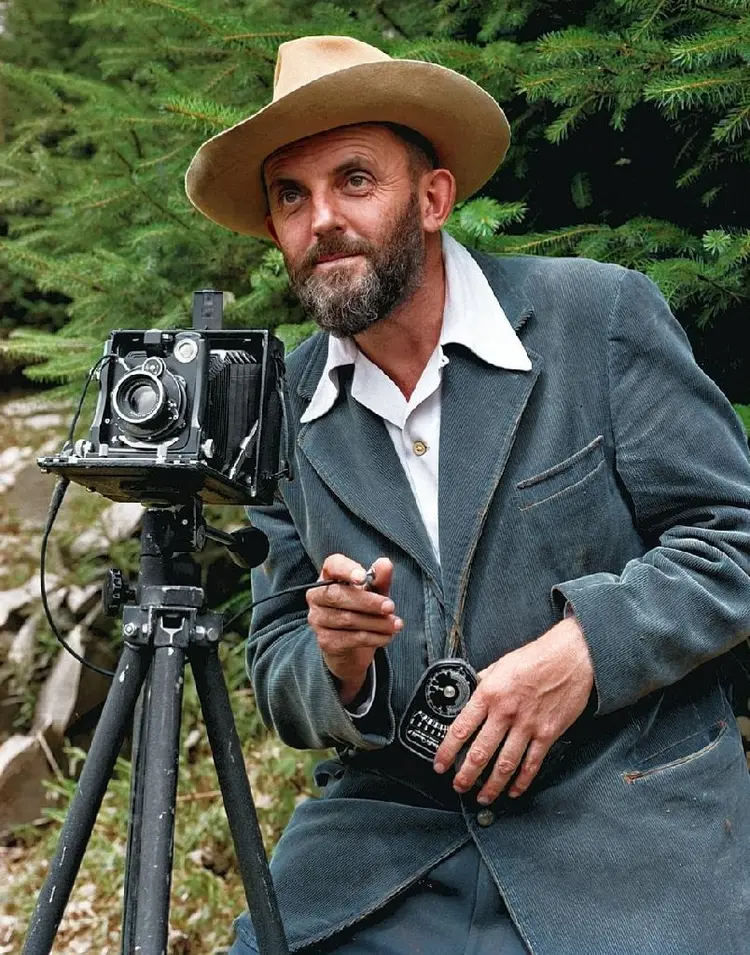
Image Colorization takes a grayscale or faded photograph and applies realistic color automatically. If you have old family photos shot in black and white, scanned negatives with washed-out tones, or any image that lost its color over time, this model fills them back in without any manual painting or selection tools. The model analyzes context and texture to assign believable colors to every region of the image. You control the saturation level from subtle natural tones to rich, vivid output depending on the look you want. Results come out as clean JPG or PNG files, ready to save or share right away. Photographers restoring archival collections, social media creators adding nostalgia-driven content, or anyone with a box of old family snapshots can drop an image in, adjust one slider, and download a colorized photo in seconds. It fits neatly into any post-processing workflow without requiring dedicated software.

Official

Topazlabs

684 runs

Image Colorization

2026-02-06

Commercial Use

Restore Color to Old Photos with Image Colorization

Table of contents

  • Overview
  • How It Works
  • Frequently Asked Questions
  • Credit Cost
  • Features
  • Use Cases
  • Examples
Get Nano Banana Pro

Overview

Image Colorization takes grayscale or faded photographs and adds realistic color in seconds. No painting experience required, no layer masks, no color-picking. You upload the image and the model handles the rest. On Picasso IA, this is a single-step process that works for family archive photos, old film stills, historical scans, or any monochrome artwork you want to bring back to life. The results look convincingly real because the model infers color from scene context rather than applying generic tints.

How It Works

  • Upload a grayscale or faded image in JPG or PNG format from your device or photo library.
  • Set the saturation level to control how vivid or muted the colors appear in the final output.
  • The model analyzes the scene, objects, and lighting conditions to assign plausible, context-aware colors.
  • Review the colorized result and adjust the saturation if the tones feel too bold or too flat.
  • Download the finished image as a JPG or PNG file, ready to share, print, or edit further.

Frequently Asked Questions

Do I need programming skills or technical knowledge to use this? No, just open Image Colorization on Picasso IA, adjust the settings you want, and hit generate.

Is it free to try? Yes, you can run Image Colorization without a paid plan to see how it handles your photos before going further.

How long does it take to get results? Most images are colorized in under 30 seconds. Larger files may take slightly longer, but you will not be waiting more than a minute under typical conditions.

What output formats are supported? You can download your colorized image as a JPG or PNG. JPG is the default and works well for sharing online; PNG is a better choice if you need a lossless file for further editing.

Can I control how vivid the colors look? Yes. The saturation slider goes from 0 to 1. Lower values give you a subtle, desaturated palette; higher values produce bolder, more vivid tones. Start at the default (0.2) and adjust from there.

What happens if the colors do not look right? Try adjusting the saturation level and running the model again. Cropping the source image to focus on the main subject can also help the model assign more accurate colors, since it reads the scene for context clues.

Where can I use the output images? The colorized files are yours to use in personal projects, printed photo books, social posts, presentations, or any other creative work.

Credit Cost

Each generation consumes 1 credit

1 credit

or 5 credits for 5 generations

Features

Everything this model can do for you

Automatic colorization

Adds realistic color to any grayscale or faded image without manual selection or painting.

Saturation control

Set color intensity from 0 to 1 to get natural-looking tones or rich, vivid output.

Two output formats

Download your colorized image as a JPG for sharing or PNG for transparency support.

No setup required

Upload your image directly and get results without installing any software.

Context-aware processing

Reads textures and scene context to assign plausible colors to each region.

Clean output files

Get watermark-free images ready for presentations, print, or online publishing.

Fast processing

Receive a colorized image within seconds of uploading, even for larger files.

Use Cases

Colorize a black-and-white family portrait to give it a natural, lifelike look without photo editing software

Restore faded vacation photos by boosting color back to realistic levels with a single saturation adjustment

Convert scanned vintage newspaper photographs into color images for historical projects or articles

Add color to grayscale product concept sketches before presenting them to a client

Create vivid, colorized versions of old film negatives scanned at home

Turn a monochrome reference photo into a colored base image for digital illustration work

Produce colorized historical images for social media posts, educational content, or print displays

Examples

Input
Input 1
Output
33.3s
View Example

Switch Category

Effects

Text To Image

Text To Image

Text To Video

Large Language Models

Large Language Models

Text To Speech

Text To Speech

Super Resolution

Super Resolution

Lipsync

AI Music Generation

AI Music Generation

Video Editing

Speech To Text

Speech To Text

AI Enhance Videos

Remove Backgrounds

Remove Backgrounds