Overview
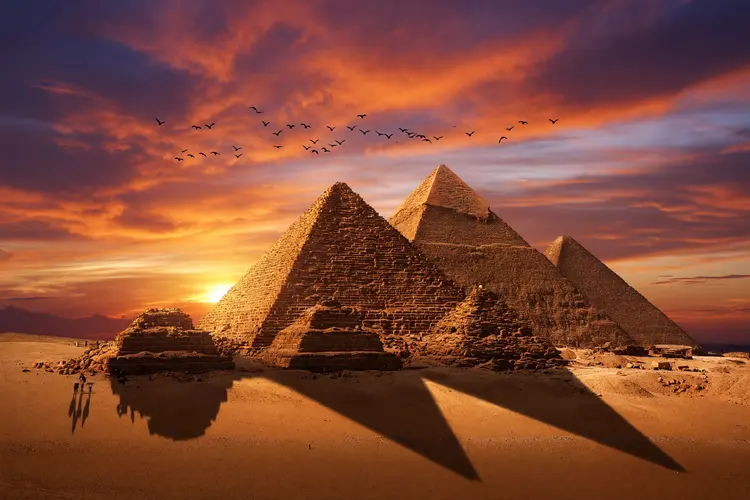
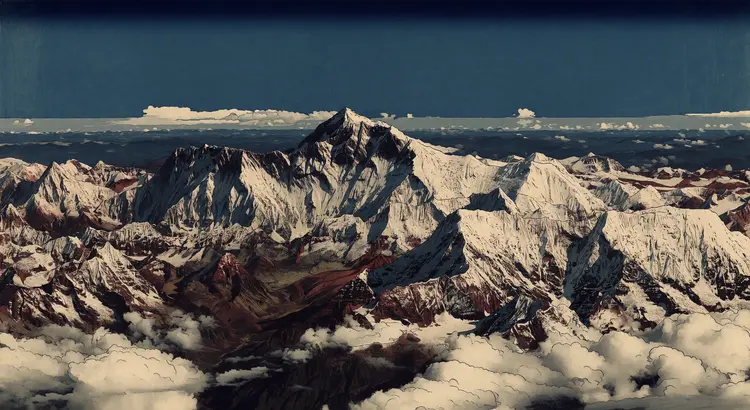
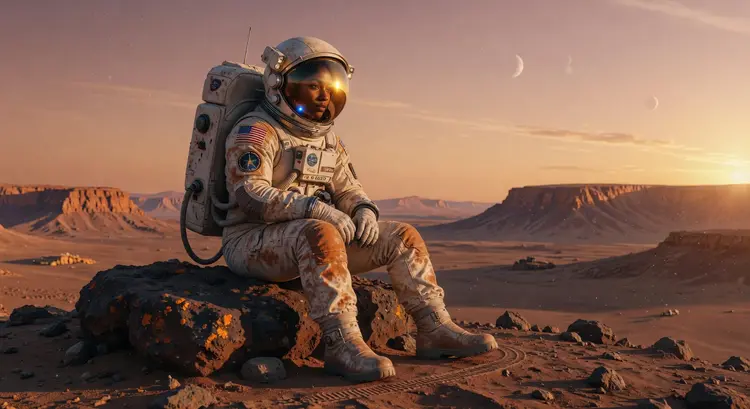
Grok Imagine Image Quality is a text-to-image model built for outputs where fine detail actually matters. Sharp text inside an image, precise edges on product shots, and gradients that hold at large sizes are the things most generators get wrong, and where this model was designed to perform. Available on Picasso IA, it runs at up to 2K resolution by default across a wide range of aspect ratios suited to everything from social posts to print layouts. You can also use it in edit mode: upload a photo, write a prompt describing what to change, and get a modified version back in seconds.
How It Works
- Write a prompt describing the image you want. Be specific about subject, style, lighting, and any text that should appear in the frame.
- If you want to edit an existing photo, upload a jpg, jpeg, png, or webp file alongside your prompt. The model reads both and applies your instructions to the image.
- Choose your resolution: 1K for quick iterations and fast feedback, 2K when the final asset is what you need.
- Pick an aspect ratio that matches your destination. Options include 1:1 for social thumbnails, 16:9 for widescreen, 9:16 for mobile stories, 4:3 for presentations, and several ultra-wide and tall mobile formats. Note that aspect ratio is ignored when editing an uploaded image.
- Hit generate and wait a few seconds. If the result isn't quite right, adjust the prompt or settings and run it again.
Frequently Asked Questions
Do I need programming skills or technical knowledge to use this?
No, just open Grok Imagine Image Quality on Picasso IA, adjust the settings you want, and hit generate.
Is it free to try?
Yes, you can run Grok Imagine Image Quality for free on Picasso IA. No paid plan is required to start generating images.
How long does it take to get results?
Most generations complete in a few seconds. At 2K resolution the render may take slightly longer than at 1K, but outputs are typically ready in under 15 seconds.
What aspect ratios are available?
The model supports a wide selection: 1:1, 16:9, 9:16, 4:3, 3:4, 3:2, 2:3, 2:1, 1:2, and several ultra-wide and tall mobile ratios. When editing an uploaded image, the original image dimensions are used instead.
Can I edit an existing photo instead of generating from scratch?
Yes. Upload an image in jpg, jpeg, png, or webp format alongside your text prompt. The model uses the upload as a base and applies the changes you describe.
What output resolution should I choose?
Use 1K when you are testing a prompt direction and want fast results. Switch to 2K once you have a composition you like, or start at 2K if the first output needs to be final quality.
Where can I use the images I create?
The images you generate are yours to use in personal or commercial projects, including social media graphics, ad creatives, blog illustrations, product mockups, presentations, and print materials.