PicassoIA Reference To Video (Ref2Video) creates videos of up to 15 seconds from your own references: up to 9 images, an optional reference video and an optional audio file. It keeps your characters, products and places recognizable in a new scene, follows the movement of a reference clip when you give one, and renders at 480p or 720p with synchronized sound.
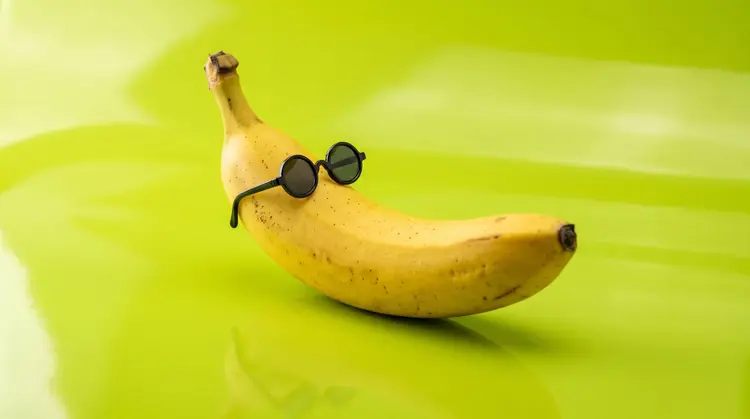
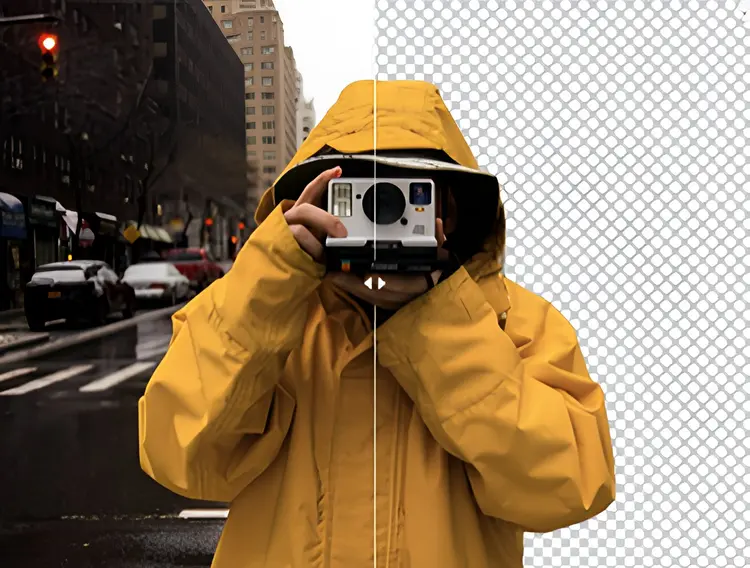
- Upload your reference images: up to 9, of the people, animals, objects or places that must appear. They are references, not the opening frame, so each one can show up at any moment, angle or size.
- Optionally add a reference video. The clip follows its movement, camera and timing, and lasts as long as the video or the duration you choose, whichever is shorter. Only the first 15 seconds are used.
- Optionally add an audio file: a voice for a character to lip-sync, or a piece of music.
- Write the prompt and name each reference by position: "Image 1", "Image 2", "Video 1", "Audio 1". Say what each one is and does, for example: "Image 1, the woman with red hair, walks into Image 2, the cafe, and says the line in Audio 1".
- Choose the resolution (480p or 720p), the aspect ratio and a duration from 1 to 15 seconds, then generate. Keep the prompt enhancer on, above all with a reference video or an audio file: it turns a short idea into the detailed description that lip sync and character replacement need.
- Infinite: unlimited at 480p and 720p, up to 15 seconds.
- Elite: unlimited at 480p up to 15 seconds and at 720p up to 5 seconds. A longer 720p clip costs 5 credits.
- Other plans: 5 credits per video, whatever the settings.
Do I need references?
Yes. Upload at least one image or a reference video. For a video from a prompt alone, or to animate one image as the first frame, use Seedance 2.5 Lite.
How do I refer to each reference in the prompt?
By type and position: "Image 1" is the first image you uploaded, "Video 1" the reference video and "Audio 1" the audio file. A prompt that does not name them leaves the model guessing what to do with them.
How do I make a character speak?
Upload a clear image of the face and an audio file with the voice, keep the prompt enhancer on and write who says it: "Image 1 says Audio 1, looking at the camera". The character says the audio exactly as recorded, with matching lips. Lip sync is most exact in clips of up to 5 seconds; for longer speech, generate it in several short clips.
What does the reference video do?
It sets the movement, the camera and the timing, and the clip keeps its sound unless you upload an audio file. To put your own character in it, keep the prompt enhancer on and say who replaces whom and what they do: "Image 1 replaces the woman in Video 1 and walks along the beach like her". Video strength sets how closely the clip follows the video: high follows it most closely; medium and low follow it more loosely and render faster.
What if I upload both a video and an audio file?
Your audio file is the audio reference ("Audio 1"). Without an audio file, the sound of the reference video is used as "Audio 1".
How should I upload a character with several views?
Upload each view as its own image (for example full body and face) rather than one sheet with several panels. Separate views keep the character more consistent.
Which resolutions and lengths are available?
480p and 720p, from 1 to 15 seconds. 480p renders fastest; for faces and close-ups, 720p gives a sharper result.
Which aspect ratios are supported?
16:9, 9:16, 1:1, 4:3, 3:4, 3:2 and 2:3. Choose match_input_image to follow the reference video, or the first image when there is no video.
Does it generate audio?
Yes. Every clip is rendered with synchronized audio by default. Turn the option off for a silent clip.
Can I reproduce the same video twice?
Set a seed before generating and reuse it with the same prompt and references to get the same scene again.