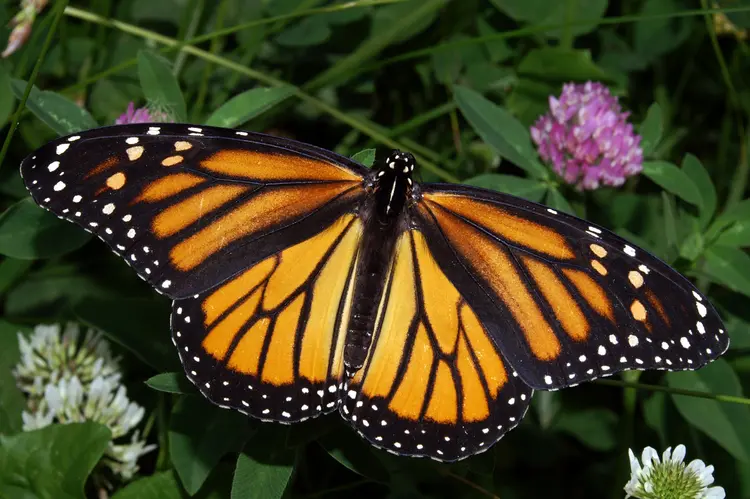
Overview
Wan 2.7 I2V turns a still image into a short video clip, giving creators a direct way to add motion to photos, illustrations, and product shots without any video production background. On Picasso IA, you upload an image, write a short prompt describing the motion you want, and the model handles the generation. It supports first-and-last-frame control, meaning you can pin both the opening and closing frame of the clip for precise, predictable results. You can also feed it an existing video clip to continue, or sync the output to an audio file you supply. Whether you're animating a portrait, looping a background, or building a short branded clip, Wan 2.7 I2V gives you a clear path from a static asset to a finished video.
How It Works
- Upload a reference image as the first frame; the model uses it as the visual starting point for the entire clip.
- Write a text prompt describing the motion or scene change you want to see play out across the video.
- Optionally supply a last-frame image to lock the ending, or attach an audio file (wav or mp3, up to 30 seconds) to sync the video to sound.
- Choose a clip duration between 1 and 5 seconds and select your output resolution, either 720p or 1080p.
- Hit generate; Wan 2.7 I2V returns a finished mp4 clip ready to download or drop into your next project.
Frequently Asked Questions
Do I need programming skills or technical knowledge to use this?
No, just open Wan 2.7 I2V on Picasso IA, adjust the settings you want, and hit generate.
Is it free to try?
Yes, you can run the model without a paid plan to start. Check the Picasso IA pricing page for details on credit usage and generation limits.
How long does it take to get results?
Most clips at 1080p finish in under two minutes. Shorter durations and 720p resolution tend to process faster, so if you are iterating quickly, those settings help cut the wait.
Can I control both the start and end of the video?
Yes. Supply a first-frame image to set the opening shot and a last-frame image to fix the ending. The model generates the motion in between to connect them naturally.
What if I want to extend an existing video clip?
Upload your existing clip (mp4 or mov, between 2 and 10 seconds) as the first-clip input instead of a still image. The model picks up from where that clip ends and continues the scene forward.
Can I sync the video to music or a voiceover?
Yes. Attach a wav or mp3 file up to 30 seconds long and the model aligns the video output to match the audio rhythm. If you skip the audio input, the model generates its own ambient sound to complement the scene.
What output format does the model produce?
Wan 2.7 I2V delivers a standard mp4 file at the resolution you selected. You can download it directly and use it in any video editor, social platform, or presentation tool without extra conversion steps.