🍌

Nano Banana Pro, Veo 3.1, Sora 2, and Flux 2 are here! Save up to 80%.

Unlimited generations on any model with the infinity tag within PicassoIA. Starts at $4/month.

0 / 100%

~33s

We're generating your content. Please wait a moment. Thank you for your patience!

Generate Synced Sound Effects from Video

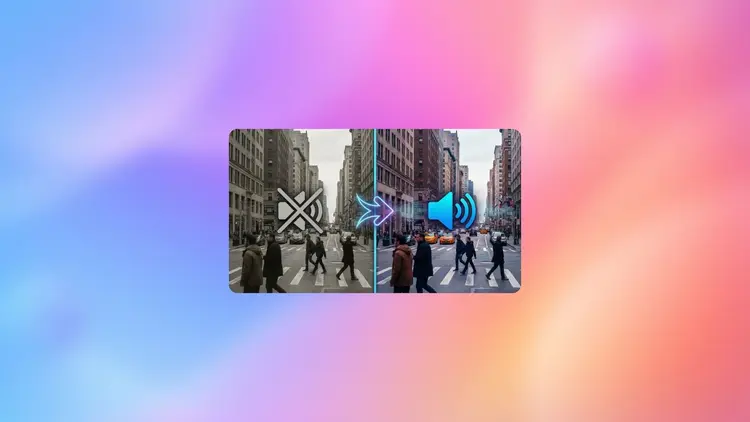
video-to-sfx-v1.5 lets you bring your videos to life by automatically generating synchronized sound effects. This advanced AI model analyzes your video and creates audio that matches the action, mood, and timing, all with improved realism and accuracy in version 1.5. Customize your results with creative controls, duration settings, and optional prompts to guide the sound style. Whether you're a content creator, filmmaker, or educator, easily enhance your visuals with high-quality, tailor-made soundtracks for a more immersive viewer experience.

Official

Mirelo

5.3k runs

Video To Sfx V1.5

2025-10-09

Commercial Use

Generate Synced Sound Effects from Video

Overview

The mirelo/video-to-sfx-v1.5 AI model lets you instantly generate realistic, perfectly synchronized sound effects for any video, all online and completely free. Enhanced in version 1.5 for improved sound synchronization and lifelike audio, this tool is essential for anyone seeking to enrich their videos with automatic, high-quality soundtracks—no manual editing or technical expertise needed. Experience seamless results directly in the Picasso IA interface.

How It Works

  • Upload your video to the Picasso IA platform and select the mirelo/video-to-sfx-v1.5 model.
  • The AI model analyzes your video’s visuals and actions frame by frame.
  • It generates and syncs custom sound effects that match on-screen events in real time.
  • Download your video with its new, immersive soundtrack—no extra steps required.

mirelo/video-to-sfx-v1.5 Advantages

  • Effortlessly transforms silent or raw footage by adding context-aware, high-fidelity sound effects in seconds.
  • Superior sound synchronization and audio realism, thanks to the latest AI advancements in version 1.5.
  • 100% online and free to use within Picasso IA, with instant results—no installation or setup.
  • Boosts video quality for creators, editors, and marketers without the need for manual sound design.
  • Intuitive workflow: get professional effects with just a few clicks, accessible to everyone.

FAQs

What types of videos work best with mirelo/video-to-sfx-v1.5?
This AI model is ideal for short films, vlogs, animations, game clips, or any video that benefits from automatic sound effects.

Will my original video be changed or overwritten?
No, your original video stays untouched. The model creates a new version with the added soundtrack.

How long does it take to generate sound effects for a video?
Most videos are processed in seconds to a few minutes, depending on their length.

Do I need programming skills or technical knowledge to run this AI?
No. The process is fully automated and user-friendly—just upload and go.

Are the sound effects royalty-free?
Yes, all generated soundtracks are free to use in your personal or commercial projects.

Can I use this model on mobile devices?
Yes, mirelo/video-to-sfx-v1.5 works seamlessly online through Picasso IA on most modern devices.

Is there a limit to how many videos I can process?
Enjoy unlimited access—generate as many enhanced videos as you need.

Try mirelo/video-to-sfx-v1.5 on Picasso IA now and transform your videos with stunning, AI-generated soundtracks!

Credit Cost

Each generation consumes 5 credits

Use Cases

Add realistic soundtracks to silent or muted videos

Enhance social media clips with engaging audio

Create multiple audio variations for video ads

Generate sound effects for animation or game scenes

Produce educational videos with custom SFX

Replace or augment original video audio

Test creative soundscapes for film projects

Quickly prototype audio for video concept drafts