• Picasso AI Logo
    Logo Picasso IA
  • Home
  • AI Image
    Nano Banana 2
  • AI Video
    Veo 3.1 Fast
  • AI Chat
    Gemini 3 Pro
  • Edit Images
  • Upscale Image
  • Remove Background
  • Text to Speech
  • Effects
    NEW
  • Generations
  • Billing
  • Support
  • Account
  1. Collection
  2. Text to Image
  3. Flux Depth Pro

Depth-Aware Image Editing with Flux Depth Pro

Flux Depth Pro is an AI image model that edits photos while reading and respecting the original scene's 3D spatial structure. Most image editors lose depth information the moment you apply a new style or swap background elements, leaving objects that look flat or disconnected. Flux Depth Pro fixes that by using a depth map derived from your reference image to keep every object, shadow, and surface relationship where it belongs. Feed it a photo and a text prompt, and it will restyle, repaint, or extend the scene without distorting the perspective. You control how tightly the output follows your prompt versus the original image, so you can stay close to the source or push further into a creative direction. Outputs are available in JPG or PNG, and you can set a fixed seed to reproduce an exact result whenever you need consistency across a project. Photographers use it to swap locations without reshooting. Product designers drop new surfaces or finishes onto an existing object shot. Concept artists carry the depth logic of a reference scene into a completely different visual style. If you have a photo with the right shape but the wrong look, this is the tool that changes the look without breaking the shape.

Official

Black Forest Labs

316k runs

Flux Depth Pro

2024-11-21

Commercial Use

Depth-Aware Image Editing with Flux Depth Pro

Table of contents

  • Overview
  • How It Works
  • Frequently Asked Questions
  • Credit Cost
  • Features
  • Use Cases
  • Examples
Get Nano Banana Pro

Overview

Flux Depth Pro is a depth-aware image generation model that lets you edit or recreate a photo while keeping its spatial structure intact. The core problem with most AI image editing is that the scene falls apart, objects shift, proportions warp, and the depth layering that made the original image believable disappears. Flux Depth Pro reads the depth map of your control image and uses it as a scaffold, so foreground subjects stay in front and background elements stay behind. On Picasso IA, you can run it directly in your browser, feeding in a reference photo and a text prompt to shape the new visual output without writing a single line of code.

How It Works

  • Upload a control image (JPEG, PNG, GIF, or WebP) that carries the spatial composition you want to preserve.
  • Write a text prompt describing the visual style, subject appearance, or scene changes you want applied to that structure.
  • Adjust the guidance value to dial in how closely the output follows your prompt versus allowing more creative variation.
  • Set the number of diffusion steps, more steps produce finer detail; fewer steps finish faster.
  • Download the result in JPG or PNG format, ready to use in your project.

Frequently Asked Questions

Do I need programming skills or technical knowledge to use this? No, just open Flux Depth Pro on Picasso IA, adjust the settings you want, and hit generate.

Is it free to try? Yes, you can run Flux Depth Pro without a paid subscription to start. Check the current plan details on the platform for generation limits and credit information.

How long does it take to get results? Most generations complete in under a minute. Using higher step counts adds some processing time, but the default of 50 steps is tuned for a solid balance between speed and output quality.

What output formats are supported? You can download your result as either a JPG or PNG file. PNG is better for design work where you need clean edges; JPG produces smaller file sizes suited for web publishing.

Can I customize the output quality or style? Yes. The guidance slider lets you tighten or loosen how strictly the output matches your text prompt. The steps parameter controls detail resolution. You can also enable prompt upsampling to let the model enrich your prompt automatically for more varied creative results.

What happens if I am not happy with the result? Set a fixed seed to pin the random starting point, then adjust your prompt or guidance value and run again. This lets you iterate in a controlled way rather than getting a completely different image on each attempt.

Where can I use the outputs? The files you download are clean, watermark-free images. You can use them in social media posts, presentations, client mockups, or print layouts. Always check applicable content policies for your specific use case.

Credit Cost

Each generation consumes 1 credit

1 credit

or 5 credits for 5 generations

Features

Everything this model can do for you

Depth-aware editing

Modifies image content while reading the scene's spatial structure, so objects stay grounded in the correct depth plane.

Guided prompt control

Adjust the guidance scale to stay close to the original image or push toward a freely reimagined result.

Reproducible results

Set a fixed seed to regenerate the same output exactly, useful when iterating across a client project.

Fine detail rendering

Run up to 50 diffusion steps to produce sharp edges, clean textures, and accurate spatial shadows.

JPG and PNG output

Download results in either format depending on whether you need a compressed file or a lossless asset.

Prompt upsampling option

Let the model automatically expand a short prompt into a richer description for more creative variation.

Broad input support

Upload control images in JPEG, PNG, GIF, or WebP format without any conversion or preprocessing steps.

Use Cases

Relight a portrait photo by describing the new lighting setup in your prompt, while keeping the subject's facial depth and proportions intact

Swap the background of a product shot without flattening the object or misaligning shadows relative to its original spatial depth

Change the surface material of furniture in a room photo (wood to marble, fabric to leather) while preserving spatial layering and perspective

Restyle an architectural photo into a different visual treatment without distorting the building's geometry or structural lines

Generate multiple color or finish variations of a single product image for an e-commerce listing, keeping item shape and depth consistent across all versions

Convert a real outdoor location shot into a stylized scene for a game or film concept, with the original depth map maintaining spatial accuracy

Apply a lighting or atmosphere effect (fog, golden hour, overcast sky) to an existing photo while respecting foreground and background depth separation

Examples

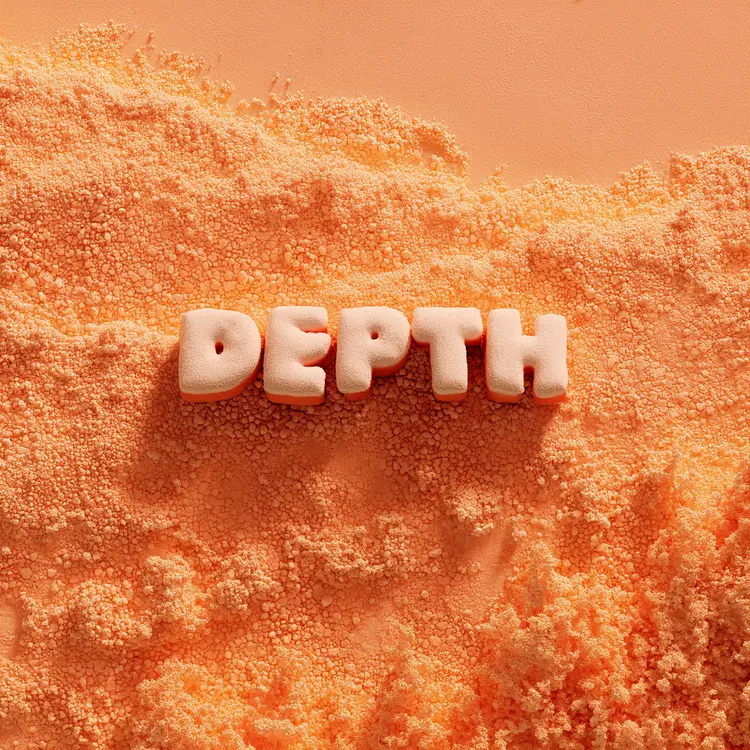
abstract 3D render with the word "DEPTH"
25.6s
View Example

Switch Category

Effects

Text To Image

Text To Image

Text To Video

Large Language Models

Large Language Models

Text To Speech

Text To Speech

Super Resolution

Super Resolution

Lipsync

AI Music Generation

AI Music Generation

Video Editing

Speech To Text

Speech To Text

AI Enhance Videos

Remove Backgrounds

Remove Backgrounds